Best POS Software in India for Retail (2026): GST, Price & Features
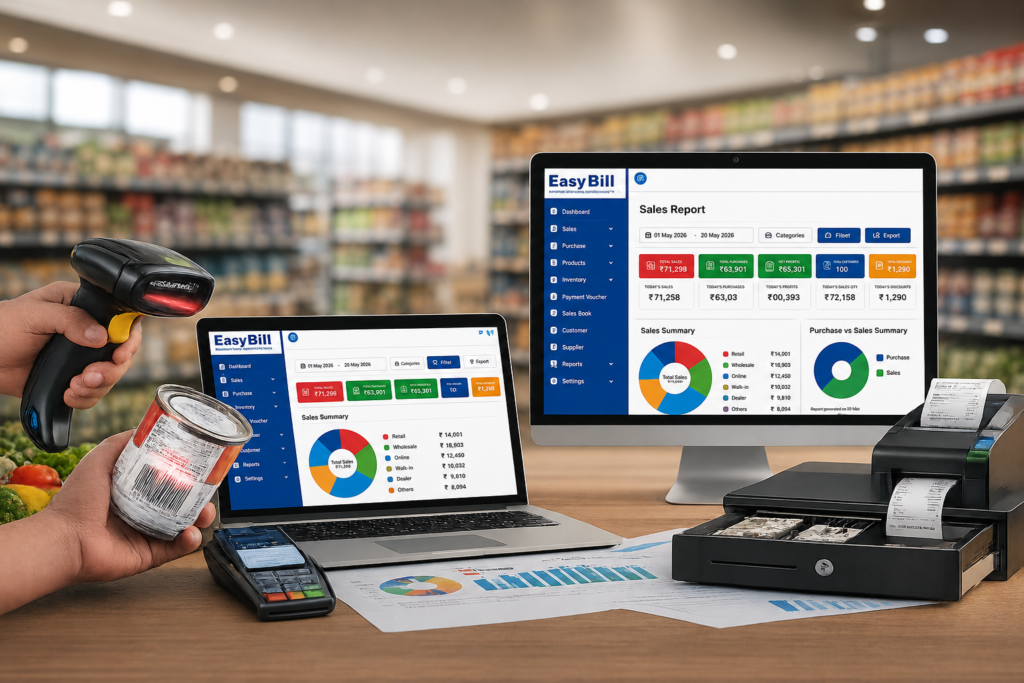
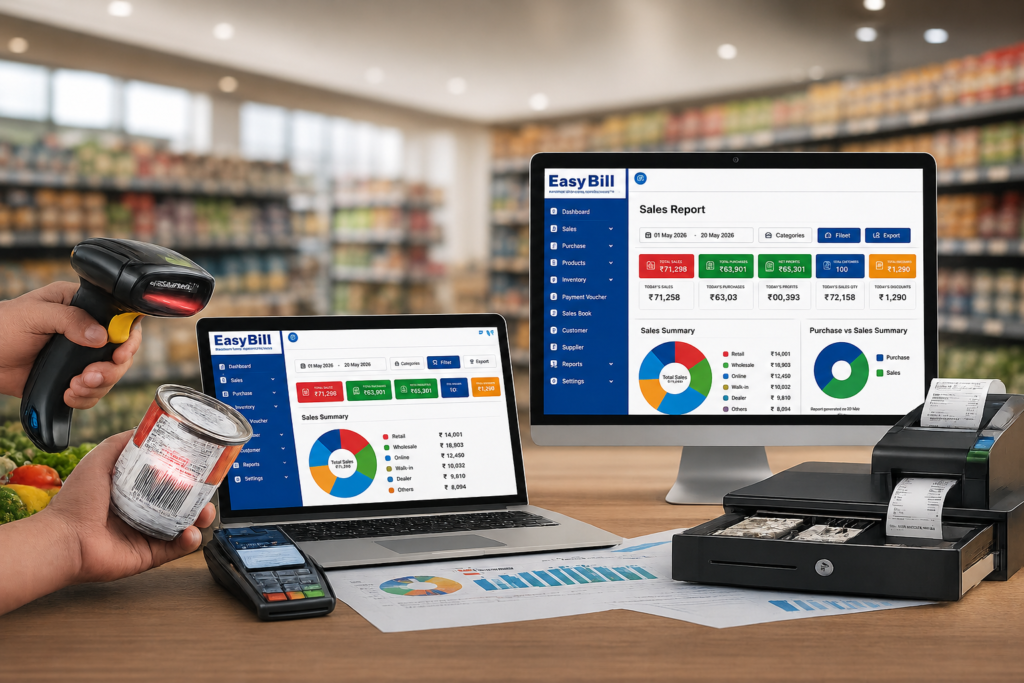
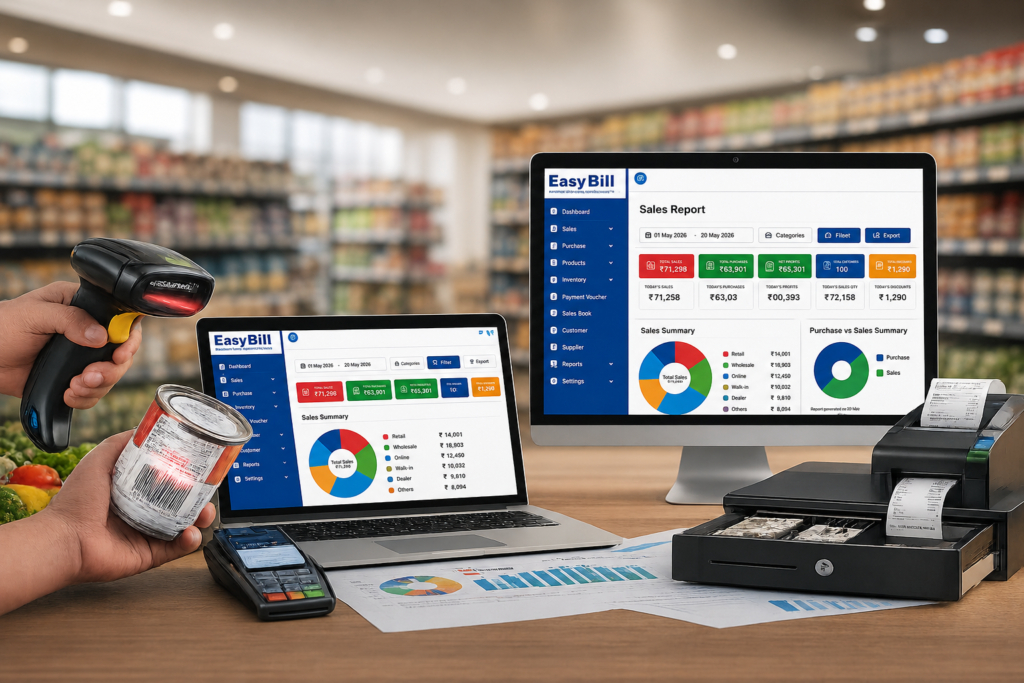
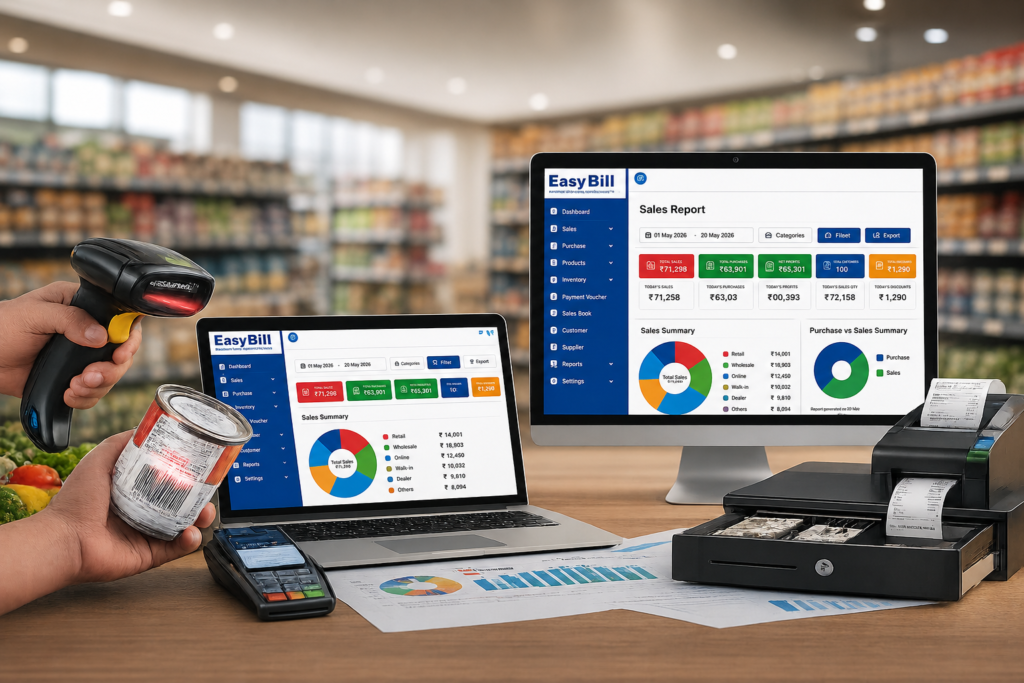
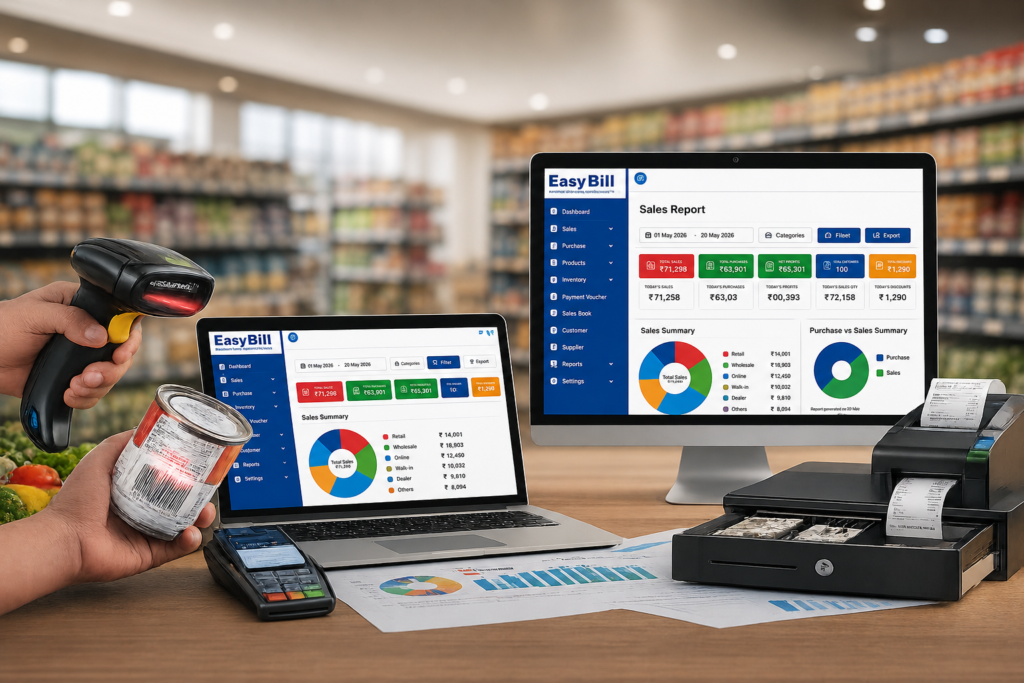
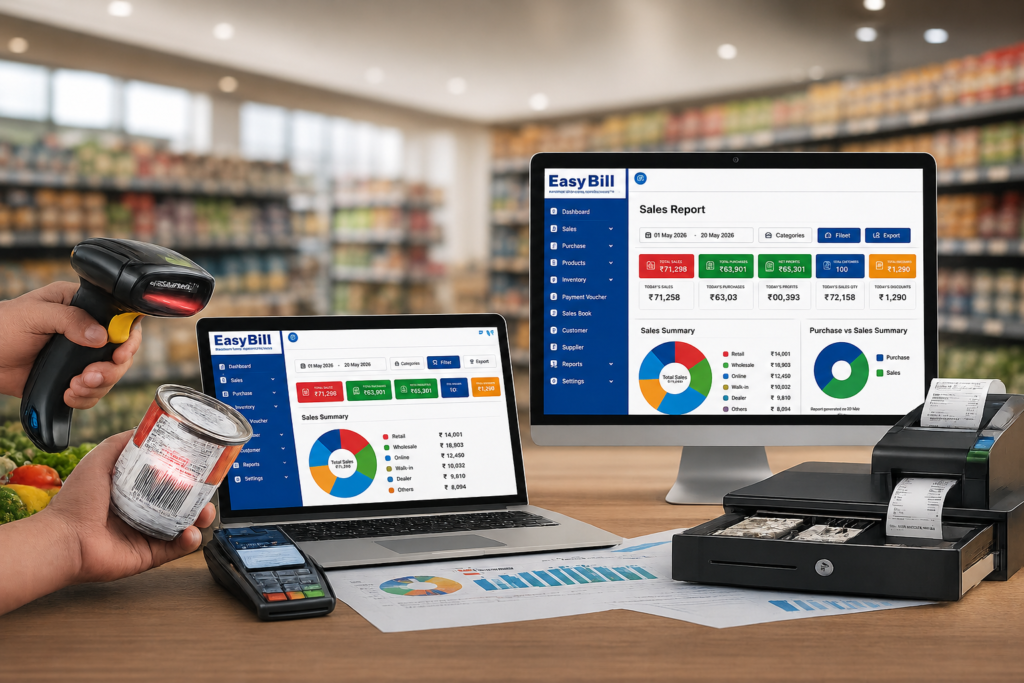
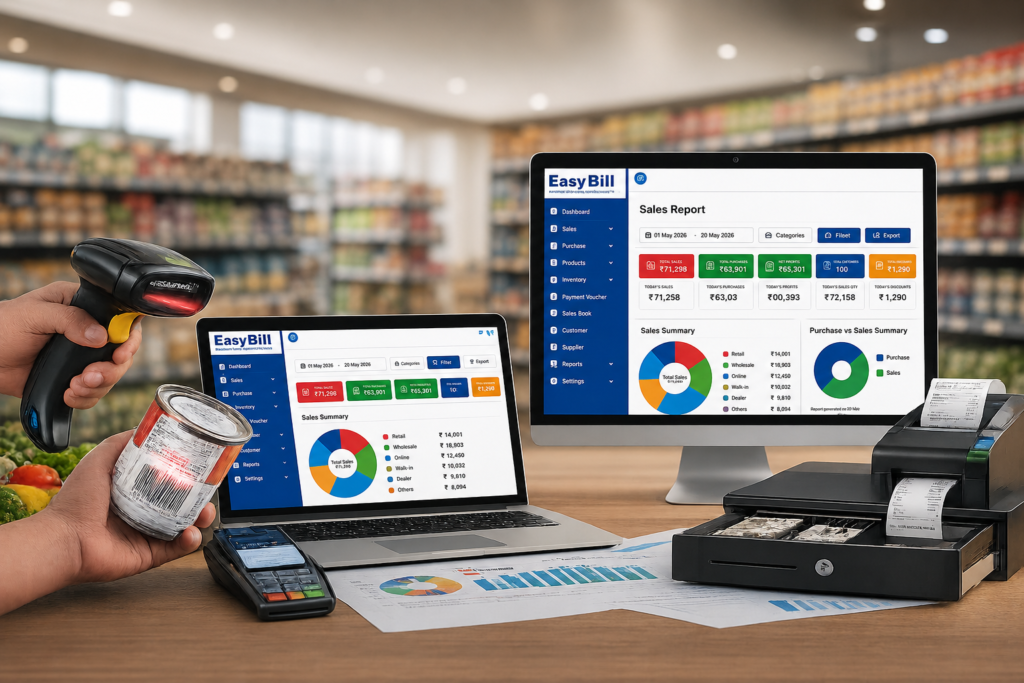
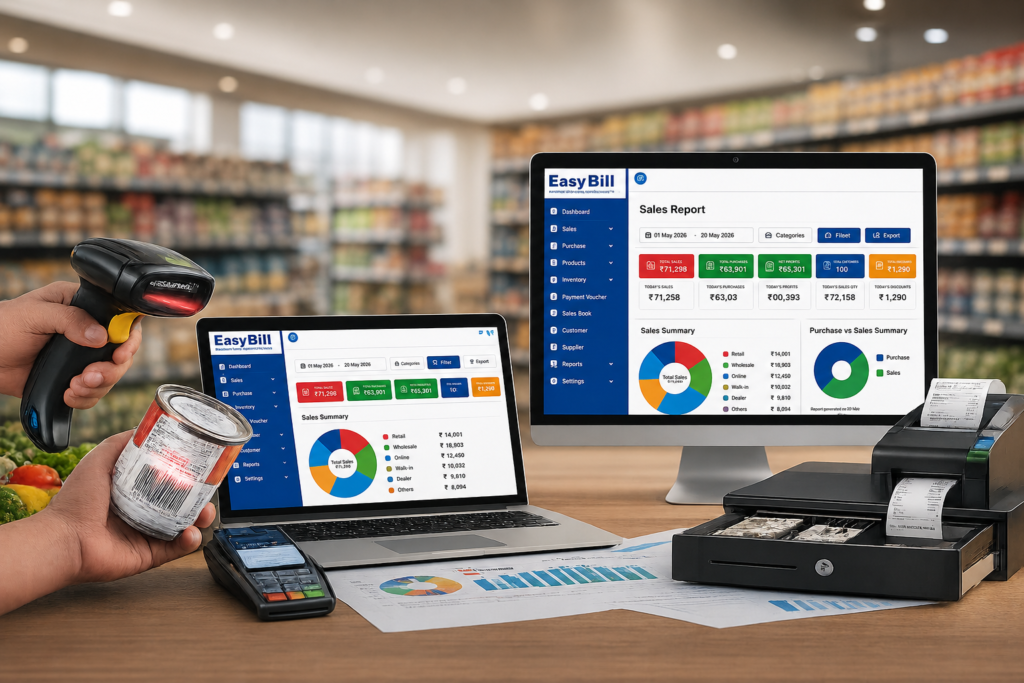
Best POS Software in India for Retail Businesses: What Should You Choose? How should you compare POS software for a retail business? Do not compare POS systems by feature count alone. Start with the counter workflow: product selection, GST invoice, payment, inventory update, purchase records and reporting. Comparison point What to compare What to test in a demo GST billing GST invoice, tax settings, HSN/SAC and reports Create a real GST invoice and check the related report Inventory Stock, purchases, low-stock alerts and multi-location support Purchase stock, sell it and verify the stock update Barcode & POS Scanner, product search, billing speed and hardware support Scan several real products at the counter Pricing Plan cost, users, locations, add-ons and renewal terms Ask for the total cost for your actual setup Reports Sales, purchase, inventory, GST and business reports Ask the vendor to show the reports you use most What price should you expect from retail POS software? Do not compare POS software on a single monthly number. Retail POS pricing changes with the number of users, billing devices, branches, modules and subscription term. EasyBill’s published pricing page currently separates plans into Mobile App, Smart, Prime, Supreme and Enterprise levels. The published page shows Smart, Prime and Supreme plans with increasing capabilities, while Enterprise is listed as custom pricing. The same page also lists features such as inventory, GST billing, batch and expiry management, reports, multi-user access and multi-branch controls across different plans. urlEasyBill pricinghttps://easybillerp.com/pricing/ POS budget / setup What to compare Who it suits Entry-level Billing, GST invoice, basic product and stock management Single-counter or small retail shops Business Inventory, barcode billing, purchase management, reports and user controls Growing retailers with regular stock movement Advanced Business analysis, purchase workflows, stock ageing, additional users and operational controls Retailers with more products, staff or reporting needs Multi-branch / enterprise Centralized item management, branch-wise reports, stock transfers and centralized purchasing Businesses operating multiple counters, branches or warehouses Do not treat these as market-wide price bands. They are buying categories to help you compare the level of POS capability you actually need. Ask each vendor for the total cost of your exact setup, including users, locations, add-ons, hardware and applicable taxes. Which POS workflow fits different retail businesses? A grocery store may prioritize barcode and weighing-scale support. An optical store needs frame/lens and prescription-related workflows. A pharmacy needs batch and expiry controls. The right POS is therefore the one that matches the product category and counter process. For optical use cases, see optical shop management software. For grocery use cases, see best POS system for grocery store. EasyBill ERP is a strong option to evaluate for Indian retail businesses that want billing, GST invoicing, barcode billing, inventory, customer and supplier management, purchases, expenses and business reports in one system. But “best POS software” depends on the type of store you run and what you actually need at the billing counter. A grocery shop, garment store, electronics retailer and multi-location business can have very different requirements. So instead of picking software because a comparison table says it is “No. 1,” look at the workflows your store handles every day. What should the best POS software in India actually do? A retail POS system should do much more than print a bill. At minimum, it should help your team create invoices, calculate applicable GST, identify products quickly, update stock after sales and give the owner useful business information. That means the buying decision should cover the entire flow: Purchase → Inventory → Billing → Payment → Customer → Reports If one part is handled separately, you may end up doing the same data entry twice. EasyBill ERP brings billing, inventory, accounting-related functions, customer and supplier records, purchase and sales tracking, expenses and reports into one business management system. Its published retail solution also supports barcode billing and real-time inventory tracking. [INTERNAL LINK: GST Billing Software] Which POS software should you shortlist for your type of retail business? There is no single POS that is objectively best for every retailer. Compare options by store type, workflow, GST requirements, inventory complexity, hardware, price and support. For a serious buying decision, test the shortlisted products with your own products and billing process rather than relying only on feature claims. There isn’t one sensible winner for every retail business. For a small retail shop, ease of billing, GST invoices, barcode support, stock control and straightforward reports should come first. For a grocery or supermarket, inventory becomes much more important because the store may deal with a large number of products and frequent stock movement. For a garment or fashion store, product organisation and customer history deserve more attention. EasyBill’s published garment solution, for example, describes support for size and colour management, customer records, purchase management and business reports. For an electronics, hardware or general retail store, barcode billing, inventory tracking, purchases, customer records and reporting are practical requirements. For a business with multiple locations, ask how the software handles users, locations, stock and reporting before you commit. The point is simple: choose the POS around your operation, not around a generic “best software” badge. Why GST billing should be part of your POS decision Retail billing in India isn’t just about calculating a selling price. Your system needs to produce appropriate invoices and maintain the underlying sales information needed for your business records and GST reporting. EasyBill states that it supports GST and non-GST billing, automatic tax calculations, HSN/SAC support and GST reports. That matters because billing and inventory shouldn’t become two separate jobs. When a product is sold, the transaction should form part of the business record while stock information stays updated. [INTERNAL LINK: GST Billing Software for Retail Store] Barcode billing sounds basic. It isn’t. A barcode scanner removes a lot of repetitive product entry from the counter. Instead of searching through a long product list or manually entering product information, the cashier can scan the item’s barcode and continue the transaction. EasyBill’s published product information lists
Best POS Software in India for Retail (2026): GST, Price & Features Read More »