
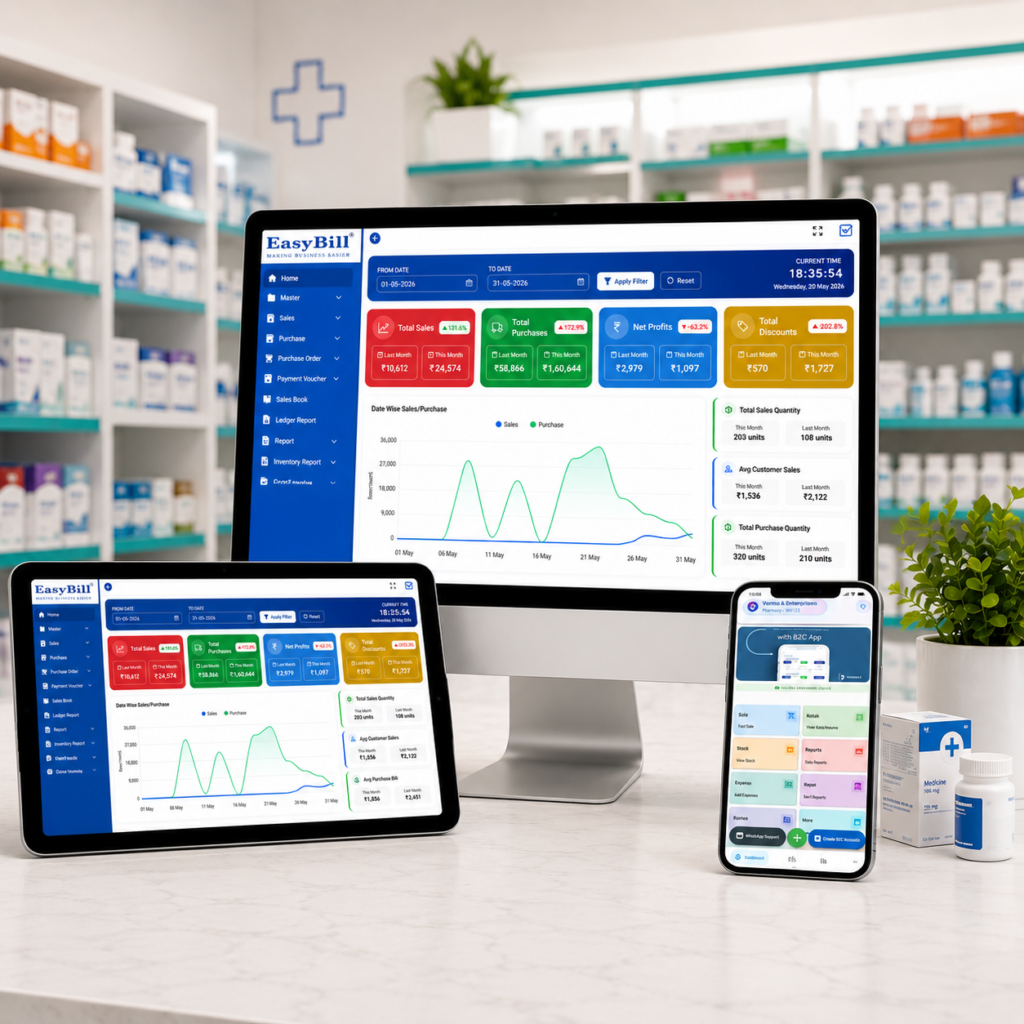
Cough Syrup Prescription Billing Pharmacy Software
Cough syrup prescription billing pharmacy software can help a licensed pharmacy turn a complicated medicine-sale rule into a clear counter workflow. Instead of expecting staff to remember the regulatory category of every bottle, the POS can flag the product, prompt the right checks, and preserve the sale record.
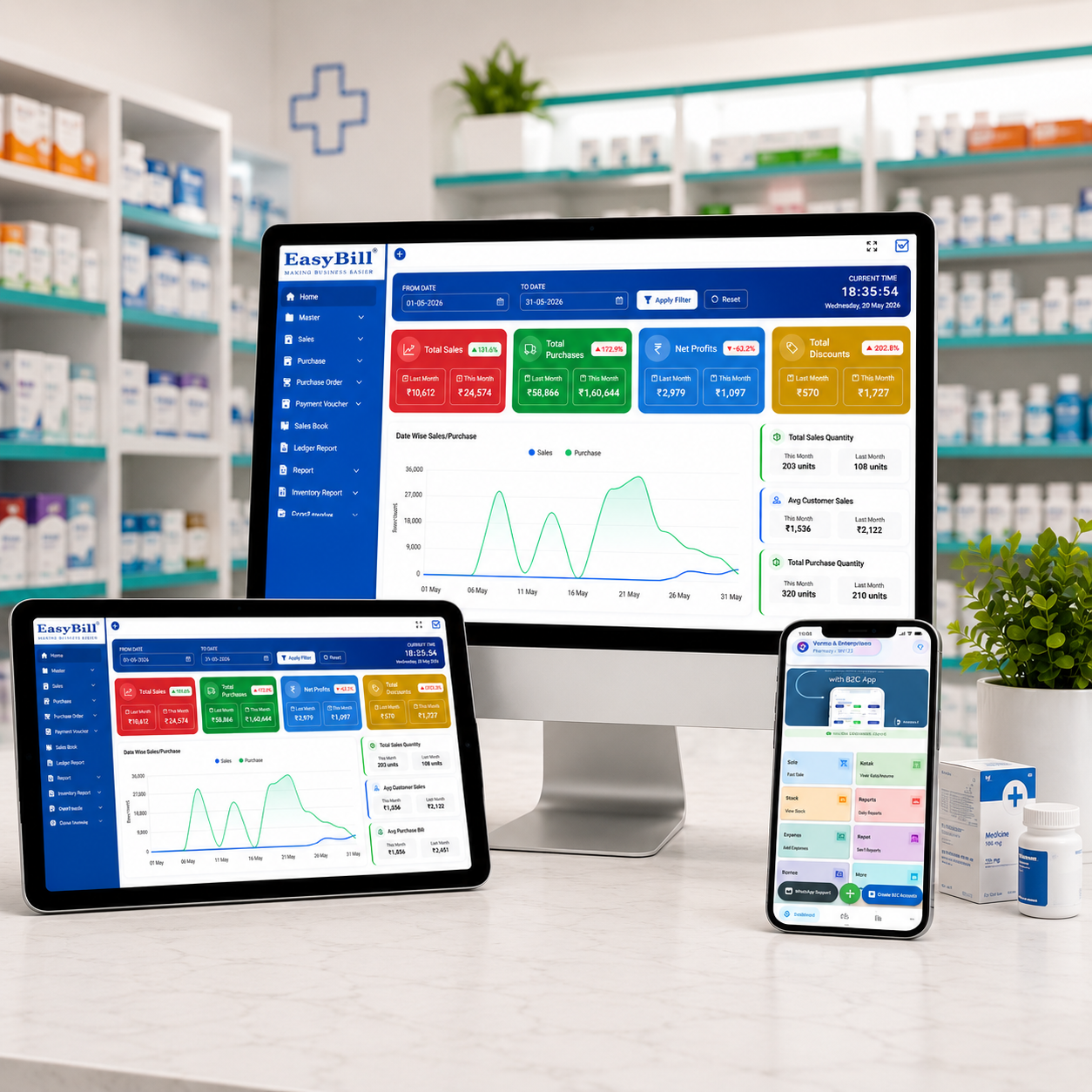
In simple terms: The safest POS approach is product-specific. Good cough syrup prescription billing pharmacy software should identify the applicable medicine category, warn staff when prescription handling is required, support relevant prescription details, and maintain searchable digital sales records without slowing everyday billing.
Important: The 2026 Schedule K change should not be read as meaning that every cough syrup automatically became prescription-only. The sale requirements for an individual product depend on its formulation, ingredients, applicable drug schedule, licence conditions, and current regulatory directions.
This guide is for pharmacists, licensed medical-store owners, pharmacy managers, and billing teams that want a practical way to manage cough syrup sales, scheduled medicines, prescription checks, and digital sale records.
Table of Contents
- Why the billing workflow matters
- What the POS should flag
- 7 practical safety checks
- Counter workflow
- Schedule K change
- Software buying checklist
- How EasyBill ERP can fit
- FAQs
Why Cough Syrup Prescription Billing Pharmacy Software Matters
A pharmacy counter can be busy enough without asking the billing operator to mentally classify every medicine. Two products may both look like ordinary cough syrups but have different ingredients and different sale requirements. That is where software can reduce avoidable confusion.
The practical job of cough syrup prescription billing pharmacy software is to connect the exact product master with the right billing behaviour. When a medicine needs an additional check, the warning should appear before the transaction is completed, not after the customer has left.
This also creates a more consistent process across shifts. A new counter operator and an experienced pharmacist can see the same product flag, while authorized staff remain responsible for verifying what the applicable rules require.
What Should Cough Syrup Prescription Billing Pharmacy Software Flag?
A useful warning should be specific enough to help staff act. A generic pop-up saying “check medicine” adds little value. The POS should use product-level information and make the next step obvious.
- Applicable drug category: Keep the relevant classification against the exact product or formulation.
- Prescription requirement: Show a clear prompt when the configured medicine requires prescription handling.
- Prescription information: Provide structured fields for details that need to be retained under the applicable workflow.
- Batch and expiry: Connect the bill with the actual batch sold.
- Quantity: Preserve the quantity against the transaction for later retrieval.
- User activity: Keep a useful trail of who completed or authorized the transaction where the system supports it.
7 Powerful Safety Checks for Cough Syrup Prescription Billing Pharmacy Software
1. Classify the Exact Medicine, Not Just “Syrup”
The dosage form alone is not enough. The product master should carry the relevant classification for the exact medicine. This helps cough syrup prescription billing pharmacy software distinguish products instead of applying one blanket rule to the entire shelf.
2. Show the Warning Before Final Billing
A warning works best at the decision point. If a configured product needs prescription verification, the prompt should appear before the bill is finalized. Staff can then check the required information while the transaction is still open.
3. Keep Prescription Details With the Sale
Where applicable rules require information to be retained, keeping it alongside the transaction is easier to manage than relying on disconnected notes. The exact fields should match the medicine category and the pharmacy’s legal requirements.
4. Connect Batch and Expiry to the Transaction
A good medicine-sale record should identify what was actually supplied. Batch and expiry tracking helps with inventory accuracy, product tracing, expiry management, and later review.
5. Make Digital Sale Records Searchable
Digital records are most useful when they can be found quickly. Cough syrup prescription billing pharmacy software should let authorized users retrieve transactions by useful fields such as bill number, date, product, or customer information where that information is collected.
6. Control Who Can Change Medicine Flags
If every billing user can change a medicine from “prescription required” to an unrestricted category, the alert loses its value. Role-based permissions can protect important product settings and reduce accidental overrides.
7. Review Flagged Sales Through Reports
Owners and pharmacists should be able to review relevant transactions without manually opening hundreds of invoices. Reporting turns the POS from a billing tool into a useful record-management system.
A Simple Cough Syrup Prescription Billing Pharmacy Software Workflow
Imagine a customer brings a cough syrup to the counter. Instead of the operator guessing its status, the product is scanned and the software checks the category stored in the medicine master.
- Scan or select the exact cough syrup.
- Read the product-level category or prescription alert.
- If required, verify the prescription before proceeding.
- Record the applicable details in the sale workflow.
- Confirm quantity, batch, and expiry information.
- Complete the bill and payment.
- Keep the transaction available for authorized future review.
This is the problem-solving value of cough syrup prescription billing pharmacy software: the system remembers the configured workflow so counter staff do not have to rely only on memory during a rush.
Schedule K Change: What Should a Pharmacy Understand?
In June 2026, the Central Government amended the Drugs Rules, 1945 and omitted “Syrups” from item 13(7) of Schedule K. For pharmacy software planning, the important lesson is that stores should not continue relying on the earlier syrup exemption as a blanket basis for their billing workflow.
At the same time, removing that exemption does not mean that every cough syrup has identical prescription requirements. The correct sale workflow still depends on the particular medicine and the rules applicable to it.
Pharmacy owners can check regulatory updates through the CDSCO Gazette Notifications and consult the CDSCO Acts and Rules resources. These are external reference links intended to help stores verify current requirements rather than rely on a software article as legal advice.
Why Digital Sale Records Are Useful
Paper notes can become difficult to search when a store processes hundreds of transactions. A digital record tied to the bill makes later review more practical. It can also help management identify gaps in product classification or staff workflow.
For this reason, cough syrup prescription billing pharmacy software should not treat the warning and the record as separate features. The ideal flow starts with the product flag and ends with a retrievable transaction.
Buying Checklist for Cough Syrup Prescription Billing Pharmacy Software
Before choosing software, ask the vendor to demonstrate the workflow rather than simply confirming that “pharmacy billing” is supported.
- Can the exact medicine be assigned an applicable category or prescription flag?
- Does the warning appear before final billing?
- Can authorized users record relevant prescription details?
- Are batch and expiry linked with billing and stock?
- Can old transactions be searched quickly?
- Can permissions restrict changes to sensitive product settings?
- Can the pharmacy review relevant sales through reports?
A five-minute live test can reveal more than a long feature brochure. Ask the vendor to configure one sample medicine, trigger its alert, complete the sale, and retrieve the transaction again.
How EasyBill ERP Can Fit This Pharmacy Workflow
EasyBill ERP can be evaluated where a medical store wants billing, medicine inventory, batch and expiry tracking, and reporting to work in one operational flow. The exact prescription and scheduled-drug configuration should always match the pharmacy’s applicable regulatory requirements.
If you are evaluating cough syrup prescription billing pharmacy software, also compare the broader workflow in our pharmacy POS system guide and our guide to cloud-based pharmacy management software.
The most useful demo is a realistic one. Use a real medicine from your product list, confirm its category, test the warning, complete the bill, and then find the record again. That shows whether the software fits the counter instead of merely looking good on a checklist.
Final Takeaway
The Schedule K change makes accurate product classification more important, but the answer is not a blanket “all cough syrups are prescription-only” rule. A pharmacy needs a product-specific process that reflects the applicable category of each medicine.
Well-configured cough syrup prescription billing pharmacy software can support that process with clear alerts, controlled product settings, prescription-linked information where required, batch traceability, and searchable digital sale records. The software supports the pharmacist; it does not replace professional or regulatory responsibility.
FAQs About Cough Syrup Prescription Billing Pharmacy Software
Did every cough syrup become prescription-only after the 2026 change?
No. The amendment removed “Syrups” from a particular Schedule K exemption. The applicable sale requirement still depends on the individual medicine, formulation, and relevant drug classification.
Can pharmacy software automatically identify prescription medicines?
Software can display alerts based on the product data configured in the system. Pharmacies still need accurate medicine-master information and appropriate professional verification.
Why keep cough syrup sale records digitally?
Digital records can make relevant transactions easier to retrieve, review, and connect with product, batch, quantity, and billing information.
What is the most important POS feature for this workflow?
Product-level classification is the foundation. Without accurate product data, even a sophisticated alert system can show the wrong workflow.