
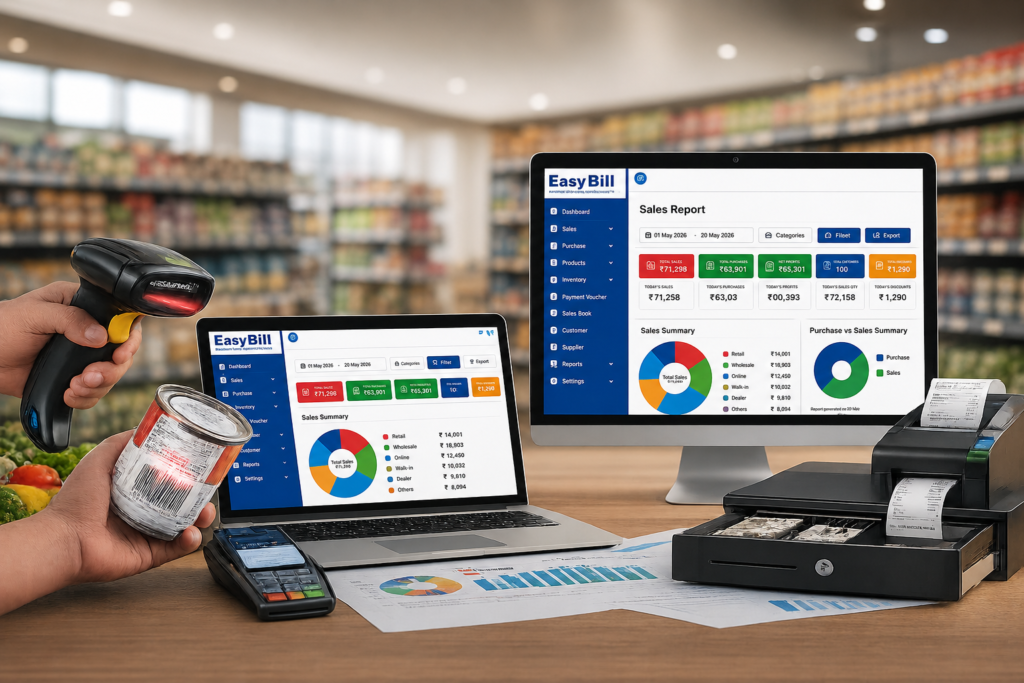
Easy billing software for a retail shop should make the counter easier, not turn a simple sale into a software lesson. For Indian retailers, the practical checklist is straightforward: billing, GST invoicing, product and inventory management, POS operations, purchases, payments, customer and supplier records, and useful business reports should fit into one workflow.
If you run a grocery shop, kirana store, supermarket, pharmacy, optical store, mobile shop, garment store, hardware shop, or another product-based retail business, the right system should be easy enough for staff to learn and capable enough to handle everyday transactions.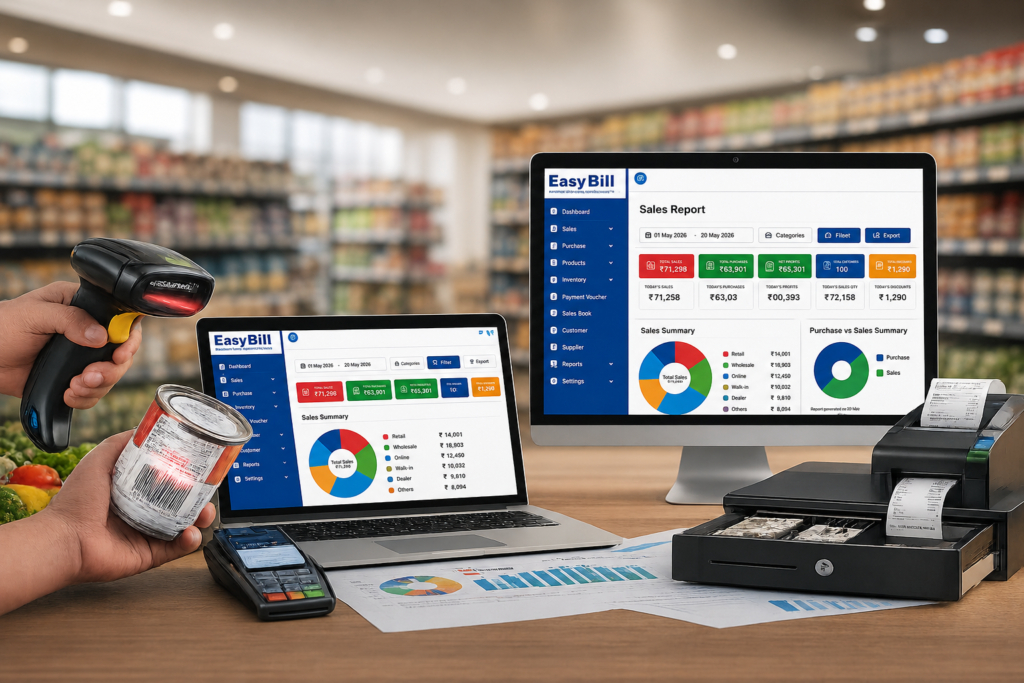
What are you actually looking for in easy billing software?
You are not simply looking for a digital bill book. You want a system that lets you select products, apply the relevant tax information, complete a sale, update stock, record the payment, and keep the transaction available for later reporting.
That is the gap between basic invoicing software and retail billing software. Retail work happens at the counter, but the information created there also affects inventory, purchases, customer records, payments, and business reports.
Competitor guides commonly group retail billing around POS, GST invoicing, inventory, barcode billing, payments, reports, customer records, and ease of use.
The useful question is not how many features a product lists. It is whether those features fit the actual counter workflow.
What should easy billing software for a retail shop handle?
1. Fast day-to-day billing
The first test is the simplest one: can your cashier create a normal sale without unnecessary screens or repeated data entry?
A practical retail billing system should let staff search products, add quantities, apply discounts where required, calculate the bill, record the payment, and generate the invoice from a clear billing interface.
2. GST billing and invoice management
For businesses that need GST invoices, the software should keep product and tax information organized so invoices are generated consistently. GST billing is one of the standard requirements highlighted across retail billing software guides for Indian businesses.
Do not choose a system simply because its page says “GST billing.” During a demo, create the types of invoices your shop actually issues and check the resulting invoice fields and reports.
3. Inventory connected to sales
Billing and inventory should not behave like two unrelated systems. When a product is sold, the corresponding stock record should be updated through the software’s normal sales workflow.
This matters particularly for shops carrying many SKUs. Barcode-based product selection can reduce repetitive typing, while stock records give the owner a clearer view of what has been sold and what remains.
4. POS and barcode support
A retail POS system is useful when the store has a steady flow of counter transactions. Barcode scanning is especially practical for products that already carry barcodes because the cashier can identify the product without manually typing the full product name.
The right setup depends on your shop. A small store with a limited product range might rely heavily on product search. A larger catalogue may benefit more from barcode scanning.
5. Purchase and supplier records
Retail management does not stop when a customer leaves with a bill. Stock enters the business through purchases, so purchase records and supplier information should connect logically with the inventory workflow.
EasyBill ERP is positioned as a billing, inventory, and business-management solution for retail, wholesale, distribution, pharmacy, grocery, and other product-based businesses. Its published website also presents retail billing, GST billing, inventory, and POS functionality.
6. Customer and payment records
Retailers may need to record customer information, payment details, outstanding amounts, or credit transactions depending on how the shop operates. These records become more useful when they are tied to actual sales instead of maintained in a separate notebook or spreadsheet.
7. Reports that answer real business questions
Reports should help answer questions such as: What did we sell? Which products moved? What purchases were recorded? What payments were received? What does the business need to review?
Do not judge reporting by the number of report names displayed on a feature page. Open the reports during a demo and check whether the information is understandable enough for the person who will actually use it.
Why “easy to use” matters more than a long feature list
A retail shop does not have the luxury of turning every cashier into a software specialist.
Ease of use means the important actions are obvious: finding a product, changing quantity, applying a permitted discount, taking payment, printing or sharing the invoice, and moving to the next customer.
Some competitors explicitly position retail billing products around minimal training and quick invoice creation. That is the right direction, but buyers should test it rather than accept the phrase “easy billing software” at face value.
How to choose easy billing software for your retail shop
Use your own shop as the test case. Do not evaluate software only from a feature comparison table.
- List your normal products. Include the products your staff actually sell, not a clean demo catalogue.
- Create sample sales. Test a normal sale, a quantity change, a discount, and the payment methods your shop uses.
- Check GST invoicing. Verify that the invoice and relevant tax information match your business requirements.
- Test stock movement. Add a purchase, sell the product, and check how the inventory record changes.
- Test barcode billing if you need it. Use an actual scanner and actual products where possible.
- Open the reports. Check sales, purchases, inventory, and other reports that matter to your business.
- Let the cashier try it. This is the test owners sometimes skip. The person who bills customers should be comfortable with the workflow.
Easy billing software vs manual billing: what changes?
Manual billing gives a shop owner a familiar process, but the information created by each transaction has to be maintained manually. Digital billing brings the sale into a system where billing, stock, customer information, payments, and reports can be connected.
| Retail task | Manual approach | Billing software approach |
|---|---|---|
| Customer billing | Written or manually prepared bill | Digital invoice generated from product records |
| Product selection | Manual entry | Search or barcode-based selection where supported |
| Stock records | Separate manual updates | Connected to sales and purchase workflows |
| Business reports | Manual calculations and records | Generated from recorded transactions |
The exact workflow depends on the software and configuration, so test it before moving your live shop data.
Who is this type of retail billing software for?
It is a sensible fit for retailers who want billing and everyday business records in one system rather than maintaining separate tools for invoices, stock, and sales reporting.
EasyBill ERP’s published site positions the product for retail, grocery, pharmacy, optical, wholesale, and distribution businesses.
For a very small shop that only needs occasional invoices and has little or no inventory, a full retail management system might be more than necessary. Start with the workflow you actually need.
What mistakes should you avoid?
Choosing by feature count. Fifty features do not help if the cashier struggles to make a basic sale.
Ignoring inventory. Retail billing creates useful stock information only when product and transaction records are maintained properly.
Skipping the demo. A screenshot cannot tell you whether the billing flow feels natural with your own products.
Buying without checking data and reporting requirements. Ask how your records are stored, backed up, exported, and used for reporting before moving live business data into a new system.
How EasyBill ERP fits a retail shop workflow
EasyBill ERP is presented as a business-management platform covering billing, inventory, POS, GST invoicing, purchases, and business reporting for retail and other product-based businesses.
That makes the useful evaluation less about whether EasyBill has a long feature list and more about whether its workflow matches your shop.
[INTERNAL LINK: EasyBill ERP]
If you are considering a switch, use a demo with real examples from your counter: your product list, your invoice requirements, your common discounts, your stock workflow, and the reports you check regularly. That gives you a much better answer than a generic “best billing software” list.
Frequently Asked Questions
What is easy billing software for a retail shop?
It is billing software designed to make everyday retail transactions simple to create and manage while connecting sales with functions such as GST invoicing, inventory, POS, payments, customers, purchases, and reports.
Can billing software manage retail inventory?
Yes, retail billing systems can connect sales and purchase transactions with inventory records. The exact stock features vary by software, so test the workflow with your own products before choosing a system.
Is GST billing available for retail shops?
GST billing is a common feature of retail billing software in India. Before purchase, verify the invoice fields, tax configuration, and reports required for your business.
Does retail billing software support barcode billing?
Many retail POS systems support barcode-based product selection. Whether it is the right setup for your shop depends on your product catalogue and hardware workflow.
Can small retail shops use billing software?
Yes. Small retailers can use digital billing to organize sales and product records. The right choice is one whose workflow matches the shop without adding unnecessary complexity.
What should I check before buying billing software for my retail shop?
Test billing speed, GST invoices, inventory updates, barcode support if needed, purchase records, payment handling, reports, data backup, user access, and the ease with which your staff can learn the system.
Final recommendation
Do not buy retail billing software because a comparison page calls it “easy.” Put your own products and billing workflow through a demo. If your cashier can understand the counter flow, your stock records stay connected to sales, and the reports answer the questions you actually ask as an owner, you have a system worth considering.
Claims and sources: Product-specific statements about EasyBill ERP are based on its published website information. General descriptions of retail billing requirements are supported by current competitor and software-category pages. Pricing, ratings, download counts, customer counts, and other changing vendor-specific figures were intentionally not used.