
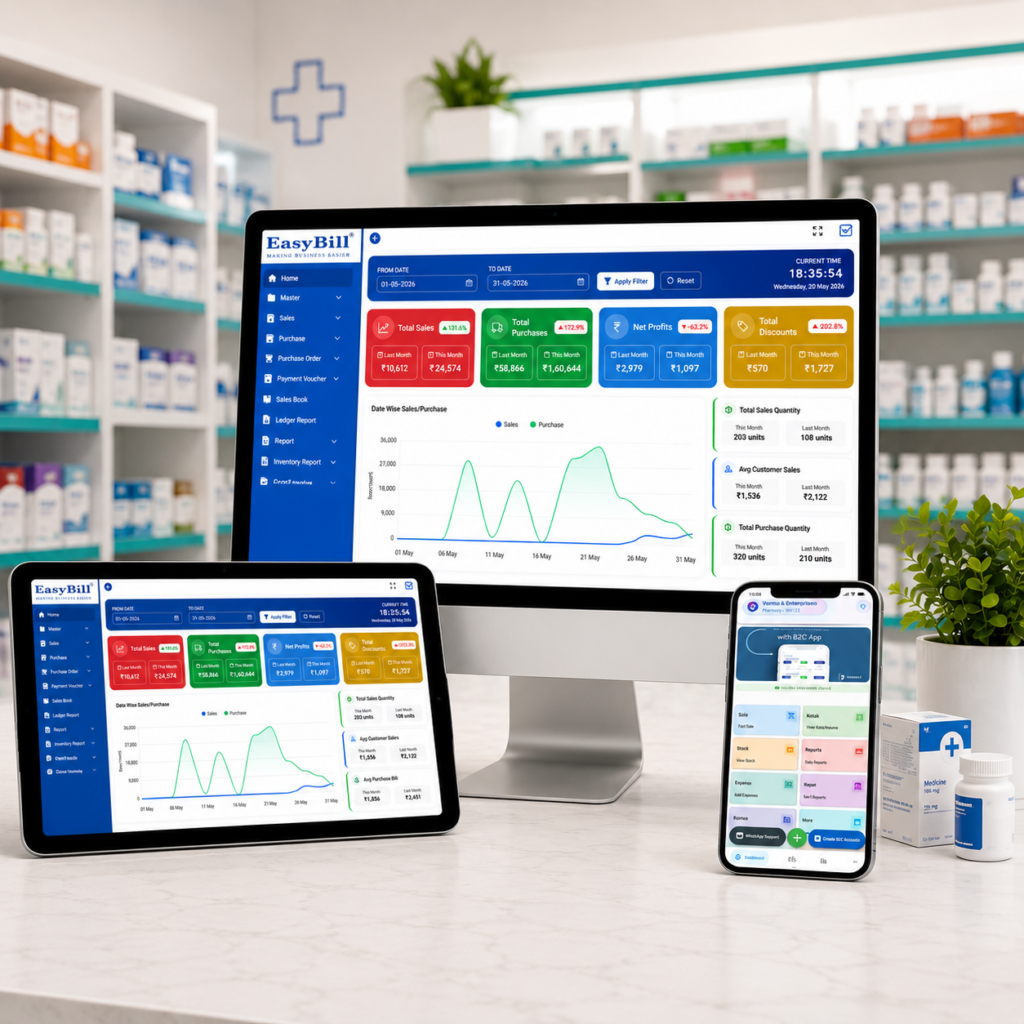
Ayurvedic Pharmacy Billing Software
ayurvedic pharmacy billing software helps Ayurvedic stores and wellness businesses manage billing, stock, purchases and customer records in one connected workflow. Unlike a basic invoice tool, pharmacy-focused software can handle batch details, expiry dates, GST billing and inventory movement while keeping daily counter work simple.
In simple terms: The right Ayurvedic pharmacy system should make billing faster while keeping medicine inventory accurate. Look for GST-ready invoices, batch and expiry tracking, purchase management, stock alerts, reports, backups and easy staff workflows.
Key Takeaway: Choose software based on the complete pharmacy workflow rather than the lowest subscription price. A system that reduces manual entry and gives clear stock visibility can deliver more value every day.
Last updated: September 8, 2026
Table of Contents
- What Is Ayurvedic Pharmacy Billing Software?
- 7 Powerful Benefits
- Essential Features to Check
- How the Workflow Works
- How to Choose the Right System
- How EasyBill ERP Can Help
- Frequently Asked Questions
What Is Ayurvedic Pharmacy Billing Software?
Ayurvedic pharmacy billing software is a billing and inventory solution designed for stores that sell Ayurvedic medicines, herbal products, wellness items and related healthcare products. It connects sales with stock so that a bill is not treated as an isolated transaction.
For a busy store, this connection matters. When an item is sold, inventory should reflect the movement. When new stock is purchased, quantities should be updated. When a batch approaches expiry, staff should be able to identify it quickly.
Modern systems may also support barcode billing, GST invoices, supplier records, customer ledgers, purchase returns and business reports. The exact features vary by vendor, so a live demonstration is worth doing before purchase.
7 Powerful Benefits of Ayurvedic Pharmacy Billing Software
1. Faster Counter Billing
A clean billing screen helps staff search products, scan barcodes, apply discounts, record payment and generate an invoice without switching between different registers.
This is especially useful during busy hours when customers are waiting and staff need to work accurately without unnecessary clicks.
2. Better Batch and Expiry Control
Ayurvedic products can have different batches and expiry dates. Manual registers make it difficult to see which stock should move first.
Software can keep batch information connected to inventory and sales. Expiry reports and alerts can help staff identify products that need attention before they become dead stock.
3. Accurate GST Billing
GST-ready billing can reduce repetitive calculations and make invoice preparation more consistent. The system should allow the business to configure applicable tax information correctly for its products and invoices.
Always verify the configuration with your accountant or tax professional because tax treatment can depend on the product and transaction.
4. Real-Time Stock Visibility
Instead of waiting for a manual stock count, the owner can use the software to see available quantities, fast-moving items and low-stock products.
Clear inventory information makes purchasing decisions easier and can reduce both overstocking and unexpected shortages.
5. Easier Purchase Management
Purchasing is a major part of pharmacy operations. A useful system records suppliers, purchase invoices, quantities, rates and stock received.
When purchases and sales share the same inventory database, staff spend less time entering the same information twice.
6. Useful Sales and Business Reports
Reports turn daily transactions into information the owner can act on. Useful reports can include sales, purchase, stock, low-stock, expiry and tax-related summaries.
Owners can use these reports to identify popular products, review purchasing patterns and understand how the store is performing.
7. Better Control as the Business Grows
A small Ayurvedic store may begin with one counter, but its needs can change. More employees, another location, online orders or a larger product range can increase operational complexity.
A scalable system can reduce the need to replace software as the business expands. Look for user permissions, backups and options that support your expected growth.
Essential Features to Check Before Buying
| Feature | Why It Matters |
|---|---|
| Fast POS billing | Reduces waiting time at the counter |
| GST invoicing | Supports consistent tax invoice workflows |
| Batch tracking | Keeps product batches visible |
| Expiry management | Helps identify stock nearing expiry |
| Barcode support | Makes product entry faster |
| Purchase management | Connects supplier purchases with inventory |
| Stock alerts | Highlights products that need replenishment |
| Reports | Helps owners understand sales and inventory |
| Backup and restore | Protects important business records |
How an Ayurvedic Pharmacy Billing Workflow Works
A practical workflow should feel straightforward from purchase to sale.
- Purchase: Record incoming products, supplier details, quantities and batch information.
- Stock: Keep available quantities and expiry information connected to each product.
- Sale: Search or scan products and create the customer invoice.
- Payment: Record cash, card, UPI or another supported payment method.
- Stock update: The sale reduces the corresponding inventory.
- Reporting: Review sales, purchases, stock and expiry information.
The goal is simple: enter information once and let connected modules use it throughout the business.
Ayurvedic Pharmacy Software vs Generic Billing Software
A generic billing application may be enough for a small shop that only needs simple invoices. A pharmacy-focused system becomes more useful when the business needs batch-level inventory, expiry tracking, purchase management and pharmacy-specific reports.
The right choice depends on the store’s size and workflow. Do not pay for complex hospital features if you only operate a small retail counter. At the same time, avoid a basic invoice tool if manual stock work is already causing problems.
How to Choose the Right Ayurvedic Pharmacy Billing Software
Start with the daily problems you want the software to solve. Write down your current billing, purchasing and inventory process before looking at product demos.
- Test billing with real product names.
- Check batch and expiry handling.
- Confirm GST invoice requirements.
- Test purchase entry and stock updates.
- Review available reports.
- Ask about backup and data export.
- Check user permissions and multi-counter support.
- Understand support, training and renewal costs.
Do not judge software only from screenshots. A short live test can reveal whether the workflow actually suits your staff.
Cloud or Desktop: Which Is Better?
Cloud software can be convenient when owners need access from multiple locations and want centralized data. Desktop software may suit businesses that prefer a local setup or have specific offline requirements.
The important question is not simply cloud versus desktop. Check data security, backup, internet dependency, offline capability, updates, support and total cost before making the decision.
How EasyBill ERP Can Help
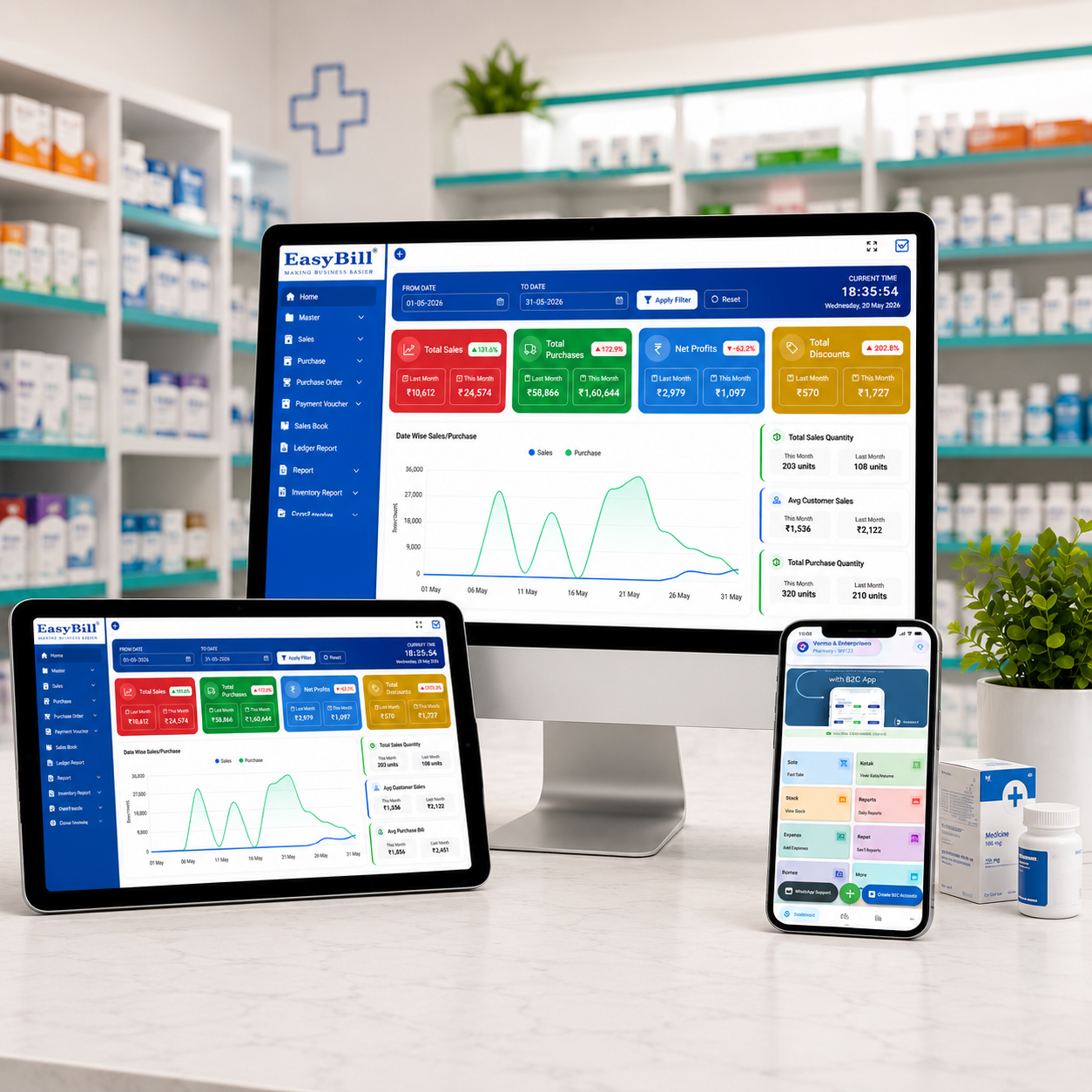
EasyBill ERP brings billing, inventory, purchases and business reporting into a connected workflow. For pharmacy businesses, related capabilities can include medical stock management, expiry tracking and sales reporting.
If you are evaluating ayurvedic pharmacy billing software, you can also review the medical stock management system, medicine expiry date tracking software and medical shop billing software price guide to compare related workflows and plans.

Useful External Resources
Good software selection should also consider general data and security practices. The NIST Cybersecurity Framework provides a useful general reference for managing cybersecurity risk.
For broader digital-health context, the World Health Organization digital health resources provide background on digital transformation in healthcare.
Common Mistakes to Avoid
- Choosing software only because it has a low price.
- Ignoring batch and expiry requirements.
- Buying a system without testing the billing screen.
- Forgetting to check data backup and export options.
- Not asking about renewal and support costs.
- Using too many separate tools for billing, inventory and reports.
Frequently Asked Questions
What is Ayurvedic pharmacy billing software?
It is software that helps Ayurvedic pharmacies manage billing, inventory, purchases, reports and related store operations. Pharmacy-focused systems can also support batch and expiry tracking.
Does Ayurvedic pharmacy billing software support GST billing?
Many modern pharmacy systems support GST-ready invoicing. The exact tax configuration and applicable treatment should be verified for your products and business with your accountant or tax professional.
Can it track Ayurvedic medicine expiry dates?
Yes, systems with batch and expiry management can record expiry dates and provide reports or alerts for stock that needs attention.
Is pharmacy software useful for a small Ayurvedic store?
Yes. A small store can benefit from faster billing, automatic stock updates, purchase records and simple reports. The best system is one that matches the store’s actual size and workflow.
What should I check during a software demo?
Test a complete purchase-to-sale workflow, including product entry, batch information, expiry dates, billing, payment, stock deduction and reports. Also ask about backups, support and future pricing.
Key Takeaway
Choosing ayurvedic pharmacy billing software is about more than generating invoices. The right system connects billing with stock, purchases, batch and expiry information, reports and daily business controls. Test the complete workflow, compare the total cost and choose software that your team can comfortably use every day.
Book a Demo
Want to see how EasyBill ERP can fit your pharmacy workflow? Discuss your billing, inventory and reporting requirements with the team.