

Medical Stock Management System: Features, Expiry Control & How to Choose
Quick answer: A medical stock management system helps pharmacies, medical stores, hospitals and healthcare distributors track medicine quantities, batches, expiry dates, purchases and reorder needs in one workflow. For a pharmacy, the most useful controls are batch-wise expiry tracking, reorder levels, practical FIFO/FEFO stock handling and visibility across branches.
Medical Stock Management System helps hospitals, pharmacies, clinics, diagnostic centers, and healthcare distributors organise medicine inventory, monitor batch and expiry details, control reorder levels, and review stock movement from one connected workflow. When stock is managed manually, it is easy to miss an expiry date, run short of a frequently used medicine, or make avoidable billing and purchasing errors. A connected system brings these everyday tasks together, making inventory easier to monitor and manage.
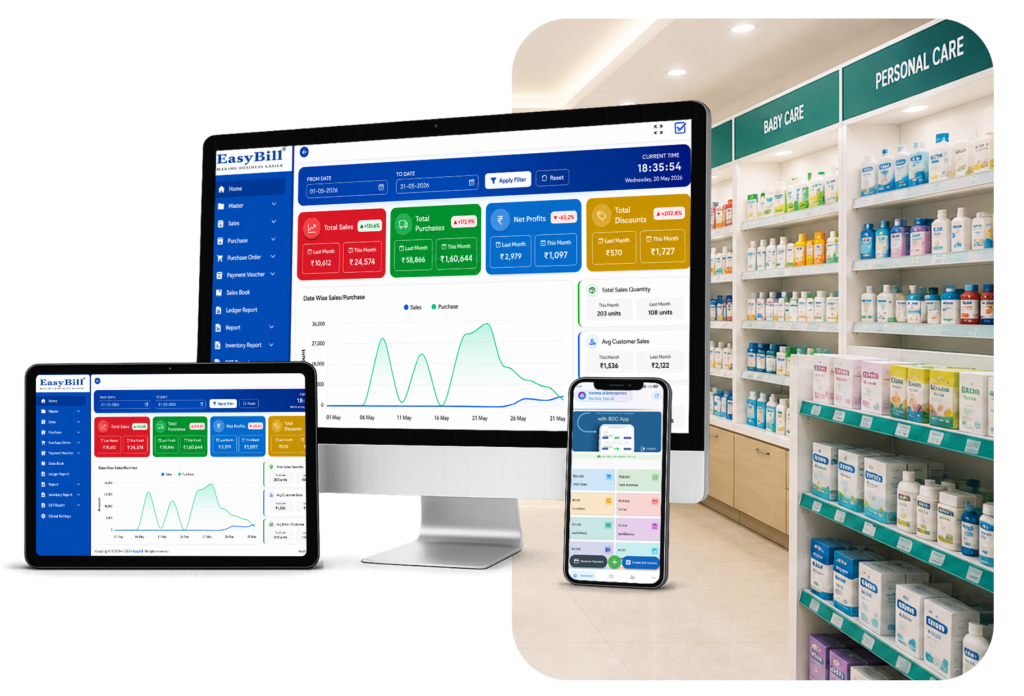
What is a Medical Stock Management System?
A Medical Stock Management System brings medicine inventory, medical supplies, purchase orders, batch numbers, expiry dates, supplier details, and billing into one place. Instead of switching between registers and spreadsheets, staff can check stock from a single system and get a clearer view of what is available, what needs to be purchased, and which items need attention.
Why Your Business Needs a Medical Stock Management System
As a pharmacy or healthcare business grows, keeping track of medical inventory manually can quickly become difficult. Staff may have to check several records just to answer a simple stock question, while expiry and purchase planning can take extra time. Common challenges include:
- Medicine expiry management
- Stock shortages
- Overstocking
- Billing mistakes
- Batch tracking errors
- Delayed purchase planning
- Poor inventory visibility
With a Medical Stock Management System, these routine checks can be handled in a more organised way. Staff spend less time updating separate records, while owners get a clearer picture of stock movement, purchases, and items that need attention.
How a Medical Stock Management System Works
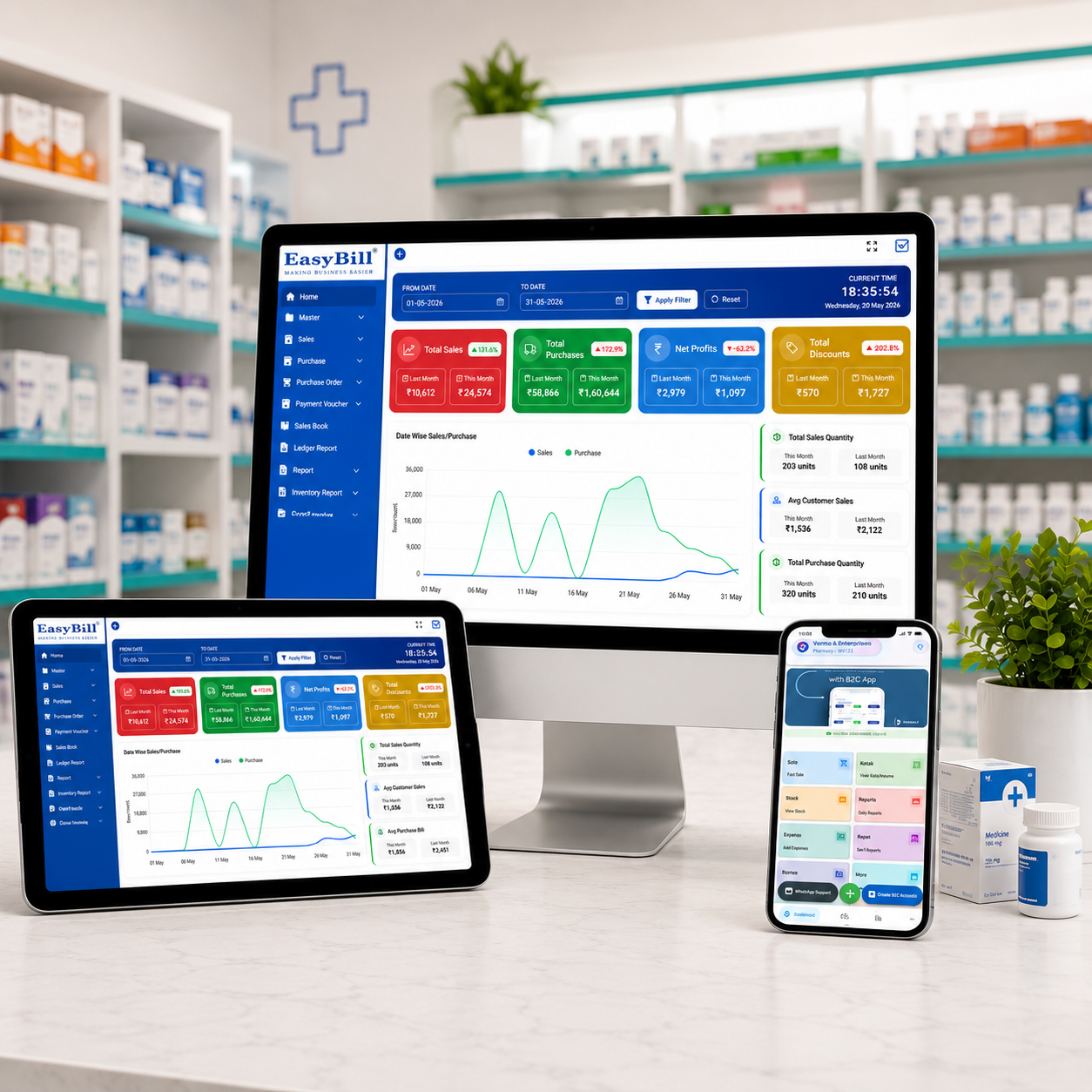
A connected medical inventory workflow helps staff move from purchasing to reporting without maintaining separate records for every step.
| Step | Inventory Workflow | What Happens |
|---|---|---|
| 1 | Purchase | Record medicines, suppliers and purchase details. |
| 2 | Stock Entry | Add quantity, batch and expiry information. |
| 3 | Inventory | Monitor available stock in real time. |
| 4 | Billing | Create invoices and deduct sold stock. |
| 5 | Alerts | Identify low-stock or expiry-related items. |
| 6 | Reports | Review sales, purchases, stock and business performance. |
Which features matter most for medical stock control?
How should expiry and reorder control work?
A practical system should make it easy to identify stock that needs attention before it becomes a problem. Reorder levels should help staff see when frequently used medicines need replenishment, while batch and expiry views should make review easier.
What about FIFO/FEFO and multi-branch stock?
Where the business workflow requires it, document how stock is issued by batch and expiry. For multiple locations, the system should make branch stock and stock transfers easy to review.
For billing, see pharmacy billing software. For expiry-focused coverage, see medicine expiry date tracking software. For broader pharmacy stock workflows, see chemist inventory software.
| Stock control | Useful evidence to show |
|---|---|
| Batch and expiry | Batch-wise stock and expiry view |
| Reorder level | Low-stock or reorder example |
| Multi-branch | Branch stock and transfer workflow |
| Stock movement | Purchase-to-sale flow diagram |
1. Real-Time Inventory Tracking
Staff can check current medicine quantities without going through separate registers, making day-to-day stock checks quicker and easier.
2. Batch & Expiry Management
Track medicine batches and expiry dates to reduce wastage and ensure patient safety.
3. Barcode Integration
Generate and scan barcodes for faster billing and precise inventory updates.
4. GST Billing
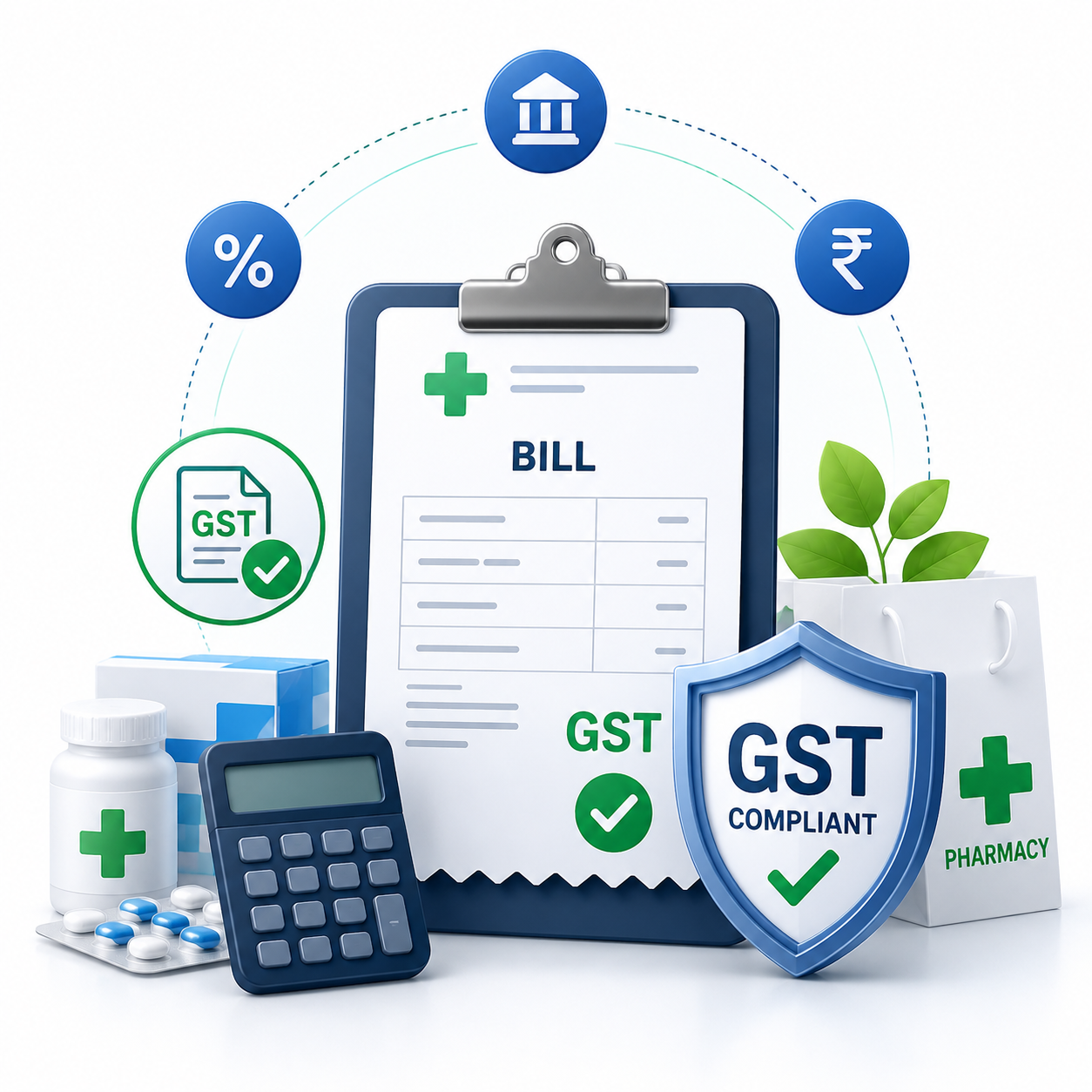
Create GST-compliant invoices while automatically updating medicine stock after every sale.
5. Purchase Management
Manage suppliers, create purchase orders, and update inventory automatically after receiving stock.
6. Low Stock Alerts
Receive notifications when medicines reach minimum stock levels to avoid shortages.
7. Supplier Management
Store supplier details, purchase history, and payment records in one centralized system.
8. Multi-Store Inventory
Manage inventory across multiple pharmacy branches, warehouses, or medical stores.
9. Reports & Analytics
Generate sales reports, purchase reports, stock valuation, expiry reports, and profit analysis.

10. Secure User Access
Provide role-based access to employees while keeping business data safe and secure.
What are the main advantages for a pharmacy?
Using a Medical Stock Management System offers several business benefits, including:
- Accurate medicine inventory
- Faster billing process
- Better expiry management
- Reduced medicine wastage
- Improved purchase planning
- Lower operational costs
- Higher employee productivity
- Better customer service
- Easy GST compliance
- Improved profitability
Who should use a medical stock management system?
A Medical Stock Management System is ideal for:
- Medical Stores
- Retail Pharmacies
- Wholesale Pharmacies
- Hospitals
- Clinics
- Diagnostic Laboratories
- Healthcare Distributors
- Surgical Equipment Suppliers
- Multi-Branch Pharmacy Chains
- Medical Warehouses
What should you check before choosing one?
EasyBill ERP offers a complete Medical Stock Management System designed specifically for healthcare businesses. It helps simplify inventory management, billing, accounting, and reporting from a single dashboard.
EasyBill ERP includes:
- Medical Inventory Management
- GST Billing
- Barcode Billing
- Batch & Expiry Tracking
- Purchase Management
- Supplier Management
- Accounting
- Business Reports
- Multi-Store Management
- User Permission Control
- Cloud Backup
- Secure Data Management
Whether you own a pharmacy, hospital, clinic, or healthcare distribution business, EasyBill ERP helps improve inventory accuracy and streamline daily operations.
Medical Stock Management System: Manual vs Software Comparison
| Area | Manual Management | With Medical Stock Software |
|---|---|---|
| Stock tracking | Registers or spreadsheets | Centralized inventory records |
| Batch & expiry | Manual checking | Organized batch and expiry tracking |
| Billing | Time-consuming entry | Faster billing with stock updates |
| Purchase planning | Manual review | Better stock visibility |
| Reports | Manual calculations | Sales, purchase and stock reports |
| Multiple stores | Difficult to consolidate | Centralized management |
Low-Stock and Expiry Management
Medical inventory needs regular attention because stock levels, batches and expiry dates can change throughout the day. A connected system helps staff identify items that need replenishment or review without depending entirely on manual registers.
Practical inventory workflow: Purchase → Stock Entry → Batch & Expiry → Billing → Automatic Stock Update → Low-Stock Review → Reports.
Medical Stock Management for Different Healthcare Businesses
- Medical stores: manage medicine inventory, billing, suppliers and stock visibility.
- Retail pharmacies: connect barcode billing, purchases and inventory records.
- Hospitals and clinics: organize medical supplies and inventory records across locations.
- Healthcare distributors: manage larger product, supplier and purchase inventories.
- Multi-branch pharmacies: monitor inventory and business activity across multiple stores.
Related Pharmacy Management Resources
- Pharmacy Billing Software for connected billing and pharmacy operations.
- Medicine Expiry Management Software for expiry-focused inventory workflows.
- Chemist Inventory Software for medical store stock management.
- Multi Branch Pharmacy Inventory System for centralized branch management.
Frequently Asked Questions
What is a medical stock management system?
It is software that helps medical stores, pharmacies and healthcare businesses organize inventory, purchases, batches, expiry information, billing and reports in a connected workflow.
Can medical stock software track batch numbers and expiry dates?
Software with batch and expiry management can keep these details organized so staff can review stock more efficiently.
Can medical inventory software support GST billing?
Yes, billing can be connected with inventory so sales records and stock movements are easier to manage. GST configuration should match the requirements of the business.
How does medical stock software help reduce expired stock?
By organizing batch and expiry information, teams can identify items that need attention earlier and plan stock movement or replenishment more effectively.
Is medical stock management software suitable for small medical stores?
Yes. Small stores can use inventory, billing, purchase and reporting features to replace scattered manual records with a more organized workflow.
How to Choose the Right Medical Stock Management System
Before purchasing software, ensure it provides:
- Easy-to-use interface
- Batch and expiry tracking
- Barcode support
- GST billing
- Multi-location inventory
- Purchase management
- Real-time reporting
- Secure cloud backup
- Reliable customer support
- Scalable features for business growth