
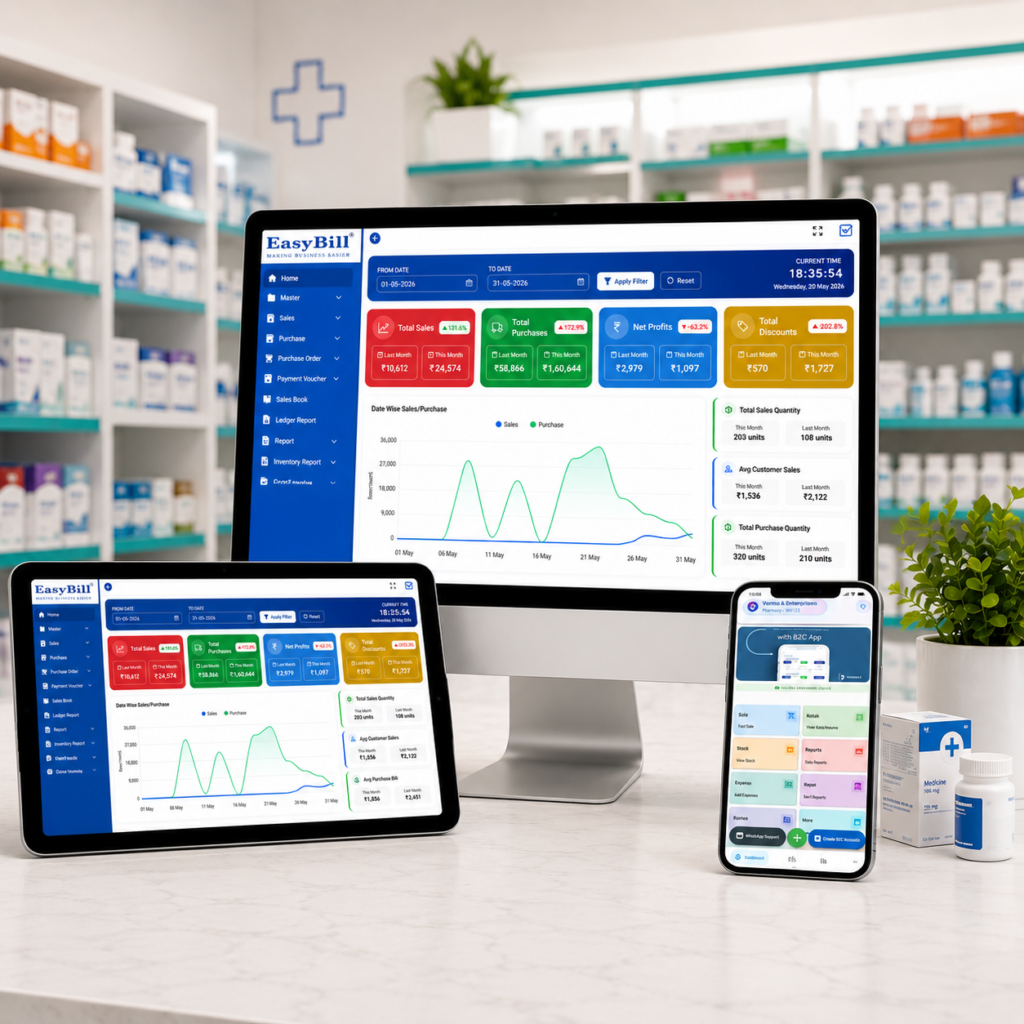
Medical store billing software offline online is worth considering when a pharmacy needs the speed of local billing without giving up the convenience of connected tools. For many Tier-2 and Tier-3 medical stores, the real concern is simple: what happens when the internet stops working during a busy counter rush?
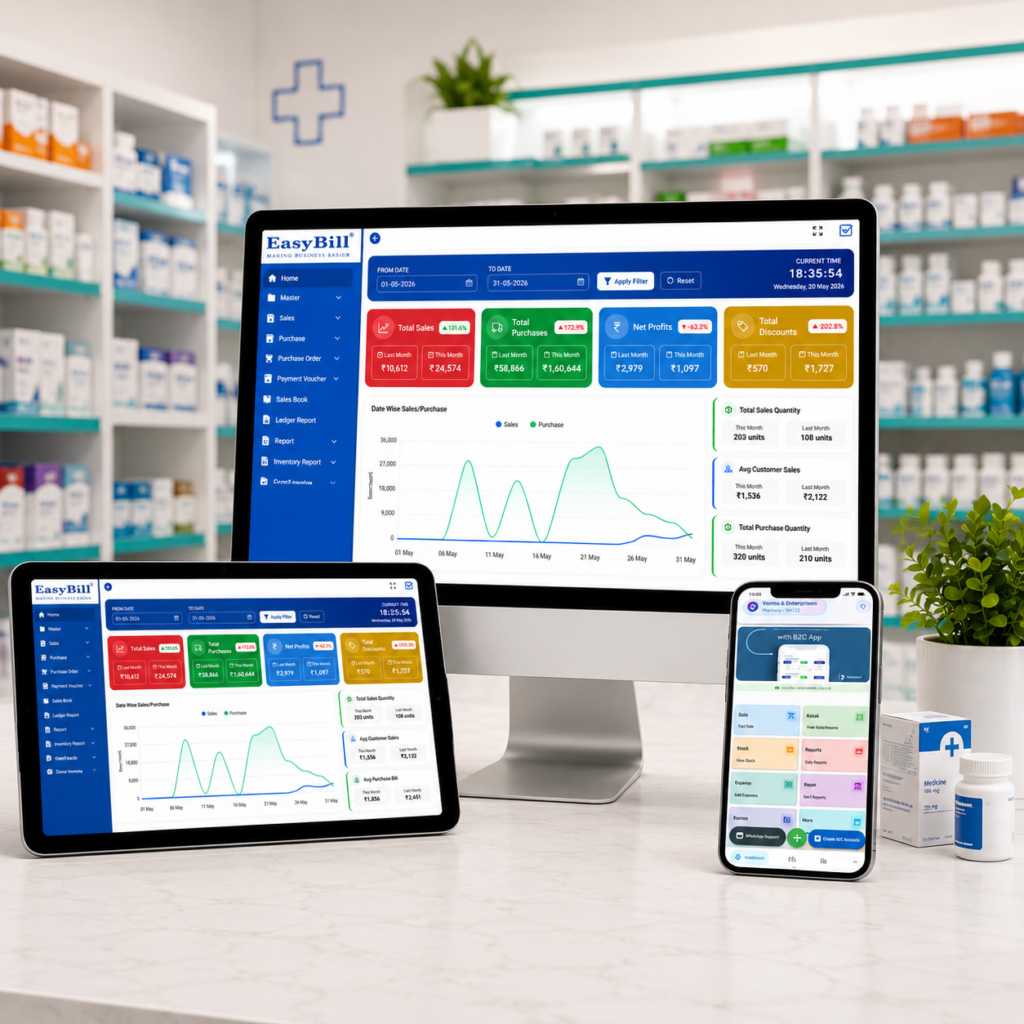
In simple terms: A hybrid setup is often the practical choice for small and mid-sized medical stores that need billing continuity during internet outages while still wanting online reporting, synchronization, backups, and connected payment workflows.
This guide is for pharmacy owners, medical-store managers, and billing staff comparing offline, online, and hybrid billing systems. It is especially relevant to Tier-2 and Tier-3 stores, multi-counter shops, and pharmacies where unreliable connectivity can interrupt counter operations.
Last updated: September 14, 2026.
Table of Contents
- Why offline and online billing matters
- What a hybrid setup should offer
- Offline vs online vs hybrid
- Where UPI billing fits
- What to check before choosing software
- Why EasyBill ERP can be a practical option
- FAQs
Why Medical Store Billing Software Offline Online Options Matter
A pharmacy cannot always plan around perfect internet connectivity. A short outage can arrive when several customers are waiting, a doctor has sent a prescription, or staff are trying to close the day.
That is why offline capability can be more than a technical feature. It can be a business-continuity feature. Staff should be able to complete essential counter operations without turning a network problem into a billing problem.
At the same time, staying completely offline can limit access to modern reporting and connected workflows. Owners may want to review sales from another location, keep data synchronized, or connect digital payment processes.
The Hybrid Model for Medical Store Billing Software Offline Online
A hybrid billing setup aims to give the store both sides of the equation. Core billing can continue locally, while connected features can work when the internet is available.
For a small or mid-sized pharmacy, this can create a more comfortable transition from traditional desktop billing to modern cloud-connected operations. Instead of asking, “Should I choose offline or online?” the better question is, “Which functions must work without internet, and which benefit from being connected?”
Offline vs Online vs Hybrid Billing
| Approach | Best suited for | Main advantage | Potential concern |
|---|---|---|---|
| Offline | Stores with unreliable connectivity | Billing can continue locally | Remote access may be limited |
| Online | Stores with dependable internet | Connected access and synchronization | Connectivity becomes more important |
| Hybrid | Stores wanting flexibility | Local continuity plus connected features | Requires a well-designed sync process |
There is no universal winner. The right choice depends on your store size, internet reliability, number of counters, reporting needs, and plans for expansion.
How UPI Billing Complements a Pharmacy POS
Digital payments have become part of everyday retail. For a medical store, the useful goal is not simply accepting UPI; it is keeping payment collection aligned with the bill and the counter workflow.
A modern POS should make it easy for staff to identify the bill amount, complete the payment step, and maintain an accurate sales record. The exact UPI workflow can vary by software and payment provider, so confirm the integration details before purchasing.
5 Questions to Ask About UPI and Billing
- Can staff clearly see the final payable amount before payment?
- Can the payment reference be recorded against the sale?
- Does the system reduce duplicate manual entry?
- What happens if the internet connection drops?
- Can management reconcile sales and payments in reports?
7 Things to Check Before You Choose Medical Store Billing Software Offline Online
1. Offline Billing Capability
Ask the vendor exactly which operations continue without internet. “Offline supported” should have a clear meaning rather than being a vague marketing line.
2. Data Synchronization
Understand how local transactions synchronize after connectivity returns. Ask about conflict handling, duplicate prevention, and what staff see during synchronization.
3. Pharmacy-Specific Inventory
Billing is only one part of running a medical store. Look for workflows around medicine stock, batches, expiry dates, purchase records, and sales reporting.
4. Barcode and Fast Counter Workflow
Scanning can reduce repetitive typing and make busy-counter billing easier. Check whether barcode workflows match the products and hardware used in your store.
5. Reports That Owners Actually Use
Useful reports should help answer practical questions: What sold today? Which products are moving slowly? What is the stock position? How did sales perform over a selected period?
6. Backup and Security
Ask how backups are handled, where data is stored, how user access is controlled, and how the system can be restored after a device or software problem.
7. Support and Migration
A good product can still become frustrating if support is difficult to reach. Before switching, ask about data migration, setup assistance, training, updates, and support response times.
Why EasyBill ERP Can Be a Practical Option for Medical Stores
EasyBill ERP is designed around retail billing and business management workflows, including pharmacy-oriented needs such as billing, inventory, batch and expiry tracking, and reporting.
If your store is concerned about cloud-only billing, discuss the exact offline and online workflow with the EasyBill team before implementation. The important thing is to match the software setup with your connectivity, counter process, and reporting requirements rather than choosing a system based on one feature alone.
You can also compare your requirements with our pharmacy POS system guide and learn more about cloud-based pharmacy management software.
For broader business context, you can review the NPCI UPI statistics and the official GST portal for relevant digital-payment and tax information.
Final Takeaway
For Tier-2 and Tier-3 medical stores, internet reliability can be a genuine buying concern. A hybrid approach can offer a sensible middle ground: keep essential billing dependable at the counter while using online capabilities for connected reporting and management.
Before you buy, test the workflow with a realistic scenario: internet available, internet unavailable, connection restored, UPI payment completed, and end-of-day reporting. That simple test can reveal whether the software is genuinely practical for your store.
FAQs
Is offline billing still useful for medical stores?
Yes. It can be useful where internet connectivity is inconsistent or where the business wants continuity during outages. Confirm exactly which functions remain available offline.
Is online billing better than offline billing?
Not automatically. Online systems can provide strong connected features, while offline systems can provide local continuity. A hybrid design may suit stores that want both.
Should a pharmacy choose billing software with UPI support?
UPI can make payment collection convenient, but the more important question is whether payment records fit cleanly into the billing and reporting workflow.
What should a small medical store prioritize?
Prioritize reliable billing, medicine inventory, batch and expiry tracking, easy reporting, backups, support, and a workflow that matches the store’s internet conditions.
Excellent post! Thank you for sharing such useful insights. Keep up the great work.