
Pharmacy Expiry Alert Billing Software: 7 Powerful Ways to Cut Stock Loss
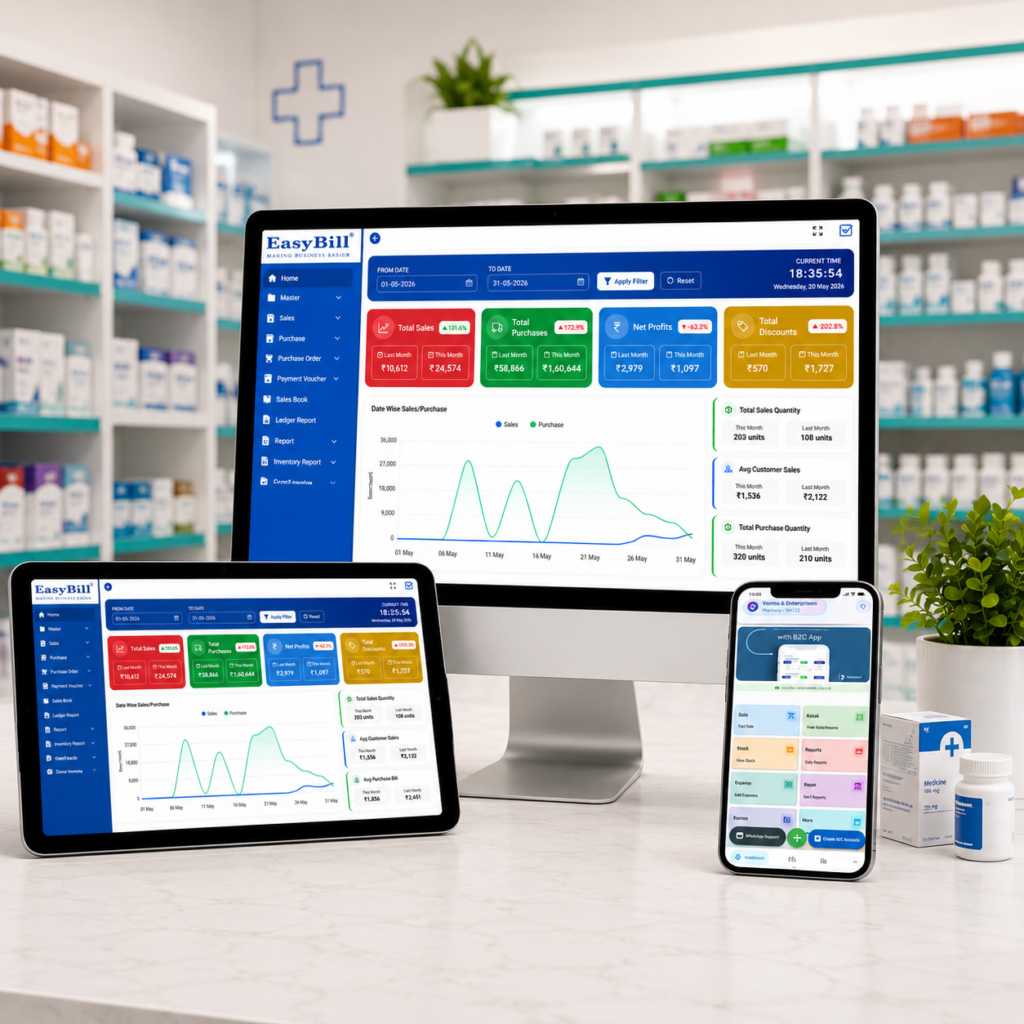
Pharmacy expiry alert billing software helps a medical store connect billing, batch-wise inventory, expiry monitoring, and daily stock decisions in one workflow. Instead of finding short-dated medicines manually, the team can see which batches need attention and act before stock becomes a loss.
In simple terms: The right pharmacy system should capture batch and expiry dates during purchase entry, show near-expiry stock clearly, support fast GST billing, and keep inventory updated after every sale or purchase. Expiry alerts are most useful when they are connected to the actual batch that is sitting in stock.
Key Takeaway: An alert is valuable only when it leads to an action. A practical system should help your team identify the batch, check quantity and supplier, decide whether to return or prioritize the stock, and keep the final inventory accurate.
Last updated: September 8, 2026
Table of Contents
- What is pharmacy expiry alert billing software?
- Why expiry alerts matter in a medical store
- 7 powerful features to look for
- How the expiry-alert workflow works
- Buying checklist for pharmacy owners
- Cloud vs desktop pharmacy software
- How EasyBill can fit the workflow
- FAQs
What Is Pharmacy Expiry Alert Billing Software?
Pharmacy expiry alert billing software is a billing and inventory solution designed to track medicines by batch, expiry date, quantity, purchase details, and sales movement. The important difference from ordinary billing software is the link between the invoice and the stock record.
When a purchase is entered, the system can store the medicine, batch number, expiry date, MRP, purchase rate, and quantity. When the medicine is sold, stock is reduced. That creates a live picture of which batches are still available and which ones are approaching expiry.
For a busy pharmacy, this is more practical than maintaining a separate spreadsheet or paper expiry register. Current pharmacy software products commonly combine batch tracking, expiry alerts, GST billing, and inventory controls because these tasks are closely connected. citeturn0search1turn0search3
Why Expiry Alerts Matter in a Medical Store
Expired or short-dated inventory can quietly tie up working capital. A medicine may look like normal stock in a basic inventory report while its remaining shelf life is getting shorter every day.
A good alert process gives the pharmacy team time to review the item. Depending on the business process and supplier policy, the team may return eligible stock, move it to a suitable location, prioritize appropriate sales, or mark it for further review.
Expiry alerts should therefore be treated as an inventory-control tool, not simply a notification feature. Some pharmacy platforms use multiple warning windows such as 30, 60, and 90 days, while others let the pharmacy define its own thresholds. citeturn0search5turn0search16
7 Powerful Features to Look For
1. Batch-Wise Expiry Tracking
The foundation of pharmacy expiry alert billing software is batch-level tracking. The same medicine can arrive in multiple batches with different expiry dates, so the software should not treat every unit as one undifferentiated stock number.
2. Near-Expiry Alerts
Alerts should highlight stock before it expires. A useful dashboard can group medicines by urgency so staff can focus first on the batches that need attention soonest.
3. Expired-Stock Identification
The system should make expired inventory easy to identify and separate from normal sellable stock. A clear expired-stock report reduces the chance of relying on memory or manual checking.
4. Billing Connected to Inventory
Every sale should update stock. This connection matters because an expiry alert based on outdated quantities can waste staff time. Billing, returns, and purchase entries should keep the inventory picture current.
5. GST and Pharmacy Billing Support
Expiry monitoring should not require a separate billing application. Look for GST-ready invoices, suitable tax reporting, returns, and fast counter billing alongside inventory features.
6. Purchase and Supplier Records
When a short-dated batch is found, knowing where it came from makes the next step easier. Supplier records, purchase references, batch details, and return information can help staff investigate stock without searching through old paper bills.
7. Reports for Better Decisions
Useful reports can show near-expiry stock, expired quantities, stock value, sales, purchases, and slow-moving items. This turns expiry management from a monthly cleanup task into a regular business process.
How the Expiry-Alert Workflow Works
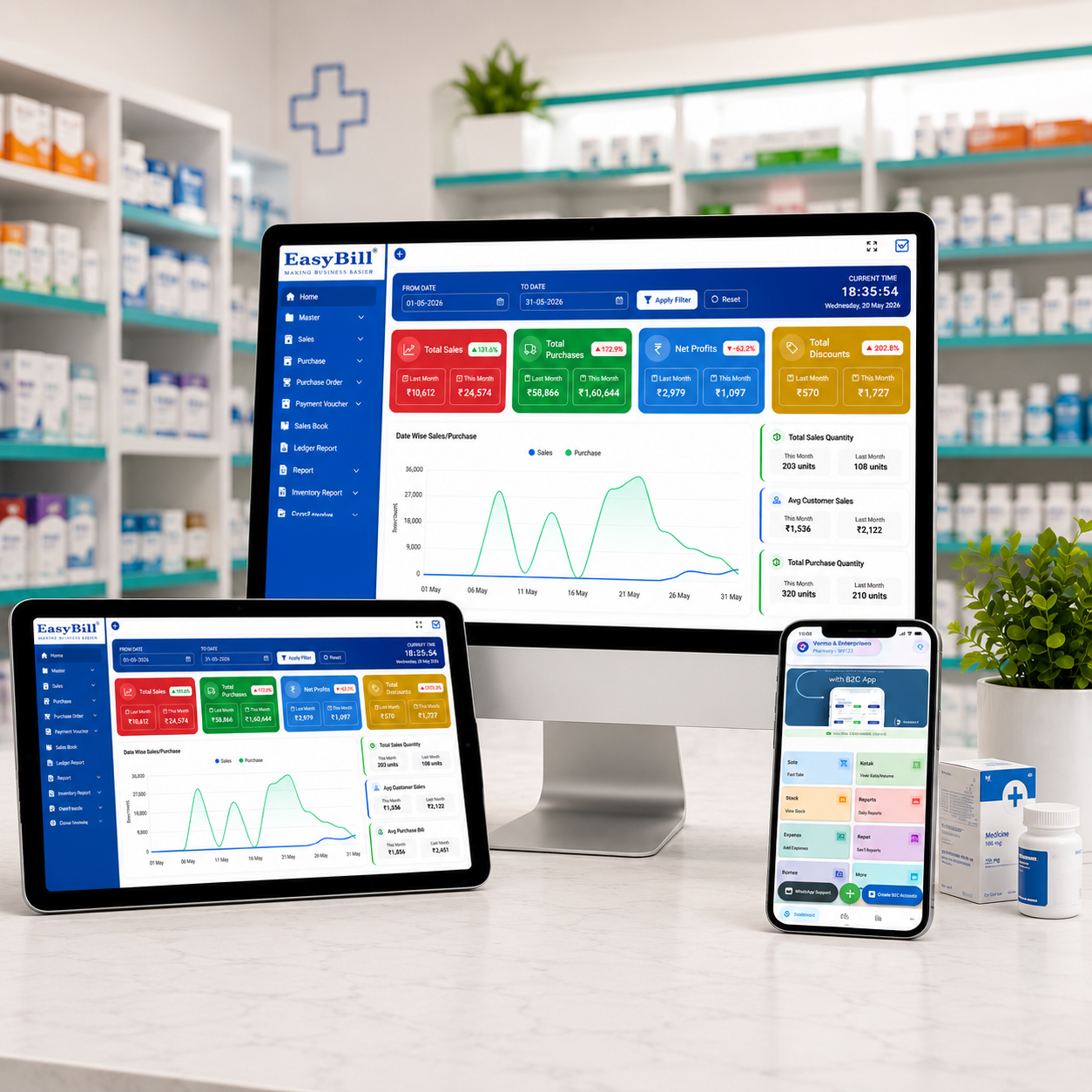
Step 1 — Purchase entry: Add the medicine with batch number, expiry date, quantity, MRP, and supplier information.
Step 2 — Stock update: The received quantity becomes part of the live inventory.
Step 3 — Alert monitoring: The system identifies batches approaching their configured expiry threshold.
Step 4 — Team action: Staff review the batch and decide the appropriate action according to store and supplier procedures.
Step 5 — Billing and stock movement: Sales and returns update inventory so the remaining quantity stays accurate.
Step 6 — Review: Managers can check expiry, sales, purchases, and stock reports to improve future buying decisions.
This workflow is similar to the way modern pharmacy platforms connect batch and expiry data with billing and inventory. citeturn0search0turn0search9
Buying Checklist for Pharmacy Owners
Before choosing pharmacy expiry alert billing software, ask these practical questions:
- Can every medicine batch have its own expiry date?
- Can the team see near-expiry quantities quickly?
- Does billing automatically reduce the correct stock?
- Can purchases and suppliers be traced to a batch?
- Are GST invoices and reports included?
- Can staff search medicines quickly at the counter?
- Does the software provide useful expiry and inventory reports?
- Can the business recover or export its data?
- Is support available when billing or stock problems occur?
For broader inventory controls, you can also review EasyBill’s medical stock management system and medicine expiry date tracking software resources.
Cloud vs Desktop Pharmacy Software
Cloud software can be useful when owners need access across devices or locations and want centralized data with backups. Desktop software can still be attractive for stores that prioritize local operation or have specific hardware and connectivity requirements.
The best choice depends on the pharmacy’s size, number of counters, branch structure, internet reliability, reporting needs, and support expectations. Do not choose only because a product is labelled cloud or desktop; test the actual billing and expiry workflow.
How EasyBill Can Fit the Workflow
For a pharmacy evaluating billing and inventory software, EasyBill can be considered alongside the core requirements of fast billing, stock management, medicine expiry monitoring, purchases, and reports. The important evaluation point is not the number of features on a brochure; it is whether the daily workflow is simple enough for counter staff to use consistently.
If pricing is part of your decision, see the medical shop billing software price guide. You can also review the retail pharmacy billing and inventory software guide for a wider view of connected pharmacy operations.
Security and Data Practices
Pharmacy businesses should also consider access control, backups, account security, and data recovery. A billing system stores commercially important information, so basic cybersecurity practices should be part of the software-selection checklist.
For general security guidance, see the NIST Cybersecurity Framework. For broader digital-health context, see the World Health Organization digital health resources.
Frequently Asked Questions
What is pharmacy expiry alert billing software?
It is pharmacy billing and inventory software that records medicine batches and expiry dates and helps staff identify stock that is approaching or has passed its expiry date.
Why should expiry tracking be connected to billing?
Because sales change the available quantity. Connecting billing with inventory helps keep expiry reports based on current stock rather than a separate manual list.
Can expiry alerts reduce medicine wastage?
They can help the team notice short-dated stock earlier, giving the business more time to review, return, move, or otherwise manage eligible inventory according to its procedures.
What expiry alert intervals are useful?
There is no single interval for every pharmacy. Common systems offer multiple warning windows, while the right threshold depends on medicine shelf life, supplier return terms, purchasing frequency, and store policy.
What other features should a pharmacy billing system have?
Look for batch-wise inventory, GST billing, purchases, supplier records, fast counter billing, returns, stock reports, low-stock alerts, user controls, backups, and reliable support.
Final Takeaway
Pharmacy expiry alert billing software is most useful when expiry monitoring is part of the complete pharmacy workflow. The goal is not simply to display an alert. The goal is to help the store know what is expiring, how much is left, where it came from, and what action should happen next.
For a medical store, start with the basics: accurate batch data, reliable expiry dates, connected billing, clear alerts, purchase records, and practical reports. Then evaluate speed, usability, support, security, and total cost before making the final decision.
Ready to improve your pharmacy workflow?