
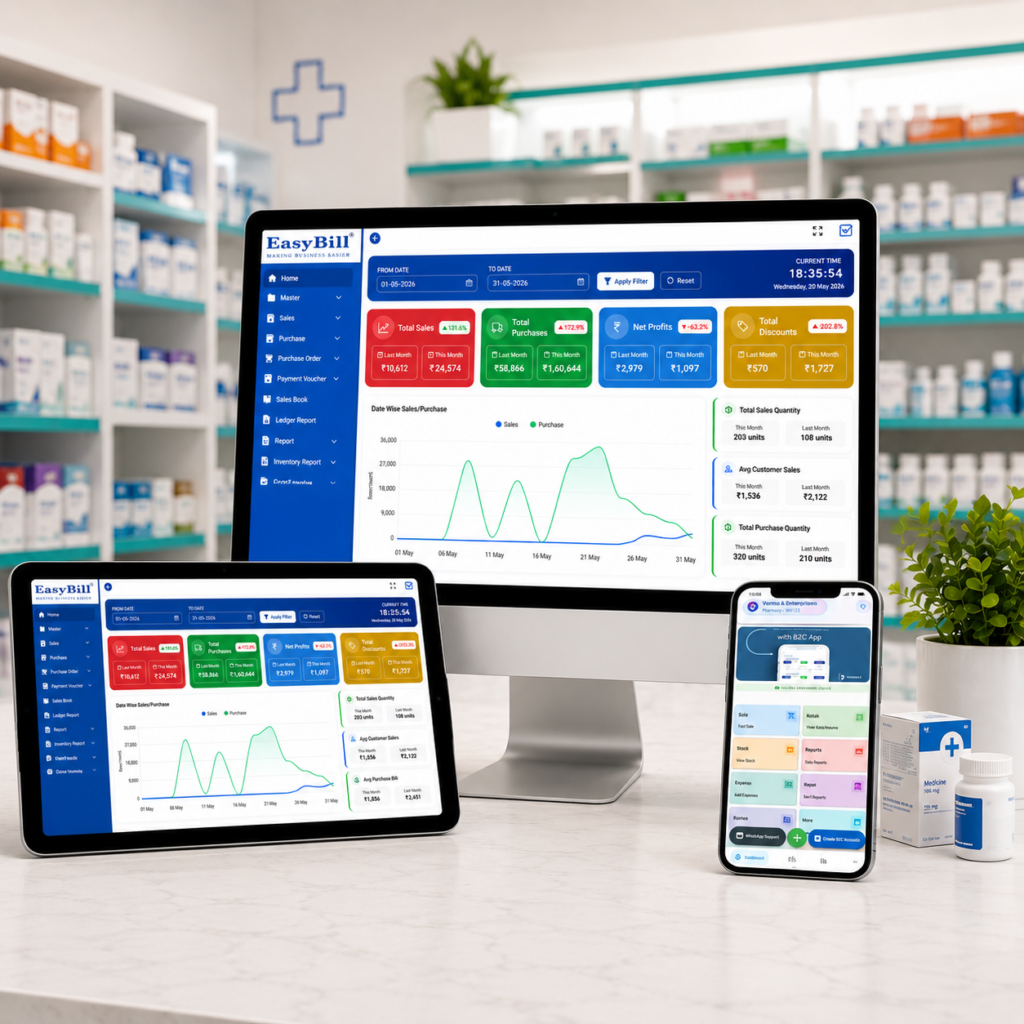
Pharmacy Billing and Barcode Scanner Software: 7 Powerful Benefits
Pharmacy billing and barcode scanner software brings barcode scanning, medicine billing, stock control, batch tracking, and reporting into one practical workflow. For a busy medical store, the goal is simple: scan the right product, create the bill quickly, and keep inventory accurate without repeated manual entry.
In simple terms: The best pharmacy setup connects a barcode scanner directly to billing and inventory. When a barcode is scanned, the software should identify the medicine, apply the correct product details, help select the appropriate batch, calculate taxes, and update stock after the sale.
Key Takeaway: A barcode scanner is only one part of the solution. The real productivity gain comes when scanning, billing, batch-wise stock, expiry controls, purchases, and reports work together.
Last updated: September 8, 2026
Table of Contents
- What is pharmacy billing and barcode scanner software?
- How barcode billing works in a pharmacy
- 7 powerful benefits
- Features to check before buying
- A practical counter workflow
- Common barcode billing mistakes to avoid
- How EasyBill fits the workflow
- FAQs
What Is Pharmacy Billing and Barcode Scanner Software?
Pharmacy billing and barcode scanner software is a pharmacy POS and inventory system that uses product barcodes to identify medicines during billing. Instead of typing a product name every time, staff can scan the barcode and let the software retrieve the matching item record.
A pharmacy environment adds another layer of complexity. The same medicine may have different batches, expiry dates, purchase rates, or stock quantities. Good pharmacy software therefore connects barcode identification with batch and inventory information rather than treating the scanner as a standalone device.
Current pharmacy software products commonly combine barcode scanning with GST billing, batch and expiry tracking, and real-time inventory because these functions support the same counter workflow. citeturn0search1turn0search6turn0search9
How Barcode Billing Works in a Pharmacy
1. Product setup: The medicine master contains the product name, barcode, pack information, MRP, tax details, and other relevant fields.
2. Stock purchase: Purchase entries add quantities and, where applicable, batch numbers and expiry dates.
3. Customer arrives: The counter operator scans the medicine barcode.
4. Product identification: The software finds the matching medicine and displays the available stock and billing details.
5. Batch selection: If several batches exist, the system should make the correct available batch easy to identify according to the pharmacy’s stock policy.
6. Bill generation: Quantity, pricing, GST and invoice details are calculated without repeatedly typing the same information.
7. Inventory update: The sold quantity is deducted so the next stock report reflects the transaction.
This is why barcode scanning becomes much more valuable when it is connected to the full pharmacy inventory workflow. Some current systems also combine barcode scanning with purchase-bill import, expiry alerts and supplier records. citeturn0search0turn0search2
7 Powerful Benefits of Pharmacy Billing and Barcode Scanner Software
1. Faster Counter Billing
Scanning can reduce the amount of product information staff have to type manually. That matters during busy hours when several customers are waiting.
A fast workflow is not only about speed. It also gives staff a consistent way to identify products and add the correct item to the invoice.
2. Fewer Manual Entry Errors
Typing medicine names repeatedly can lead to spelling mistakes, wrong product selection, or incorrect quantities. Barcode-based identification can reduce these avoidable steps when the product master is maintained correctly.
3. Better Stock Accuracy
When every completed bill updates inventory, the stock figure becomes more useful. Owners can see what has moved instead of waiting for a manual stock count.
4. Better Batch and Expiry Control
A pharmacy cannot manage inventory properly by product name alone. Batch numbers and expiry dates matter. A connected system can associate scanned sales with the stock records that were received through purchases.
Many pharmacy platforms now position barcode billing together with batch and expiry management because the two workflows complement each other. citeturn0search3turn0search4
5. Easier GST Billing
Once the product master contains the required tax information, billing software can use the saved data when creating invoices. This can make counter billing more consistent and reduce repetitive tax-data entry.
6. Easier Reordering and Stock Decisions
Barcode billing creates transaction data that can feed inventory reports. Owners can use sales movement, current stock, low-stock levels, and purchase history to decide what needs replenishment.
7. Better Customer Experience
Shorter billing time means customers spend less time at the counter. A clean invoice and quick product lookup also make the checkout process easier for staff and customers.
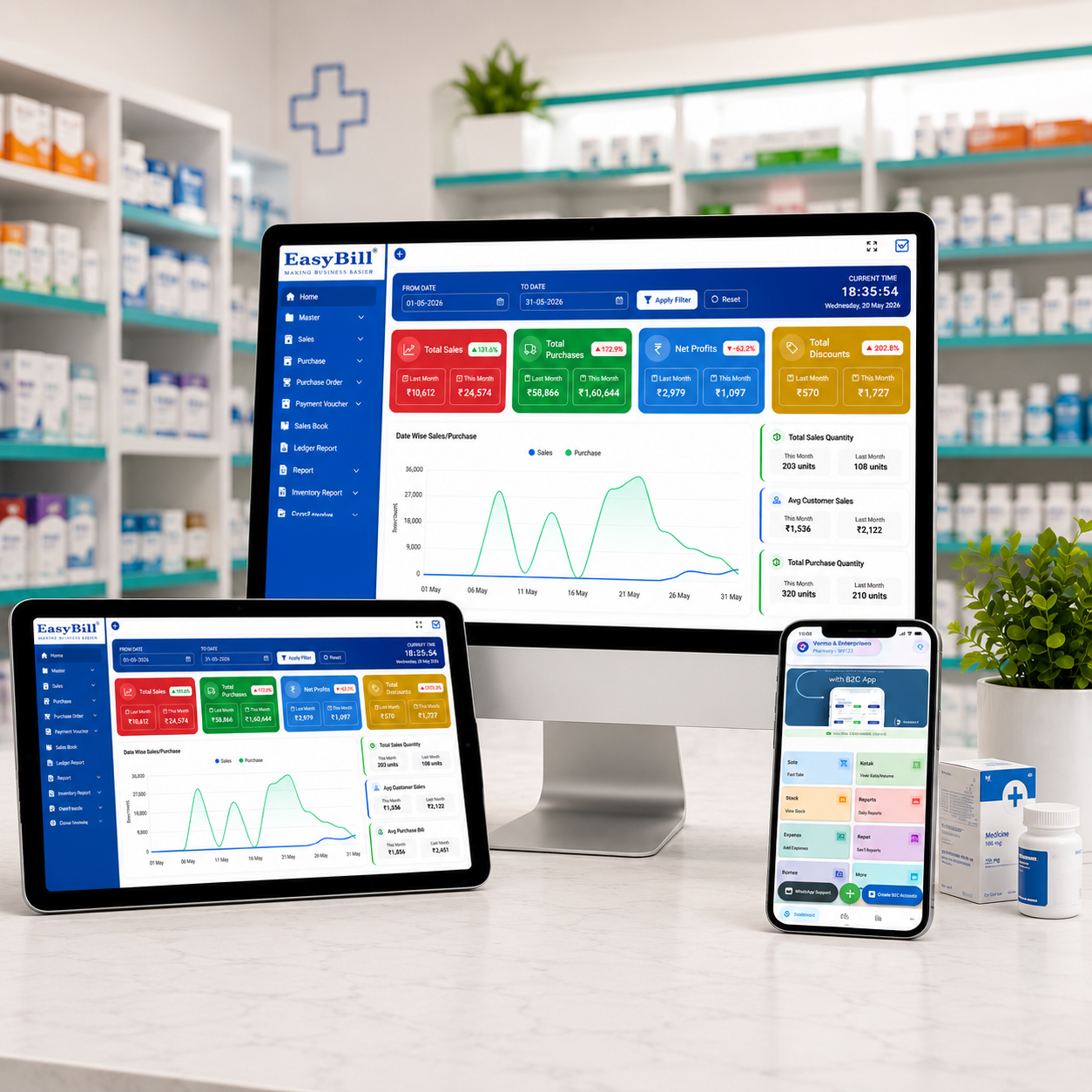
Features to Check Before Buying
Do not select a system simply because its product page says “barcode enabled.” Check the complete workflow.
- Barcode compatibility: Confirm that the software works with the scanner hardware and barcode formats used by your pharmacy.
- Fast product search: Staff should be able to search by medicine name, brand or other useful identifiers when a barcode is damaged or unavailable.
- Batch tracking: Each relevant batch should remain traceable after purchase and sale.
- Expiry monitoring: Near-expiry and expired stock should be easy to identify.
- GST billing: Tax details should be handled consistently in invoices and reports.
- Purchase management: Purchase entries should update stock without creating a second manual inventory.
- Returns: Sales and purchase returns should preserve stock accuracy.
- Reports: Look for sales, stock, purchase, expiry, GST and profit reports that match your business needs.
- User controls: Staff permissions can help separate routine billing from sensitive settings and reports.
A Practical Pharmacy Counter Workflow
Imagine a customer needs three medicines. The operator scans each pack, confirms the displayed product and quantity, checks the available batch where necessary, and adds the items to the bill.
The system calculates the invoice, records the payment, and reduces the corresponding inventory. Later, the owner can review the sale in reports without recreating the transaction from a paper bill.
For a pharmacy with a large catalogue, this connected workflow can be more useful than a generic retail barcode system because medicine stock often needs batch, expiry, MRP, supplier and purchase context.
Common Barcode Billing Mistakes to Avoid
Using an Unmaintained Product Master
A scanner cannot fix incorrect product data. If barcodes, prices, tax details or pack information are outdated, the billing process can still produce incorrect results.
Ignoring Batch-Level Stock
Scanning a product should not mean losing visibility into the batch behind the sale. Pharmacy inventory should retain the information needed to understand where the stock came from and when it expires.
Keeping Billing and Inventory Separate
Separate systems often create duplicate work. If sales are entered in one application and inventory is updated somewhere else, discrepancies become harder to find.
Not Testing the Scanner at Rush-Hour Speed
A system may look fast during a demonstration but feel different with real products, different barcode placements, returns, discounts, and multiple customers waiting. Test the actual workflow before committing.
Barcode Scanner Hardware: What Should You Consider?
For a typical counter, the scanner should read the barcodes used on your products quickly and consistently. Consider USB or compatible wireless connectivity, scan distance, damaged-code handling, counter space, and compatibility with the billing computer.
You should also test whether the scanner behaves correctly when staff scan multiple items rapidly. Hardware reliability matters because a billing system is only as efficient as its slowest practical step.
How EasyBill Fits the Workflow
EasyBill can be evaluated as part of a pharmacy’s broader billing and inventory workflow, especially where the business wants billing, stock management, medicine expiry monitoring, purchases and reports to work together.
If you are comparing pharmacy inventory requirements, see the retail pharmacy billing and inventory software guide. For expiry controls, review the pharmacy expiry alert billing software guide. You can also compare pricing considerations in the medical shop billing software price guide.
Security and Data Protection
Barcode billing creates a useful transaction trail, so pharmacies should also think about account access, backups, device security and recovery procedures. A system that is fast at the counter but poorly protected can create a different type of business risk.
For general cybersecurity guidance, the NIST Cybersecurity Framework is a useful external resource. For digital-health context, see the World Health Organization digital health resources.
Frequently Asked Questions
What is pharmacy billing and barcode scanner software?
It is pharmacy billing software that uses barcode scanning to identify products quickly while connecting sales with inventory and related pharmacy controls.
Can a barcode scanner update pharmacy stock?
Yes, when the scanner is integrated with billing and inventory software. A completed sale can reduce the corresponding stock quantity automatically.
Does barcode billing support batch and expiry tracking?
It can, provided the pharmacy software stores batch and expiry information and connects those records to purchases, sales and inventory.
Is barcode billing useful for a small medical store?
Yes. Even a single-counter store can benefit when many medicines need to be billed quickly. The value depends on product volume, staff workflow and how well the inventory master is maintained.
What should I test before buying pharmacy barcode software?
Test real medicines, barcode scanning speed, batch selection, returns, GST calculation, inventory updates, expiry reports, purchase entry, printer compatibility and the support process.
Final Takeaway
Pharmacy billing and barcode scanner software works best when it removes repetitive work without hiding important pharmacy information. A good setup should make scanning fast while keeping product, batch, expiry, pricing, tax and inventory data connected.
Before choosing a system, run a real counter test rather than judging it from a feature list alone. Scan your medicines, create several bills, process a return, check inventory, review an expiry report, and confirm that the workflow feels natural for your staff.
Ready to improve your pharmacy billing workflow?