
Which Software Is Used for Billing in Pharmacy?
Which software is used for billing in pharmacy? For most modern medical stores, the answer is dedicated pharmacy billing software that connects invoicing with inventory, medicine batches, expiry dates, purchasing, and reporting. The right system can replace repetitive manual work with a faster, more organized workflow.
But choosing software should not be about getting the longest feature list. A pharmacy needs a system that works smoothly at the counter and still gives the owner reliable visibility into stock, sales, purchases, and business performance.
Table of Contents
- Which Software Is Used for Billing in Pharmacy?
- 7 Features to Look For
- What Is the Best Pharmacy Billing Software?
- What Are the Top 5 Billing Software Options in India?
- Is There Free Software for Pharmacy Billing?
- Why EasyBill ERP Is Worth Considering
- How to Choose the Right Software
- Frequently Asked Questions
Which Software Is Used for Billing in Pharmacy?
Which software is used for billing in pharmacy? A pharmacy normally uses a billing application built for retail medicine sales or a broader pharmacy ERP. Basic billing software can create invoices, while an integrated pharmacy ERP can connect billing with inventory, batch tracking, expiry monitoring, purchasing, suppliers, customers, and reports.
This distinction matters because a pharmacy sale does not happen in isolation. When a medicine is sold, the available stock changes. When new stock arrives, the purchase record changes. When a batch approaches expiry, the team needs to know before that inventory becomes a problem.
A well-designed system keeps these activities connected. That means fewer duplicate entries, better records, and less dependence on paper registers or spreadsheets.
7 Features to Look For in Pharmacy Billing Software
If you are asking which software is used for billing in pharmacy, start with the features that affect daily work rather than choosing based only on price or brand name.
1. GST-Ready Invoicing
Billing should be quick, clear, and capable of handling the tax information relevant to your business. GST-ready invoices can reduce repetitive calculations and make transaction records easier to maintain.
For official tax information, pharmacies should always refer to the GST Portal and applicable government guidance rather than relying solely on software documentation.
2. Batch and Expiry Tracking
Medicine inventory is different from ordinary retail stock. Batch numbers and expiry dates can matter during receiving, selling, stock checks, and returns.
Good pharmacy software should make these details easy to find. Expiry alerts can also help staff identify products that need attention before they turn into avoidable losses.
3. Barcode Scanning
Barcode scanning can make counter billing noticeably faster. Instead of manually searching for every medicine, staff can scan the product and bring up its stored details.
This can also reduce typing mistakes and make the checkout process more consistent during busy hours.
4. Real-Time Inventory Updates
One of the biggest reasons to move beyond a basic billing tool is inventory visibility. When a sale is completed, stock should be updated without another manual entry.
That gives the pharmacy a more useful view of available quantities and helps reduce the stock mismatches that often appear when sales and inventory are maintained separately.
5. Purchase and Supplier Management
Pharmacy operations involve regular purchasing. A practical system should help record suppliers, purchase invoices, incoming stock, and payment information in an organized way.
When purchasing and sales data are connected, owners can make better decisions about replenishment and fast-moving products.
6. Multi-User Access
A busy medical store may have cashiers, pharmacists, managers, and owners using the same system. Multi-user access can let each person work without creating separate records or duplicate data.
Where available, role-based permissions can also help control which actions different users can perform.
7. Secure Backup and Reports
Billing and inventory records are important business data. Reliable backup can reduce the risk of losing information because of a device failure or accidental deletion.
Reports are equally useful. Sales, purchases, stock, expiry, and profit reports can turn day-to-day transactions into information that helps an owner run the business more confidently.
What Is the Best Pharmacy Billing Software?
There is no single answer for every store. The best option depends on the pharmacy’s size, number of users, inventory complexity, reporting needs, budget, and preferred workflow.
When comparing which software is used for billing in pharmacy, look for a solution that can handle both the counter and the back office. A system that only prints invoices may leave the owner managing stock, purchases, and expiry information somewhere else.
For pharmacies that want these functions connected, EasyBill ERP is a practical option to evaluate. It combines billing with inventory management, GST invoicing, batch and expiry workflows, barcode support, supplier management, reporting, and multi-user operations.
You can also read our guide on pharmacy billing software for small business to see how these features can fit into everyday medical-store operations.
What Are the Top 5 Billing Software Options in India?
A top-five list can be useful, but rankings can become misleading when every pharmacy has different needs. Instead, create your own shortlist using measurable criteria.
| Feature | Why It Matters |
|---|---|
| GST billing | Supports structured tax invoices and records |
| Batch management | Makes medicine stock easier to identify |
| Expiry alerts | Helps staff act before stock expires |
| Barcode billing | Speeds up product identification |
| Inventory tracking | Connects sales with available stock |
| Supplier management | Keeps purchasing information organized |
| Reports | Helps owners understand sales and stock |
| Backup and security | Protects valuable business records |
So, when someone asks which software is used for billing in pharmacy, the better question is: which system fits the pharmacy’s workflow without creating extra work? That approach produces a more useful shortlist than choosing software simply because it appears on a generic ranking.
Is There Free Software for Pharmacy Billing?
Free and low-cost billing applications do exist. They may be useful for testing a basic workflow or for very small operations, but pharmacies should check the limitations carefully before relying on one for daily business.
Important questions include: Does it support backups? Can it track batches and expiry dates? Does it provide the reports you need? Can multiple staff members use it? Is support available when something goes wrong? Are the billing and tax features suitable for your business?
A free application can become expensive indirectly if missing features lead to stock errors, repeated data entry, weak reporting, or a difficult migration later.
Why EasyBill ERP Is Worth Considering
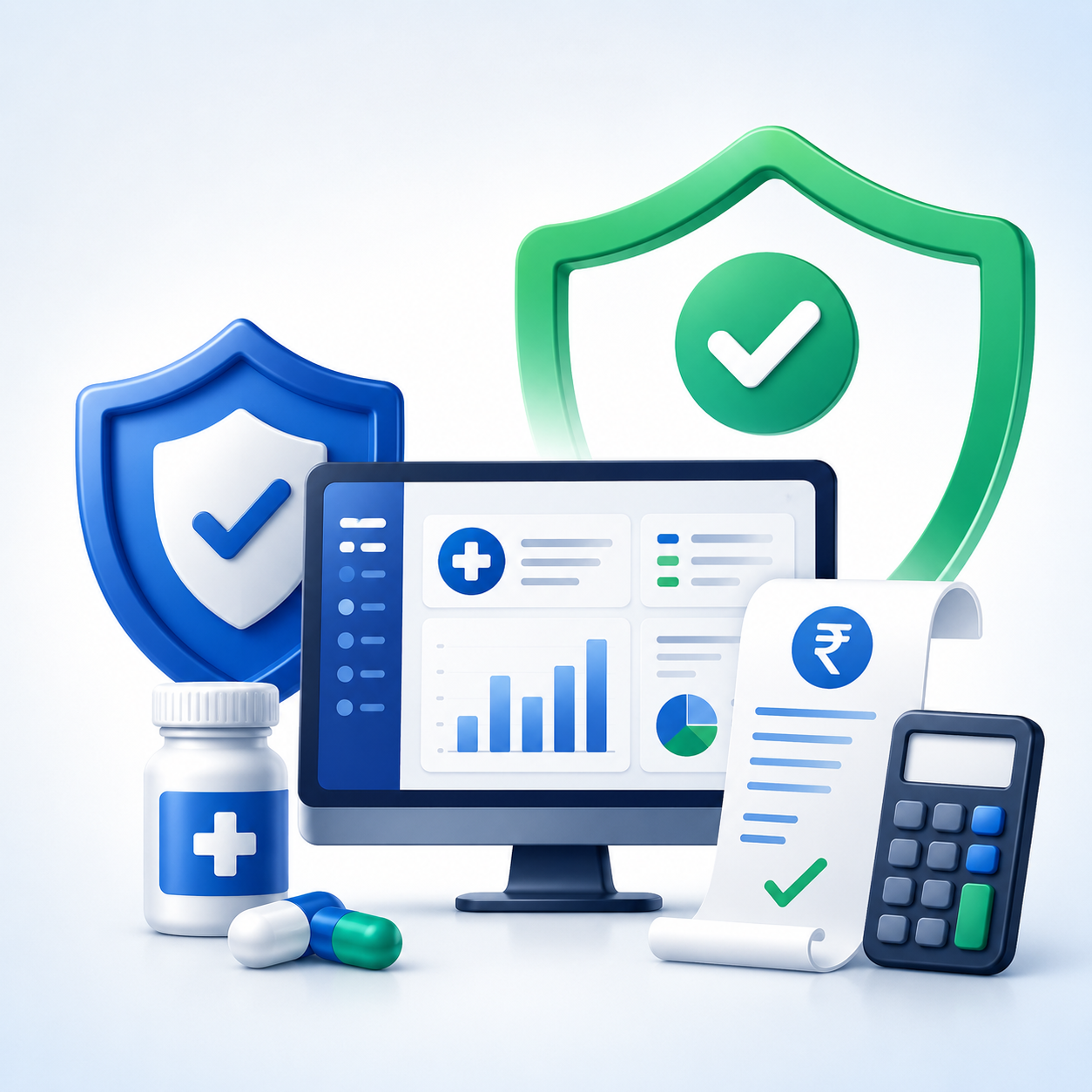
For a pharmacy owner comparing which software is used for billing in pharmacy, EasyBill ERP offers an integrated approach. Instead of treating billing as a separate task, the platform is designed to connect sales with the wider business workflow.
- GST-ready billing: Create structured invoices with relevant tax details.
- Batch tracking: Keep medicine batches organized during sales and inventory checks.
- Expiry management: Identify products that need attention before expiry.
- Barcode scanning: Make medicine identification faster at the counter.
- Inventory management: Keep stock information connected with sales and purchases.
- Supplier management: Organize supplier and purchasing records.
- Multi-user access: Allow different staff members to work within the same system.
- Reports and backup: Give owners better visibility while helping protect business records.
If you are evaluating a new system, you can also explore the EasyBill ERP website and compare the workflow with your pharmacy’s requirements.
How to Choose the Right Pharmacy Billing Software
Do not start with the question, which software is used for billing in pharmacy, and immediately choose the first product you find. Start with your problems.
- List your daily bottlenecks. Are billing queues too long? Are stock numbers often wrong? Are expired medicines difficult to identify?
- Prioritize must-have features. For many pharmacies, these include GST billing, batch tracking, expiry management, barcode support, inventory, purchases, and reports.
- Test a real workflow. Create an invoice, scan a medicine, check stock, review a batch, record a purchase, and generate a report.
- Check usability. Staff should be able to learn the basic workflow without unnecessary complexity.
- Review support and data protection. Ask how backups work and what happens if you need help.
- Think about growth. If you plan to add users, branches, or more inventory, make sure the software can support that direction.
Pharmacies also operate within a regulated environment. The Central Drugs Standard Control Organization (CDSCO) Drugs Rules resources are a useful official reference for applicable drug regulations. Software can help organize records, but it does not replace professional or regulatory advice.
Frequently Asked Questions
Which software is used for billing in pharmacy?
Pharmacies commonly use dedicated pharmacy billing software or an integrated pharmacy ERP. The stronger options connect billing with inventory, batch, expiry, purchasing, and reporting.
Can pharmacy billing software manage inventory?
Yes. Many modern systems update stock when sales and purchases are recorded, giving the pharmacy a clearer view of available inventory.
Why are batch and expiry features important?
Medicine stock often needs to be managed by batch and expiry information. Dedicated controls make these details easier to track and review.
Is free pharmacy billing software a good idea?
It can work for some small or limited use cases, but the pharmacy should first check security, backup, support, reporting, GST functionality, and inventory features.
Can pharmacy billing software support multiple users?
Many business-focused solutions support multiple users. This is useful when pharmacists, cashiers, managers, and owners need access to the same business records.
Final Takeaway
Which software is used for billing in pharmacy? The most useful answer is not simply a software name. A pharmacy needs a system that makes billing faster while keeping inventory, batches, expiry dates, purchases, suppliers, reports, and business data organized.
For stores looking for an integrated solution, EasyBill ERP is worth evaluating against those requirements. The goal should be simple: fewer manual errors, clearer stock visibility, faster billing, and a workflow that staff can actually use every day.