
Best Grocery Billing App for Small Shops in India
Bottom line: A good grocery billing app should make everyday shop billing easier without turning a small store into a complicated software project. For a grocery retailer, the useful features are fast billing, product and stock records, customer bills, payment tracking and reports. Before choosing an app, test the actual billing workflow on the device you use at your shop.
Who is a grocery billing app really for?
This article is for grocery shop owners, kirana retailers and small-store operators who already understand basic billing but want to move away from handwritten bills, spreadsheets or a system that takes too many steps to create one sale.
The right choice is different for a small neighbourhood shop and a larger retail operation. A shop with a few staff members usually needs speed and simplicity first. A growing store needs stronger stock control, reporting and user management.
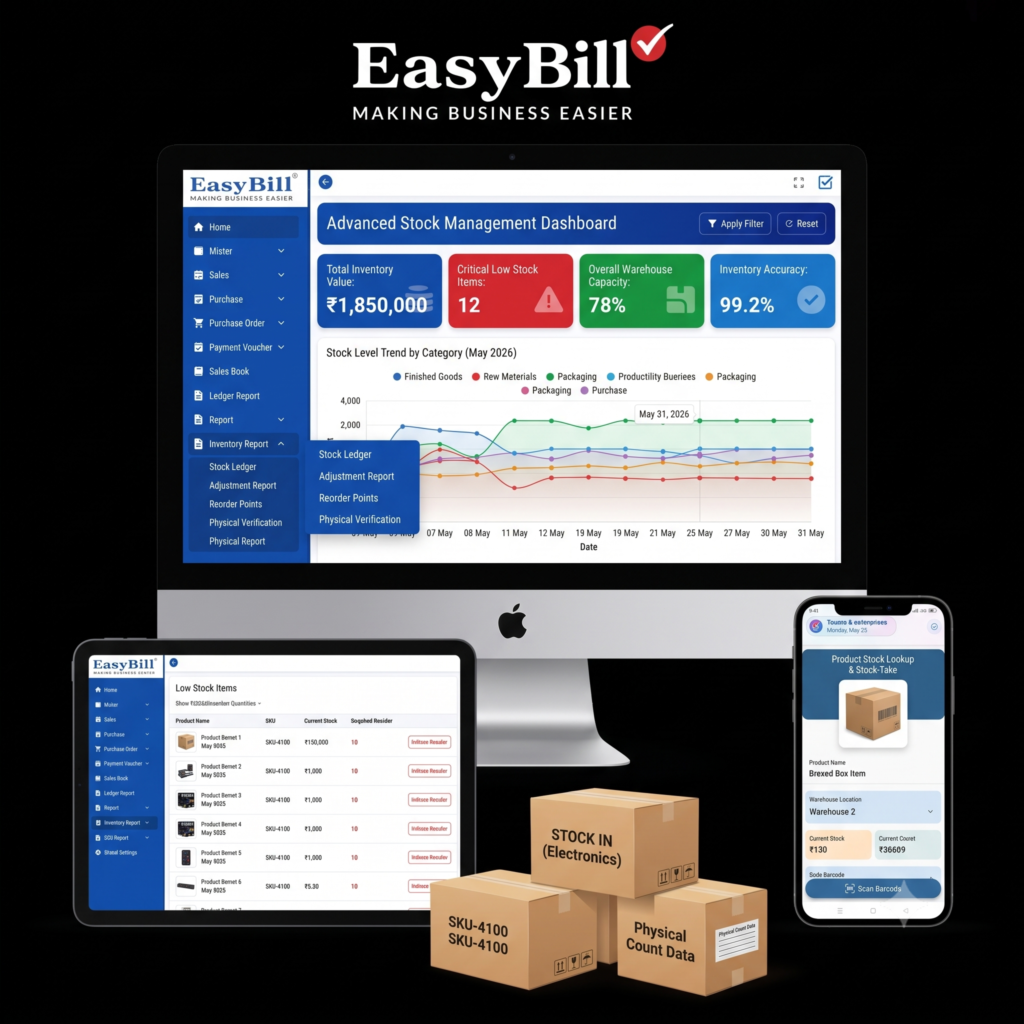
What should a grocery billing app do?
Start with the sale itself. Search for a product, add the quantity, apply the required price or discount, select the payment method and generate the bill. If those basic steps feel slow during a real counter transaction, extra features will not fix the problem.
A practical billing app for shop owners should also keep product and stock information connected to sales. That gives the retailer a clearer view of what was sold and what remains in inventory.
Easy billing matters more than a long feature list
Many small retailers search for an easy billing app or simple billing app because they do not want to spend hours learning software.
That is a fair requirement. A grocery counter is a working environment, not a software training room.
Look for a workflow that is easy to repeat: product search, quantity, price, payment and bill. Then test common cases such as changing quantity, correcting an item and completing another sale immediately after the first.
What about grocery inventory?
Billing and inventory should work together. If sales are recorded but stock is maintained separately, the retailer still has to reconcile two systems.
For grocery stores, useful inventory functions include product records, quantities, purchase entries, sales deductions and stock reports. The exact feature set should be checked against the software before purchase rather than assumed from the phrase “inventory management.”
[INTERNAL LINK: Grocery Billing Software]
Should you choose mobile billing or desktop billing?
| Need | Mobile app | Desktop billing |
|---|---|---|
| Quick counter billing | Useful where mobile billing fits the workflow | Useful for a fixed billing counter |
| Portability | Strong advantage | More tied to the billing setup |
| Large-screen product management | More limited by screen size | Usually easier for detailed records |
| Best choice | For retailers who prefer mobile work | For stores using a fixed counter |
There is no reason to pick an app simply because it is called an app. Pick the interface that matches how your shop actually works.
Which features should you test before buying?
- Billing speed: Check how quickly a normal sale can be completed.
- Product search: Test product names, codes and repeated items.
- Stock records: Confirm how purchases and sales affect inventory.
- Reports: Check whether the reports answer the questions you actually ask about the shop.
- Payment handling: Test the payment methods used at your counter.
- Ease of use: Ask someone who did not configure the software to complete a sample bill.
Is a simple billing app enough for a growing grocery shop?
For a very small shop, simple billing may be the right starting point. But growth changes the requirement.
As product count, sales volume and staff activity increase, you need more than bill generation. Stock reporting, purchase records, customer information and business reports become more useful. That is where a basic calculator-style billing app starts to fall short.
[INTERNAL LINK: Inventory Management Software]
What should you avoid in a grocery billing app?
Do not choose software because a feature list looks impressive. A long list is easy to publish; a fast counter workflow is harder to build and easier to test.
Also avoid assuming that every “free download” gives you the same capabilities as a full retail system. Check exactly what is included, what requires an upgrade and whether your data can be retained if you change plans.
How does EasyBill fit this use case?
EasyBill ERP is positioned as billing and business-management software for retailers and other businesses. If you are evaluating it for a grocery store, the sensible approach is to test the actual product workflow against your shop’s requirements rather than choosing it from a keyword list.
Start with your daily transaction. Add the products you actually sell, test billing, review the stock flow and check the reports you would use every week.
Who should not choose a basic grocery billing app?
If your requirement is only to print or record a simple bill, a lightweight app might be enough.
If you need detailed inventory control, purchasing, multiple users, advanced reporting or other business workflows, compare complete retail-management software instead of choosing solely on the word “simple.”
Frequently asked questions
What is a grocery billing app?
A grocery billing app is software used to create and manage sales bills for a grocery or retail shop. Depending on the product, it may also include stock, customer, payment and reporting functions.
What is the best billing app for a small shop?
The best option is the one that handles your actual billing workflow quickly and includes the stock and reporting functions your shop needs. Test the software with real examples before deciding.
Can a billing app manage grocery inventory?
Some billing systems include inventory management. Check whether the specific software records purchases, sales and stock changes in the way your business requires.
Is an easy billing app suitable for a kirana store?
Yes, if it supports the shop’s required billing and inventory workflow. Simplicity is useful only when the essential functions are still covered.
Should I choose mobile or desktop billing?
Choose based on your counter setup. Mobile billing suits retailers who prefer portable billing, while desktop software suits a fixed counter where a larger screen and keyboard are useful.
The practical way to choose
Do not compare billing apps from screenshots alone. Take five or ten common products from your store and reproduce a normal sale. Then check stock, payment records and reports.
If the workflow feels natural and the software covers the records your shop actually needs, you have a much better basis for choosing than a generic “best billing app” list.
Next step: shortlist two or three options and run the same grocery-store test on each one. Choose the system that your staff can use correctly during a busy counter transaction.