
Optical Shop Management Software in India: Billing, Lens Power, Inventory & GST
Complete Optical Store Billing, Inventory and Customer Management Solution
Optical Shop Management Software helps optical stores manage billing, inventory, purchases, customer records, product details and sales reports from one system. It can reduce manual work and make day-to-day optical store operations easier to track.
Optical Shop Management Software of EasyBill is an all-in-one management software specially built for optical shops, eye wear store owners, opticians, vision care centers, and multiple branch optical shop chains. Manage your billing system, prescription, order for lenses, frames, customers, accounts, and business operations in one software itself.
Be it just an individual optical store or expanding into more stores, EasyBill makes your business easier to operate, more efficient, and profitable using its advanced features. Based on industry standard practices for optical shop retail business with special features of EasyBill.

Optical Shop Management Software
Why Should You Opt For EasyBill Optical Software?
Optical businesses involve a lot more than billing. You have to deal with issues such as customer prescriptions, lens power, frames, orders, inventory, suppliers, and follow-up calls.
EasyBill Optical Software will allow you to:
• Create quick and accurate GST invoices
• Maintain the prescription details of your customers
• Maintain frames, lenses, and accessory inventory
• Keep track of outstanding and complete orders from customers
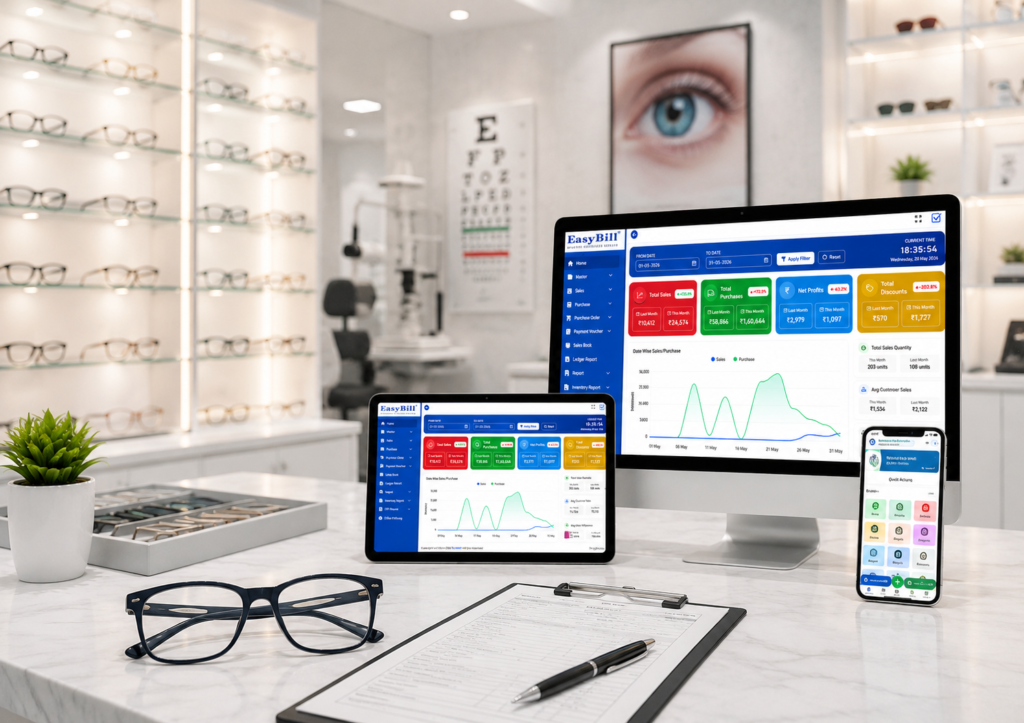
Optical Shop Management Software Dashbord
- • Get instant insight into sales and profit margins
• Supports different forms of payments
• Manage suppliers and inventory replenishments
• Get analytical insights through detailed reports
• Hold onto customers by managing their service history
Get professional billing done in seconds.
Features
• Billing that is GST compliant
• Billing using barcode
• Rapid search for products
• Billing with various modes of payment
• Billing that offers discounts and promotions
• Billing for returns and exchanges
• Billing for advance payments
• Billing history per customer
The software helps to speed up billing while ensuring minimum mistakes.
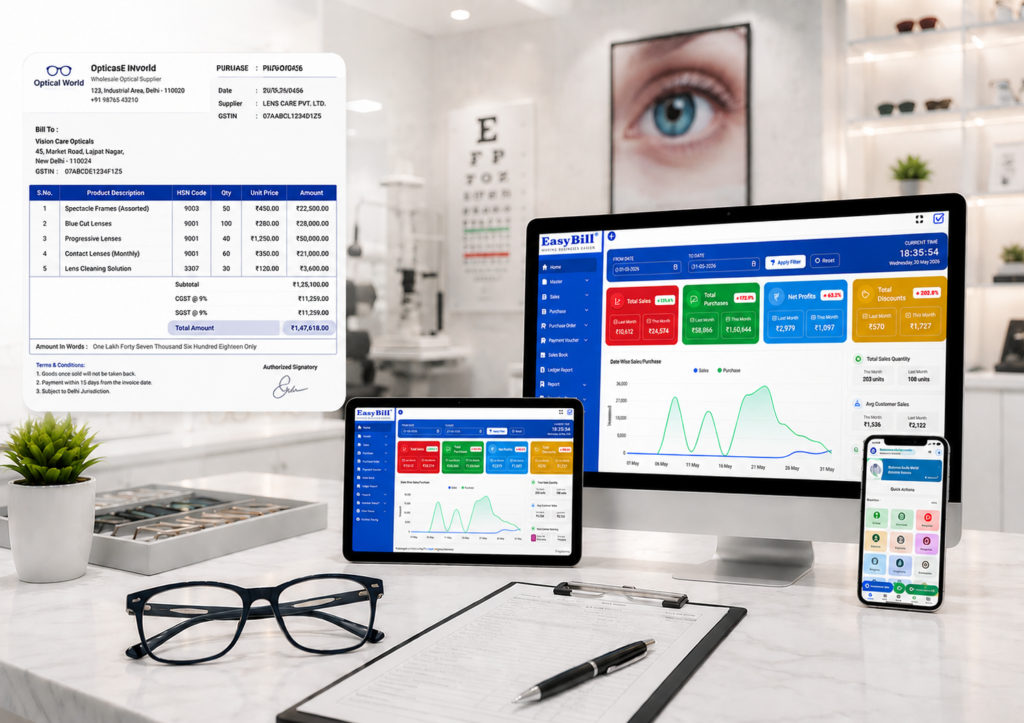
Prescription and Eye Care History Management
Keep digital files for all the prescriptions of customers.
Storage & Tracking
• Spherical power (SPH)
• Cylindrical power (CYL)
• Axis
• Addition (ADD)
• Pupillary distance (PD)
Optical Shop Management Software History
• Contact lens information
• History of previous prescriptions
• History of eye care examinations
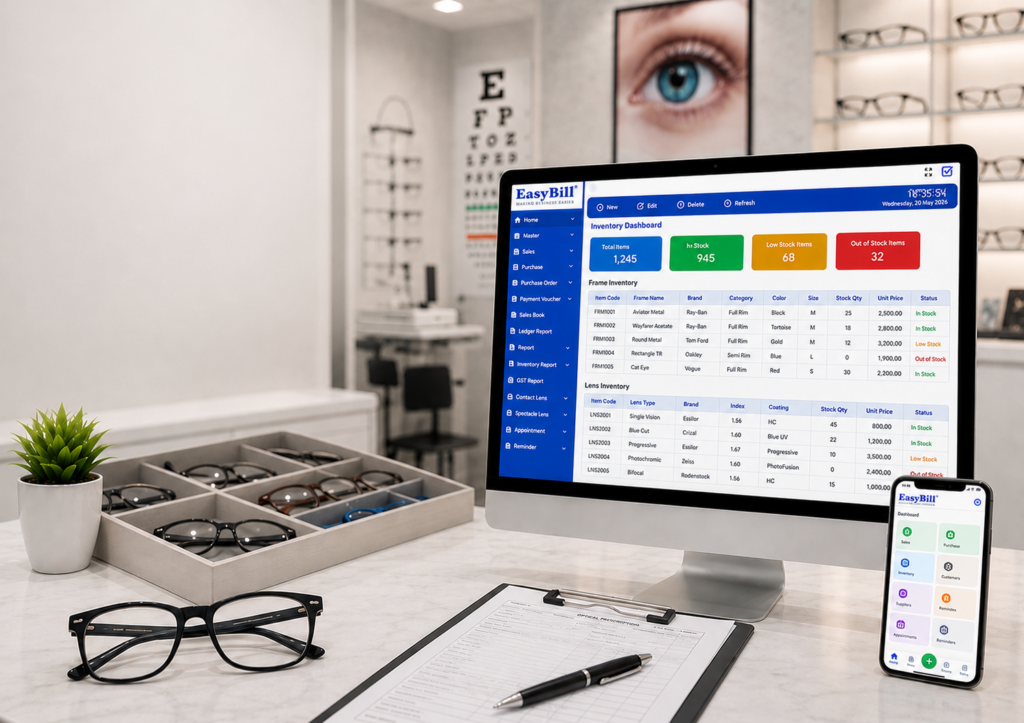
Advanced Management of Lens and Frame Inventory
Gain complete control over your inventory.
Manage
• Spectacle Frames
• Contact Lenses
• Prescription Lenses
• Sunglasses
• Accompaniments
Controls for Inventory
• Barcode management
• Based on brands inventory
• Based on categories inventory
• Low inventory report
• Fast moving products
• Slow moving products
• Inventories at multiple locations
• Valuation of stocks
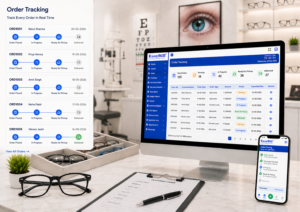
Customer Order Tracking
Monitor all customer orders right from booking through to delivery.
Order Flowchart
• Preparation of Prescription
• Lens Choice
• Frame Choice
Optical Shop Management Software
• Creating Orders
• Advancing Collection
• Laboratory Processing
• Ready for Delivery
• Shipped to Customer
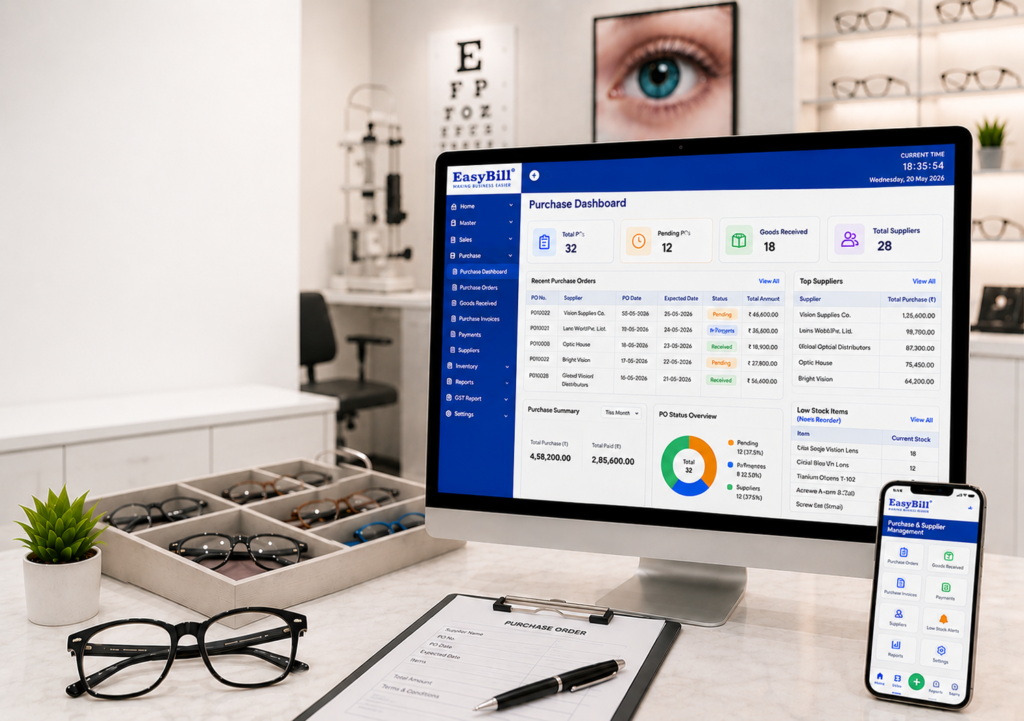
Purchase & Supplier Management
Procurement management done effectively.
Features
• Purchase Orders Management
• Suppliers’ Details
• Purchases Returns
• Vendor Payments
• Inventories Receipt
• Costs Analysis Reports
Guarantees availability of inventories without incurring unnecessary procurement costs.
Optical Shop Management Software
Customer Relationship Management (CRM)
Establish long-term relationships with the customers.
Features of CRM
• Customer Database
• Purchase Records
• Prescription Records
• Reminders for Follow-Up
• Service Updates
• Marketing Campaigns
• Loyalty Program Assistance

Stay in touch with the customers and promote loyalty to your business through CRM.

Optical Chain Store Manager
Control your entire chain of stores through one platform.
Branch Store Features
• Central Inventory
• Branch Inventory Transfer
• Branch-Wise Reports
• Centralized Pricing
• User Access Control
• Business Dashboards
Perfect solution for optical retail chains planning to expand their operations.
Accounting and Financial Management
Effortlessly streamline your financial process with the integration of accounting.
Manage
• Cash & Bank Account Management
• Receivables and Payable Management
• Expenses Management
• Profit & Loss Statement
• GST Statement
• Taxation Report
• Collection Daily Report
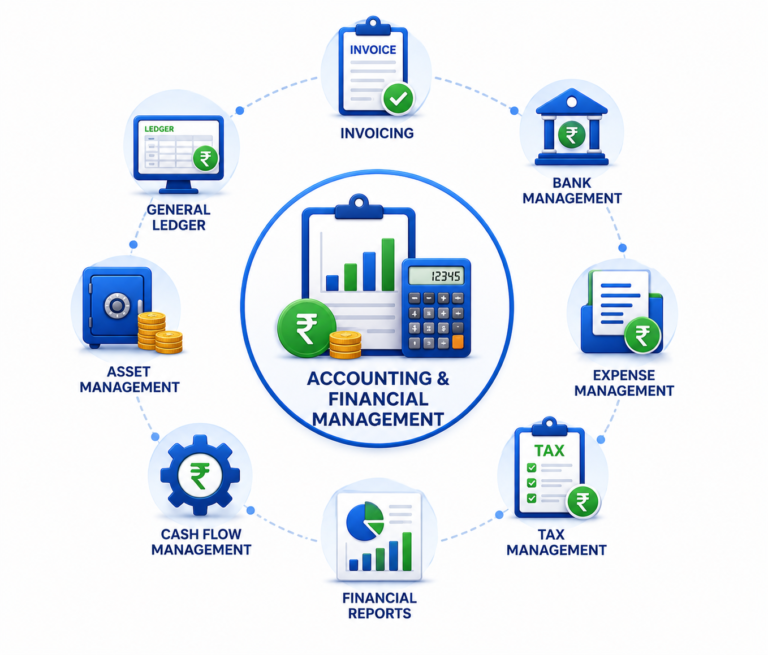
Monitor your complete finance management activities on a single dashboard.
Business Reports
Inform your decision making through live analytics.
Reports
• Sales Reports
• Product Performance Reports
• Customer Reports
• Profit Analysis Reports
• Purchase Reports
• Inventory Reports
• Tax Reports
• Order Status Reports
• Branch-wise Reports
• Financial Reports
Secure Cloud & Desktop Access
Access your optical business from anywhere at any time.
Advantages
• Cloud Backup
• Secure Data Storage
• Role-Based Access
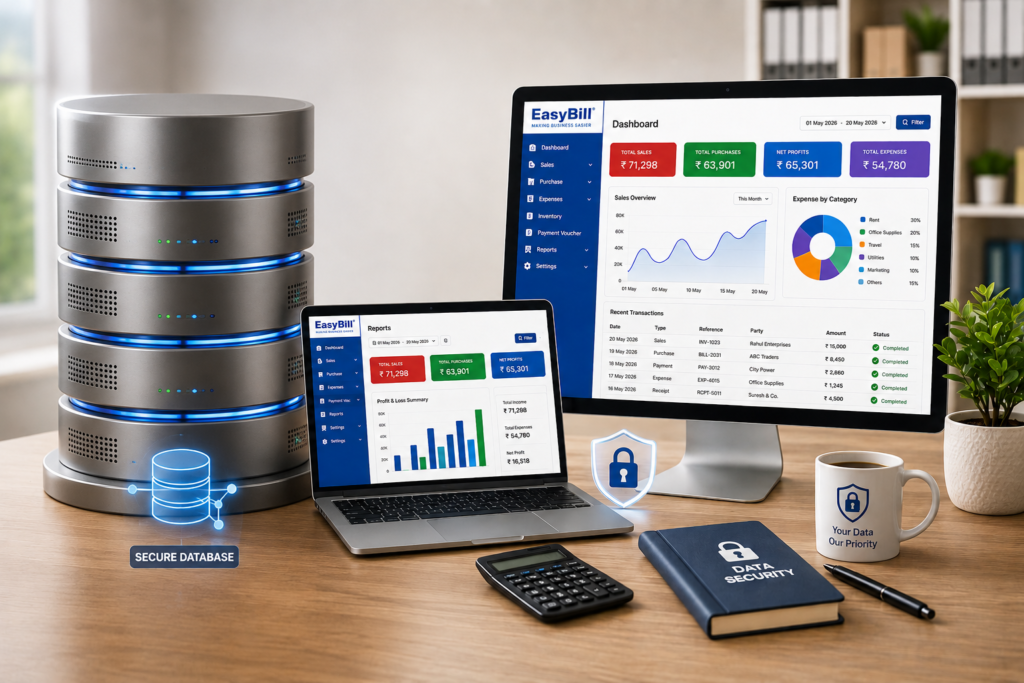
• Multi-Device Access
• Real-Time Synchronization
• Automatic Data Protection
Easybill Optical Software Can Be Used By:
• Optical Stores
• Eye Glasses Retailers
• Opticians
• Vision Care Facilities
• Contact Lenses Retailers
• Sunglasses Retailers
• Franchise Chains of Optical Stores
• Multi-Location Optical Business Firms
Make your Optical Company Successful with EasyBill
Optical Shop Management Software allows optical retailers to automate invoicing, manage prescriptions, maintain inventory, monitor orders, enhance customer services, and take their business to the next level.
Optical Billing Software
Optical Billing Software helps optical stores complete fast billing, calculate GST accurately, and print professional invoices with ease. A streamlined billing workflow can reduce manual work at the counter while keeping customer and transaction details organized.
Optical Inventory Management Software
Optical Inventory Management Software helps you manage stock across frames, lenses, and sunglasses in one organized system. Stock visibility makes it easier to monitor product quantities, identify items that are running low, and use low-stock alerts to plan timely replenishment.
Complete Optical Shop Management System
A Complete Optical Shop Management System helps optical stores maintain customer eye-test records and prescription history in an organized digital format. Staff can save important prescription details and review previous records when customers return, making repeat visits and customer service more convenient.
Frequently Asked Questions
What features should optical shop software have?
Optical shop software should support billing, GST invoices, inventory management for frames and lenses, customer records, prescription history, order tracking, purchase management and useful business reports. These features help keep everyday optical store operations organized in one system.
How does optical billing software help retail stores?
Optical billing software helps retail stores create bills faster, calculate GST, print invoices, manage payments and maintain customer transaction records. It can also connect billing with inventory so stock information stays updated as sales are processed.
Is this optical inventory management software easy to use?
Yes. EasyBill is designed to keep optical inventory management simple and practical. Stores can organize frames, lenses and sunglasses, monitor stock levels and use low-stock information to identify products that may need replenishment.
Optical Shop Management Software: Quick Overview
Optical Shop Management Software helps optical stores manage billing, inventory, customer records, prescriptions, orders, and day-to-day operations from one system. It is designed for opticians, eyewear retailers, and optical shops that want faster billing, organized stock control, and better customer management.
What features should optical shop software have?
Optical shop software should include billing, GST invoicing, frame and lens inventory, prescription records, customer management, order tracking, purchase management, and business reports. These features help optical retailers manage routine operations in one place.
How does optical billing software help retail stores?
Optical billing software helps retail stores create bills quickly, calculate GST, print invoices, record payments, and keep sales information organized. It can also connect sales with inventory so stock quantities stay updated.
Is optical inventory management software easy to use?
Yes. Optical inventory management software can simplify stock control by organizing frames, lenses, and sunglasses, showing available quantities, and helping staff identify low-stock products that need replenishment.
Who should use optical shop management software?
Optical stores, opticians, eyewear retailers, vision-care businesses, and multi-branch optical shops can use this software to manage billing, inventory, prescriptions, customer records, and orders more efficiently.
Key Benefits of Optical Shop Management Software
- Fast and organized optical billing
- GST calculation and invoice printing
- Frame, lens, and sunglasses inventory control
- Customer eye-test and prescription history management
- Order and purchase tracking
- Business reports for better decisions
Learn more about best optical shop management software and compare optical shop software pricing before choosing a solution.