
POS Software in Delhi: 7 Smart Buying Tips for Your Business
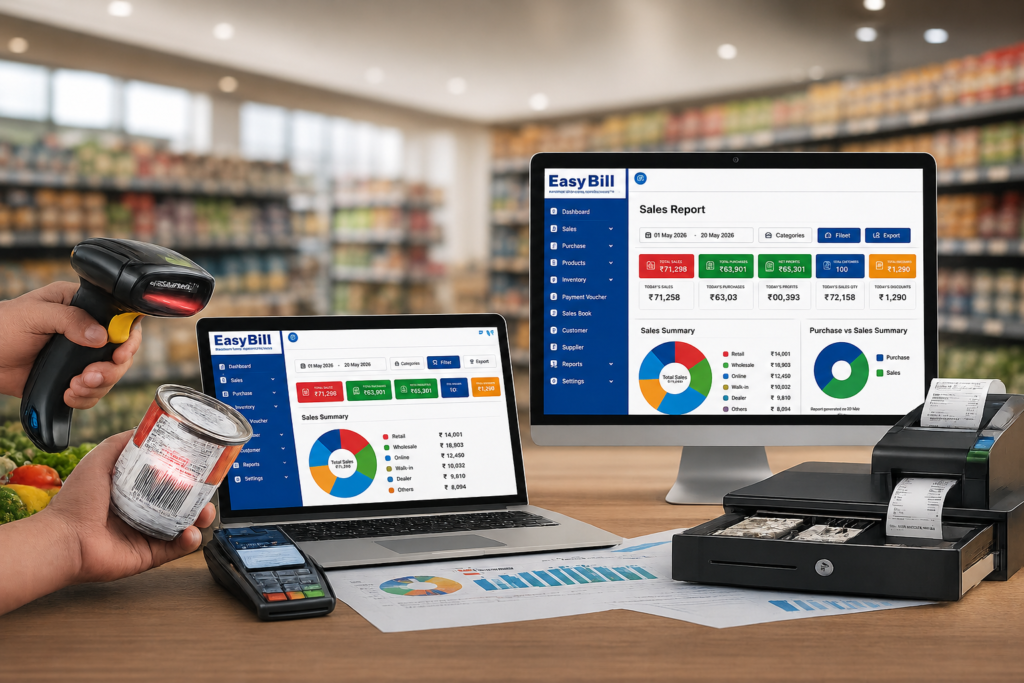
POS Software in Delhi should make billing and stock management easier, not give your staff another complicated process to learn. A practical POS keeps billing, stock, payments and reporting linked together, so your staff can finish a sale once instead of entering the same details in multiple places.
Quick answer: The right POS Software in Delhi is the one that matches your actual business workflow. Test one complete transaction before buying: select or scan a product, create the invoice, check GST, record payment, verify the stock update and open the resulting report. A real transaction tells you more than a long feature list.
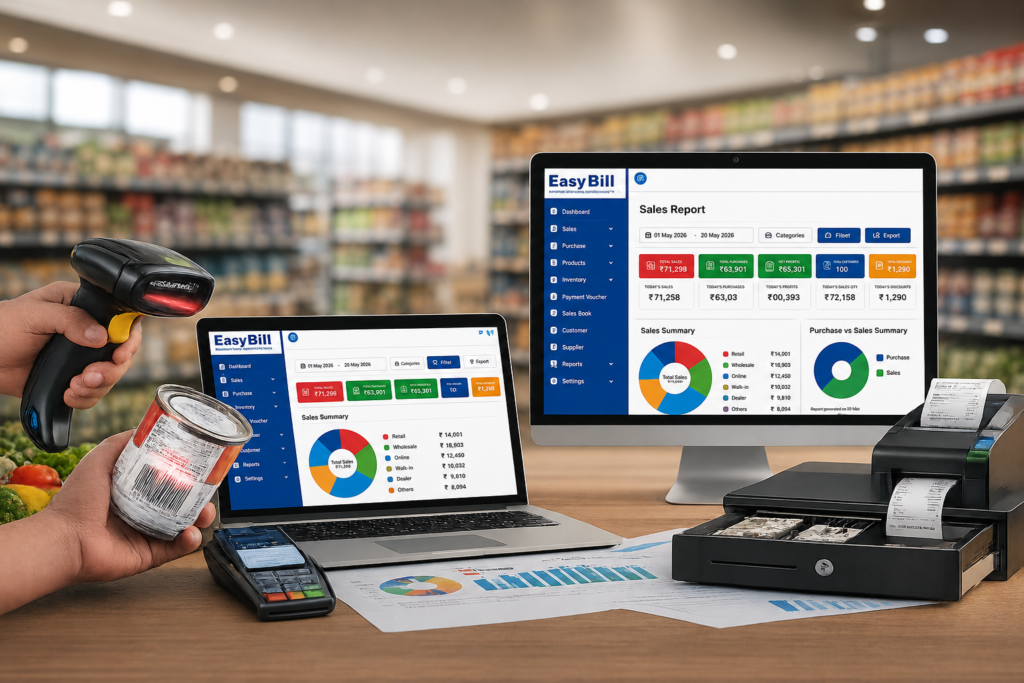
Table of Contents
- What should POS software actually do?
- Which features deserve your attention?
- Which POS setup fits your Delhi business?
- How should you compare POS Software in Delhis?
- What should you ask the vendor?
- Where does EasyBill fit?
- Frequently asked questions
What should POS software actually do?
A POS Software in Delhi starts with a sale. The useful work happens after that sale is saved.
The product should be recorded, the invoice generated, payment captured, inventory updated and the transaction included in the relevant reports. If your cashier creates an invoice in one application and manually changes stock somewhere else, the software is solving only part of the problem.
That is the first thing I would test when comparing POS Software in Delhi.
Is POS software the same as billing software?
Not exactly. Billing software focuses mainly on invoices and sales. POS software usually puts the checkout process at the centre, including product selection, barcode scanning, payment and stock movement.
The name matters less than the actual workflow. If the complete transaction is connected, that’s what matters.
Which features deserve your attention?
Don’t start by counting features. Start with the functions your cashier and owner will use every day.
1. Fast billing and barcode support
A busy counter should not depend on manually typing every product name. If you sell barcode-based products, test the scanner with your own inventory.
Demo test: take products your staff actually sells and ask the vendor to create a normal bill. Don’t use only sample products.
2. Inventory should follow every sale
Billing and inventory belong together for an inventory-driven business.
Check whether the system gives you current stock, product-wise stock, purchase records, sales records, low-stock alerts, barcode/SKU handling and inventory reports.
The practical test is simple: sell one product and immediately check its stock record. If the numbers don’t match, stop there and ask why.
3. GST billing needs a real test
Don’t stop at a “GST ready” badge. Create an invoice using your actual business details and products.
Check the tax calculation, HSN/SAC information, invoice format and resulting GST report. For official GST information, use the official GST Portal.
For tax-specific requirements, confirm the setup with your accountant or tax professional.
4. Reports should answer real business questions
A vendor can show you dozens of reports. That’s not the test.
What sold today? What is currently in stock? Which customers have outstanding payments? What did we purchase?
Create sample transactions during the demo and ask the vendor to show the reports generated from them.
Which POS setup fits your Delhi business?
A pharmacy does not work like a grocery store. A restaurant does not work like a hardware shop. Your business type should determine what you test.
Retail and general stores
For a normal retail counter, prioritise fast product search, barcode billing, GST invoicing, stock management, customer records, payment tracking and sales reports.
Recommended approach: choose a POS Software in Delhi where billing and inventory work together.
Wholesale and busy market businesses
Delhi has distinct wholesale and retail markets, so a wholesale buyer should test party ledgers, purchase records, customer balances, stock and multi-counter workflows rather than relying on a retail-only demo. Current Delhi billing pages specifically market multi-cashier and multi-store workflows to local retailers and wholesalers. Delhi billing software example.
Demo test: create a customer account, make a sale on credit, receive a payment and check the resulting ledger.
Grocery and supermarket stores
Grocery counters need speed because many products pass through checkout. Barcode scanning, product search, weighing workflows where required, stock updates, purchase receiving and low-stock alerts deserve more attention than a decorative dashboard.
Demo test: use your fastest-selling products and recreate a normal counter transaction.
Pharmacy and medical stores
Pharmacy inventory needs more detail than ordinary retail. Batch information, expiry tracking, purchases and stock control should be tested before choosing software. Delhi pharmacy POS pages specifically highlight barcode lookup, expiry awareness and purchase receiving. Delhi pharmacy POS example.
Recommended approach: ask the vendor to demonstrate the exact medicine workflow your store requires.
Optical stores
Frames, lenses and sunglasses have their own product requirements. Use your actual products during the demo and check product records, billing, inventory and customer information.
Recommended approach: choose software that fits your optical workflow instead of forcing your business into a generic billing process.
Optical Shop Management Software
Hardware and electronics stores
Hardware and electronics businesses can carry many SKUs. Product search, barcode support, purchasing, stock visibility and supplier records deserve serious attention.
Recommended approach: put inventory control ahead of cosmetic dashboard features.
Hardware Inventory Management Software
Restaurants and cafés
Restaurant POS is a different workflow. KOT, tables, kitchen operations, takeaway and delivery requirements change what you should test. Current Delhi restaurant POS pages highlight KOT/KDS, GST billing, offline operation and delivery-platform reconciliation. Delhi restaurant POS example.
Demo test: place an order → send it to the kitchen → modify it if required → generate the bill → record payment.
How should you compare POS Software in Delhis?
Don’t compare software by counting checkboxes. Run one complete transaction.
Step 1: Use your actual products
Take products your employees sell regularly. Put them into the demo and test product search.
Step 2: Create a normal invoice
Use your actual prices and tax requirements. Check the final invoice.
Step 3: Check the stock
After saving the sale, open the inventory record. The stock movement should match the transaction.
Step 4: Record the payment
Use the payment methods your business actually accepts. Then find that transaction in the relevant report.
Step 5: Test a return
Don’t skip this. Ask the vendor to show sales return, cancelled invoice, stock reversal, price correction, user permissions and transaction history.
Step 6: Open the reports
Create several sample transactions and ask the vendor to show sales, stock and payment reports based on that data.
What should you ask a POS vendor before buying?
Data backup: How is business data backed up and recovered?
User permissions: Can cashiers and managers have different access?
Hardware: Which barcode scanners, printers and weighing devices are supported?
Internet: What happens if the internet connection goes down?
Multiple outlets: How are branches and stock handled?
Migration: Can existing product and customer data be imported?
Support: What support is available after setup?
Training: Who will train your staff?
Where does EasyBill fit for a Delhi business?
EasyBill positions itself as more than an invoice generator. Its published product information covers billing, inventory and stock management, barcode billing, customer and supplier management, purchase and sales tracking, expense management, multi-user access, data backup and business reporting.
Its retail solution also covers POS billing, GST invoicing, inventory control and real-time reports.
That makes it worth testing if your requirement is billing + inventory + business management, rather than just invoice printing.
A grocery shop should test grocery billing. A pharmacy should test batch and expiry workflows. A hardware shop should test SKU and stock handling. A distributor should test purchasing, sales and payments.
That’s a better way to choose software than comparing feature counts.
What do buyers ask about POS software?
What is POS software used for?
POS software records sales at the point of purchase and connects the transaction with related functions such as inventory, payments and business reports.
Is POS software different from billing software?
Yes, although the two overlap. Billing software primarily handles invoices and sales, while POS software usually centres on the complete checkout process.
What features should a Delhi retail shop look for?
Start with fast billing, barcode support, GST invoicing, inventory updates, payment recording and useful reports. Then test returns and user permissions.
How do I choose POS software for my business in Delhi?
Start with your actual workflow. Use your own products during a demo and test billing, GST, payments, inventory and reports from one transaction.
Can POS software work without the internet?
Some POS Software in Delhis offer offline billing, while others depend more heavily on cloud connectivity. Ask the vendor to demonstrate exactly what happens during an internet outage using the setup you plan to buy.
Should price be the first deciding factor?
No. Compare the complete operating fit first. A cheaper system is not a good deal if it creates extra manual work for your staff.
Key takeaway: test the transaction, not the feature list
If you’re shortlisting POS Software in Delhi, start with your own business rather than the vendor’s brochure.
Take one real product. Bill it. Check GST. Record the payment. Verify the stock. Open the report. Then test a return.
If the workflow feels natural for your staff, move on to pricing, support and hardware compatibility.
For businesses that need billing, inventory and reporting in one system, EasyBill ERP is worth putting on the shortlist and testing with your own products and workflow.
Get a Free Demo
Want to see how EasyBill fits your business? Use your actual products and ask for a demonstration of the complete billing-to-inventory workflow.
Published: August 27, 2026
Author: EasyBill ERP
Pingback: Grocery Billing Software in Mumbai India: GST & POS