
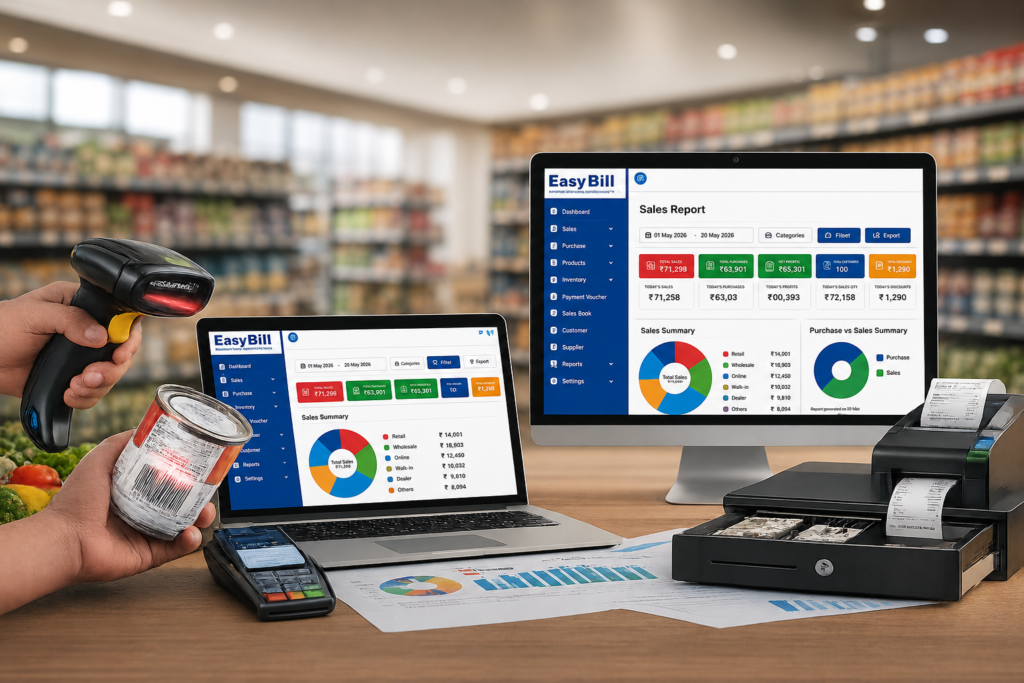
POS Software in Bangalore: 7 Powerful Buying Tips
POS Software in Bangalore should do more than print an invoice. For a growing shop, the useful system connects billing, GST invoices, stock, payments and reports so the owner does not have to maintain the same information in different places.
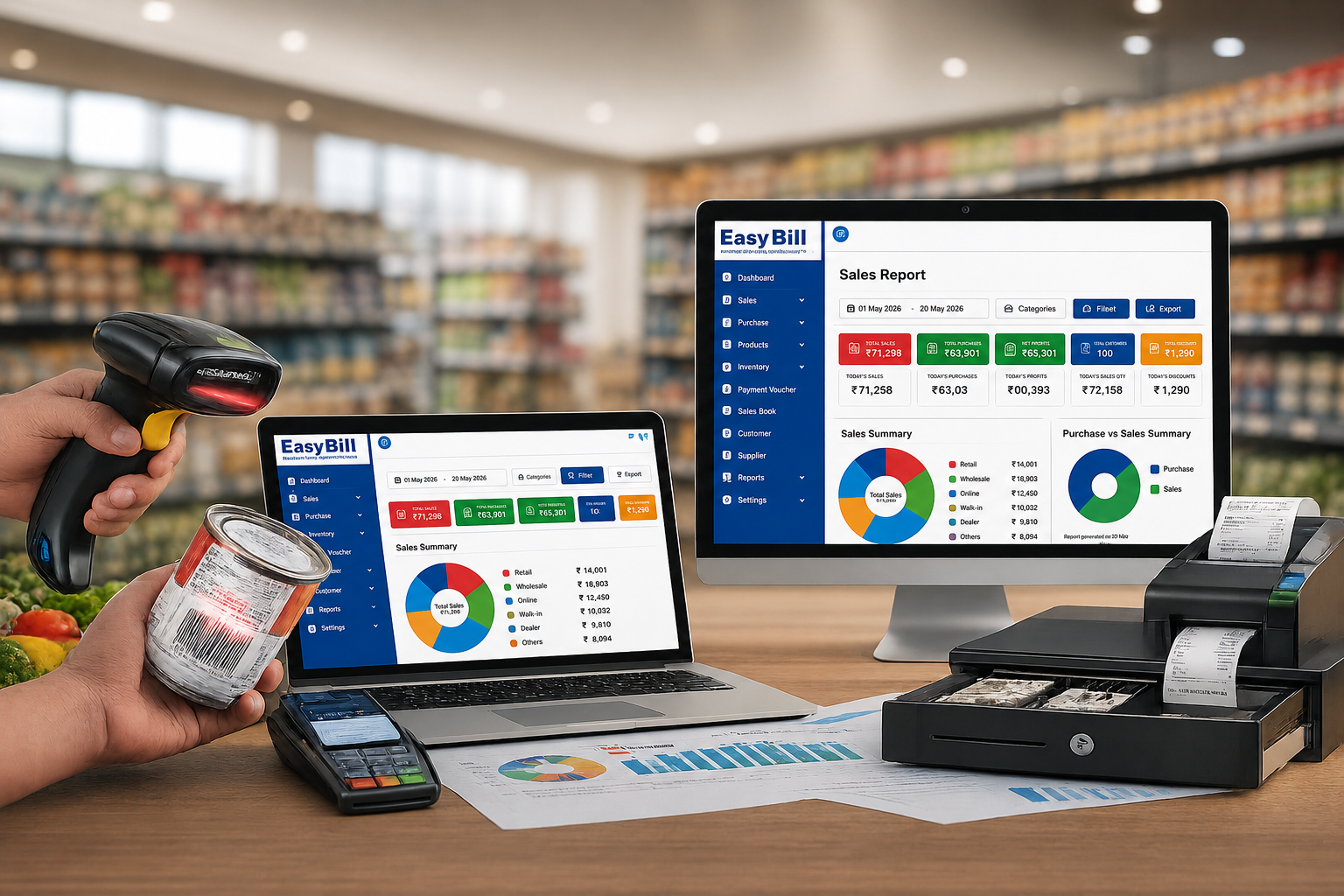
Quick answer: The right POS Software in Bangalore for a Bangalore business should match the way the business sells, manages inventory and records payments. Before buying, test one real transaction from product selection to GST invoice, stock update, payment and reporting.
This guide takes a practical approach: what to test, which features matter, and how to choose software for a retail, pharmacy, optical, hardware, electronics or general business.
Table of Contents
- What should POS software actually do?
- Which features matter most?
- Which system fits your business?
- How to compare POS software
- What should you ask before buying?
- Where does EasyBill fit?
- What do buyers usually ask about POS software?
What should POS software actually do?
A point-of-sale system records what happens at the counter, which is the starting point for evaluating POS Software in Bangalore. The better systems connect that transaction to inventory, customer records, payments and reporting.
For example, when a customer buys a product, you want the bill created, the relevant stock reduced, the payment recorded and the transaction available in reports without repeating the same work.
That is the difference between choosing software for a screen and choosing software for the actual business process.
If you are comparing POS Software in Bangalore, test one complete sale rather than watching a generic feature presentation.
Which features matter most?
1. Fast billing and barcode support
A busy counter should not depend on manually typing every product name. That is one reason POS Software in Bangalore should make product search and barcode billing quick. Barcode scanning and quick product search make more sense for shops carrying a large catalogue.
Use your own products during the demo. Scan the items your staff sells every day. Check the product name, price, tax and quantity before accepting the demonstration as proof that the workflow is suitable.
2. Inventory connected to sales
Billing and inventory should work together, and POS Software in Bangalore should make that connection visible after every sale. After a sale, you should be able to see the effect on stock without maintaining a separate spreadsheet.
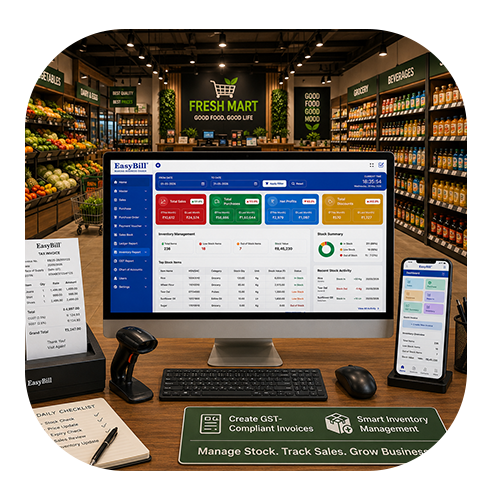
For an inventory-driven business, check current stock, product-wise stock, purchase records, sales records, low-stock alerts and barcode or SKU handling. If you have multiple outlets, ask how stock is managed between locations.
3. GST billing that you can actually test
Do not buy POS Software in Bangalore simply because a sales representative says it is GST-ready. Create an invoice using your real business details and products. Check the tax calculation, invoice fields and reports.
For official GST information and current tax guidance, use the official GST Portal.
Your accountant or tax professional should confirm any business-specific compliance requirement before you rely on a particular software configuration.
4. Useful business reports
A long list of reports is not the goal when comparing POS Software in Bangalore. The report should answer a question you actually have.
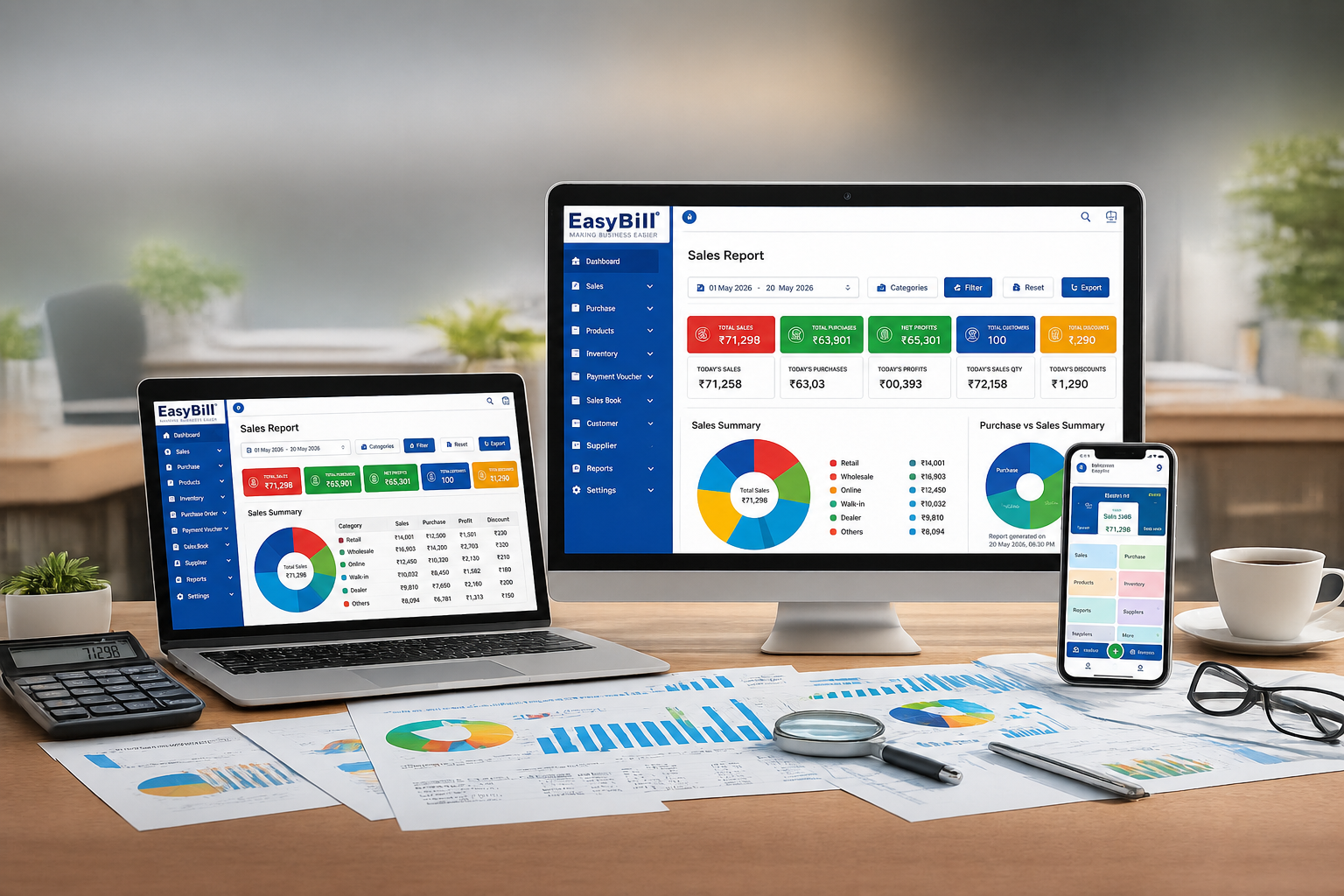
Can you see sales? Can you check outstanding payments? Can you review purchases and stock? Can you understand expenses and business performance without rebuilding the numbers manually?
Which system fits your business?
The best POS setup depends on what you sell and how your counter works, especially when choosing POS Software in Bangalore. A restaurant has different requirements from an electronics shop, even though both need billing.
Retail and general stores
Retail businesses usually need quick billing, barcode support, product search, GST invoices, inventory tracking, customer records and sales reports.
Recommended approach: choose a retail POS connected directly to inventory.
See Billing Software in Bangalore for a related solution page.
Pharmacy and medical stores
A pharmacy needs more than a generic invoice. Batch information, expiry tracking, purchases and stock control deserve specific attention.
Recommended approach: choose pharmacy billing software that supports the inventory information your medical store requires.
See Pharmacy Software in Bangalore.
Optical stores
Optical businesses manage frames, lenses and sunglasses, so product information and customer workflows should match the store rather than being forced into a generic setup.
Recommended approach: test optical billing and inventory workflows using real products.
See Optical Shop Management Software.
Hardware and electronics stores
Hardware and electronics businesses can have a large number of products and barcode-based items. Product search, stock control, purchasing and billing deserve more attention than decorative dashboard features.
Recommended approach: use an inventory-first POS workflow with quick product lookup.
See Computer Hardware Inventory Management Software.
Restaurants and cafés
Restaurant billing has a different flow. Tables, orders, KOT, kitchen operations, takeaway and delivery can all affect the choice.
Recommended approach: use restaurant POS software designed around the order-to-kitchen-to-bill process.
See Restaurant Billing Software.
How should you compare POS software?
Do not compare POS Software in Bangalore providers only by counting features. Compare the journey of one real sale.
Step 1: Use your busiest products
Take the products your staff sells most frequently and use them during the demo. You will quickly see whether product search, pricing and billing feel practical.
Step 2: Test the stock update
Save the bill and immediately check the product inventory. The transaction should make sense from both sides: the invoice and the stock record.
Step 3: Test payments
Use the payment methods your business actually accepts. Then find the transaction in the relevant report.
Step 4: Test returns and corrections
Ask how cancelled bills, sales returns, corrections and employee permissions work. These situations matter just as much as the normal sale.
Step 5: Test reports with sample transactions
Create several sample sales and then ask the vendor to show the resulting sales, stock and payment reports. If the numbers do not connect, stop and ask why.
What should you ask before buying?
Ask practical questions about POS Software in Bangalore, including backup, user permissions, support, hardware compatibility, internet requirements, multiple outlets and data migration.
Also ask what happens if you change computers, add another counter or move from one shop to multiple locations. The answer tells you more about the software than a polished demo screen.
Where does EasyBill fit?
For businesses comparing POS Software in Bangalore, EasyBill is built around billing, inventory and business management rather than treating the invoice as an isolated document. Its published features include GST billing, barcode billing, inventory management, customer and supplier management, purchase and sales management, payment tracking and business reporting.
That makes EasyBill worth evaluating when your requirement goes beyond simple invoice printing. A retailer may need billing plus stock control. A pharmacy may need billing plus batch and expiry information. A distributor may need purchases, sales, payments and inventory in one workflow.
When comparing POS Software in Bangalore, the right question is not simply which provider has the longest feature list.
Ask whether the POS Software in Bangalore you choose fits the way your staff sells products, receives payments, manages stock and checks business reports.
What do buyers usually ask about POS software?
What is POS software used for?
POS software is used to record sales at the point of purchase and connect billing with related business records such as inventory, payments and reports.
Is POS software the same as billing software?
They overlap, but POS software usually focuses on the complete checkout workflow, while basic billing software can focus mainly on creating invoices and recording sales. The exact features depend on the product.
Which POS features are most important for a retail shop?
Start with fast product search or barcode billing, accurate GST invoicing, inventory updates, payment recording, sales reports and user controls. Then test returns and corrections before making a decision.
How do I choose POS software for my business in Bangalore?
Choose based on your business workflow rather than location alone. Test your own products, billing process, inventory requirements, payment methods and reports in a live demonstration.
Should I choose POS software only because it is inexpensive?
No. Compare the complete cost of using the system, including staff training, support, hardware, data migration and the time spent correcting billing or stock problems.
Key takeaway: test the complete sale before you buy
If you are shortlisting POS Software in Bangalore, start with a real transaction. Use your own products, scan a barcode if you use one, create the GST invoice, record the payment, check inventory and then open the reports.
That small test exposes problems that a sales presentation can hide.
For a business that needs billing, inventory and reporting together, EasyBill ERP is a practical option to evaluate. Book a demo and ask the team to show the workflow using your actual business requirements.
Published: August 27, 2026
Get a Free Demo of POS Software in Bangalore
Want to see how the billing, inventory and reporting workflow fits your business? Request a demo and discuss your actual products and billing requirements with the EasyBill ERP team.
Published: August 27, 2026
Author: EasyBill ERP