
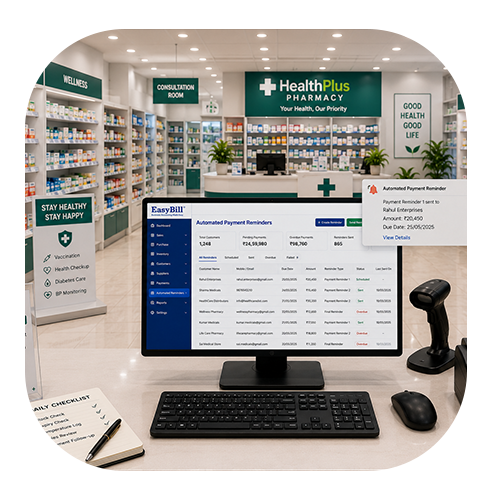
Retail Billing Software Offline Software: 7 Powerful Benefits
Last updated: August 25, 2026
Quick answer: Retail billing software offline software helps retail stores keep essential billing and sales work running when internet connectivity is temporarily unavailable.
Key takeaway: Choose offline retail billing software based on the tasks your store must continue during an outage, including invoice creation, product lookup, inventory updates, barcode billing, payments, backups, and later synchronization.
Who is this guide for? This guide is for retail shop owners, cashiers, store managers, supermarket operators, and small-to-growing businesses comparing offline billing solutions. Use it when your store has unreliable internet, when you are selecting billing software, or when you want a tested backup workflow for busy checkout periods.
In simple terms: Offline retail billing software is a billing system that keeps essential sales operations available without requiring a constant internet connection.
Key takeaway: Choose offline billing software based on the complete outage-to-sync workflow, not just the word “offline.” For a retail store, check invoice creation, inventory updates, barcode billing, payment records, backups and synchronization before relying on the system during a network interruption.
Retail billing software offline software can be a practical solution for stores that need reliable billing even when internet connectivity is unstable. A busy counter should not have to stop simply because the network is temporarily unavailable.
For many retailers, the real value is continuity. Staff can keep routine work moving, customers spend less time waiting, and the business can maintain more organized transaction records.
Table of Contents
- Why Offline Billing Matters
- 7 Powerful Benefits
- Features to Look For
- How the Offline Workflow Works
- How EasyBill ERP Can Help
- Frequently Asked Questions
Why Retail Billing Software Offline Software Matters
For stores comparing retail billing software offline software, the most important question is how reliably the system handles everyday billing when connectivity is unavailable.
Imagine a store during its busiest hour. Customers are ready to pay, but the internet suddenly stops responding. If every billing function depends on a live connection, the queue can grow quickly.
A suitable offline setup gives retailers another option. Depending on the product, selected invoices, product information and transaction records can remain available locally until connectivity returns.
The exact offline features vary between providers, so it is important to test the workflow rather than relying only on the word “offline” in a product description.
7 Powerful Benefits of Retail Billing Software Offline Software
1. Keep Billing Moving During Network Problems
The most obvious benefit is continuity. Supported billing tasks can continue during a temporary internet interruption, helping the counter avoid unnecessary downtime.
2. Reduce Customer Waiting
Customers expect checkout to be quick. An offline-capable workflow can help staff process routine sales without waiting for every request to reach an online service.
3. Reduce Duplicate Data Entry
Handwritten invoices created during an outage often have to be entered again later. Digital offline transactions can reduce this extra work when the software supports local storage and later synchronization.
4. Maintain Better Product and Stock Records
Billing and inventory are connected. A properly designed system can keep supported product and stock information available while offline, helping staff maintain a more consistent workflow.

5. Make Barcode Billing Easier
Barcode scanning can speed up product selection in stores with a large catalog. An appropriate offline setup can keep routine scanning and product lookup available when connectivity is temporarily lost.
6. Improve Business Visibility
Organized digital transactions make it easier to review sales and inventory activity. After supported data is synchronized, available reports can help owners understand day-to-day performance.
7. Give Staff a Consistent Process
When employees know how to switch between normal and offline workflows, they are less likely to create temporary manual processes that later cause confusion or missing records.
Features to Look For
Do not choose software simply because it advertises offline billing. Check how the feature works in a real retail environment.
- Offline invoice creation
- Local transaction storage
- Clear synchronization process
- Barcode scanning
- Product and inventory management
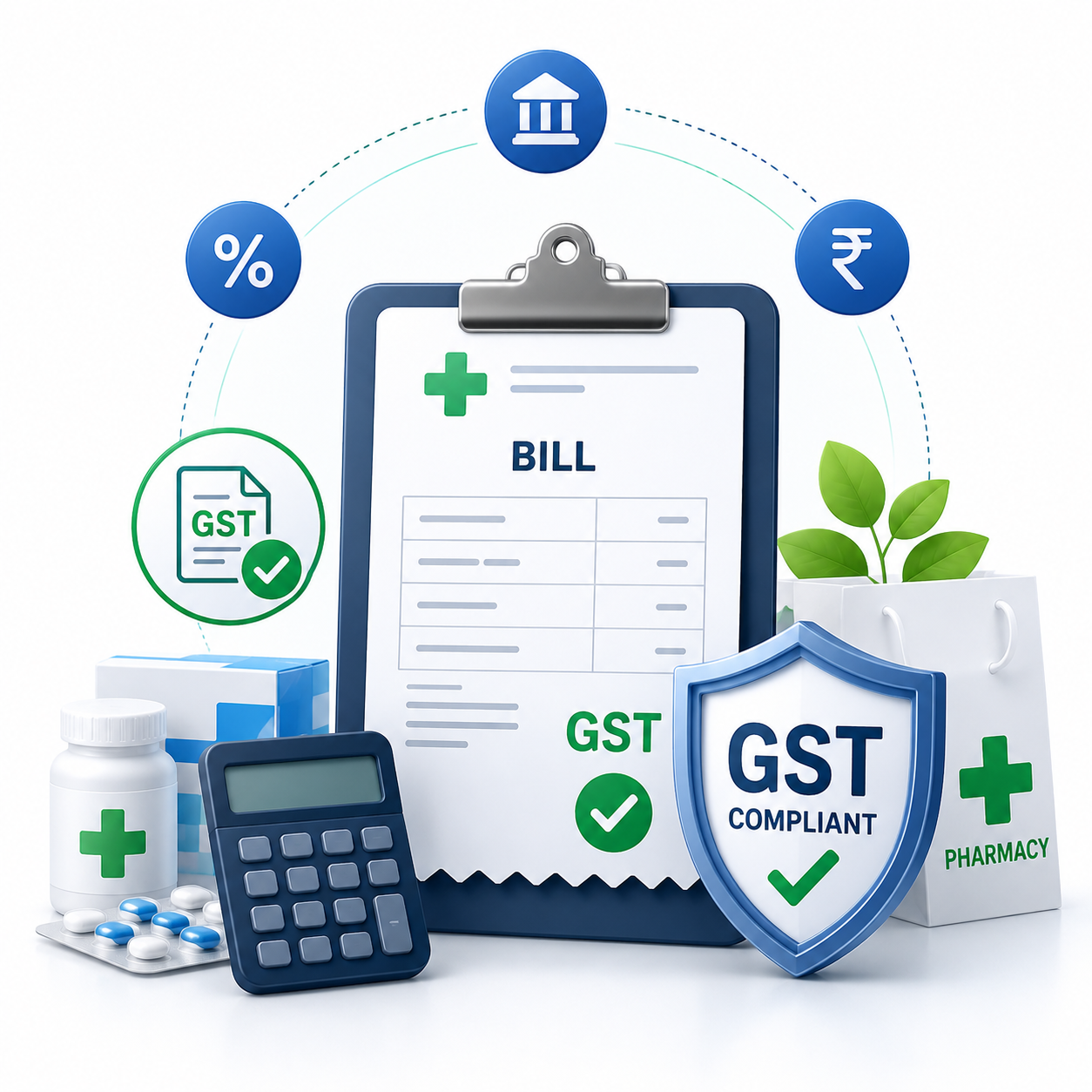
- GST invoice support
- Sales and purchase reports
- Backup and recovery
- User permissions
- Customer and supplier records
Ask what happens if the computer restarts before synchronization. Also confirm how invoice numbering, stock changes, payments and backup recovery are handled after the connection returns.
Offline billing comparison checklist
| Check | What to verify |
|---|---|
| Billing | Can supported invoices be created without internet? |
| Inventory | Are stock changes recorded correctly during offline sales? |
| Synchronization | How and when are offline transactions synced after reconnecting? |
| Backup | What happens if the billing computer restarts or fails? |
| Payments | Are payment records and invoice numbers preserved? |
How the Offline Workflow Works
A typical workflow begins with product and billing information stored or made available on the billing device. During an internet interruption, supported transactions are recorded locally.
When connectivity returns, the software can synchronize those records according to its design. Some products automate this step, while others may require a user action.
Before going live, use this practical test template: disconnect the internet, create 3–5 sample invoices using common products, scan a barcode, record different payment methods, check stock, restart the billing computer if your test plan allows it, reconnect, and verify invoice numbers, stock, payments and synchronized records. Save the results so the store team has a repeatable offline-billing check before launch.
Offline Billing vs Manual Billing
Manual billing may seem convenient for a short outage, but it creates additional work. Staff have to write bills, calculate totals and later transfer those records into the main system.
A properly tested offline workflow can reduce these extra steps. It also gives the team a clearer process for returning to normal operations after connectivity is restored.
How EasyBill ERP Can Help
EasyBill ERP Billing Software provides billing and inventory tools for businesses looking to organize their daily retail operations. Explore the available features and evaluate the setup according to your store’s needs.
For related information, read our GST billing software guide and accounting software guide.
For official GST information and updates, visit the official GST portal.
Book a Free Demo
Want to see how the billing workflow could fit your store? A quick demo can help you understand billing, products, inventory and everyday counter operations before you make a decision.
Frequently Asked Questions
What is retail billing software offline software?
It is a billing solution designed to support defined retail billing tasks without requiring a continuous internet connection. Exact offline capabilities depend on the software.
Can I create invoices without internet?
If the software supports offline invoice creation, supported invoices can be prepared without an active internet connection. Confirm the available offline functions with the provider.
Will offline sales synchronize later?
Some systems synchronize locally stored transactions after connectivity returns. The exact process varies, so it should be tested before the system is used in a live store.
Is offline billing useful for small shops?
It can be useful for stores that experience unreliable connectivity. Smaller businesses should prioritize simple workflows, backups and the features they actually need.
What should I check before buying?
Check offline invoices, local storage, synchronization, inventory handling, barcode support, backups, security, reporting and customer support. A live demonstration is also useful.
Final Takeaway
Choosing retail billing software offline software can help a store stay prepared for internet interruptions without immediately falling back to handwritten billing. The right solution should make everyday work easier while keeping data organized.
Before choosing a product, test the complete offline-to-online process. Look for clear synchronization, reliable backups and a workflow your staff can use confidently during a busy day.