
Medical Store Software Software: 7 Powerful Benefits for Smarter Pharmacy Management
Last updated: August 25, 2026
Quick answer: Medical store software can bring billing, stock checks, purchase records, expiry tracking and pharmacy reporting into one organized workflow.
In simple terms: Medical store software is a digital system for managing pharmacy billing, inventory, purchasing, medicine records and business reports.
Choosing the right medical store software software can make everyday pharmacy work more organized without making it feel complicated. From quick billing to stock checks, purchase records and expiry tracking, a practical digital system can help a medical store keep routine tasks moving smoothly.
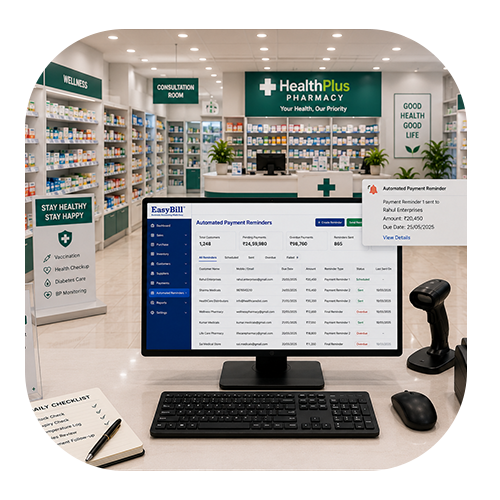
Table of Contents
- Why a Modern Medical Store Needs Better Software
- 7 Powerful Benefits
- Features to Look For
- How It Improves Daily Workflow
- How EasyBill ERP Can Help
- Frequently Asked Questions
Why a Modern Medical Store Needs Better Software
A pharmacy handles more than customer invoices. Staff may need to find medicines, check available quantities, receive distributor purchases, review batches and keep expiry information updated while customers are waiting. When these details are spread across notebooks or separate files, small tasks can quickly become time-consuming.
A connected medical store software software workflow brings key activities into one place. Instead of repeatedly searching through records, staff can work with organized product, sales, purchase and inventory information.
7 Powerful Benefits of Medical Store Software Software
1. Faster Counter Billing
Busy counters need speed and accuracy. Product search, barcode scanning and invoice creation can be handled through a structured workflow, reducing repeated data entry and helping staff serve customers more efficiently.
2. Clearer Medicine Inventory
Every sale reduces stock and every purchase increases it. A digital inventory record can give owners a clearer view of what is available, what is moving quickly and which products may need attention.
3. Better Batch and Expiry Tracking
Medicine management requires careful attention to batch numbers and expiry dates. Keeping these details with product records makes routine checks easier and can help staff identify stock that needs review before it becomes a problem.
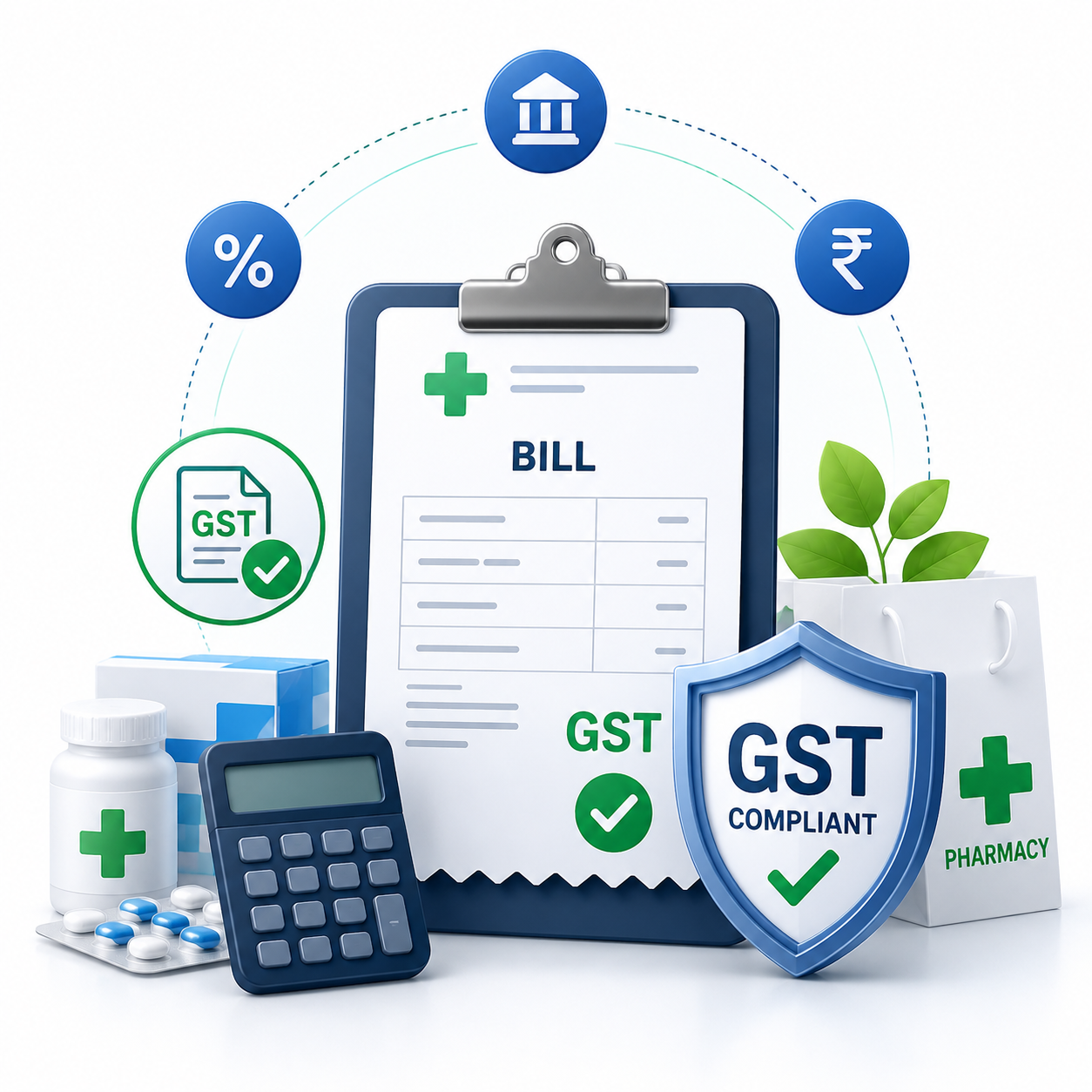
4. More Organized GST Billing
Digital billing can keep invoice information structured and make routine tax-related records easier to manage. Tax settings should always be configured according to the store’s applicable requirements.
For current tax information, refer to the official GST Portal.
5. Simpler Purchase Management
Medical stores often work with multiple distributors. Keeping purchase information, supplier details and received stock together can make it easier to review previous orders and understand where inventory came from.
6. Useful Sales and Stock Reports
Owners usually need practical information rather than complicated dashboards. Reports covering sales, purchases, stock and business activity can help them make decisions without manually collecting numbers from several registers.
7. Smoother Customer Service
When staff can quickly find a product, check its availability and prepare a bill, the customer experience becomes easier. During peak hours, even small improvements in the workflow can make a noticeable difference.
Features to Look For in Medical Store Software Software
The best system is not necessarily the one with the longest feature list. Look for tools that match the real work your staff perform every day.
- Fast medicine search and billing
- Barcode billing and invoice creation
- Medicine inventory management
- Batch and expiry tracking
- Purchase and supplier management
- GST invoice support
- Sales, purchase and stock reports
- Low-stock monitoring
- User access controls
- Backup and customer support options
How Medical Store Software Software Improves Daily Workflow
The real value of software appears during normal working hours. A customer arrives, the staff member searches for the medicine, checks stock and creates the invoice. Later, a distributor delivers products, the purchase is recorded and inventory is updated. At the end of the day, the owner can review sales and stock information from the same system.
This connected approach reduces the need to maintain the same information in multiple places. It also gives staff a consistent process to follow, which can be especially helpful as a store grows or adds more employees.
How EasyBill ERP Can Help
EasyBill ERP Pharmacy Billing Software connects billing, inventory and purchase workflows for medical stores. It can help businesses manage medicine sales, stock, purchases and reports through a centralized platform.
If you want to explore related solutions, read the chemist billing software guide or learn more about the pharmacy management system.
Frequently Asked Questions
What is medical store software software?
It refers to a digital workflow designed to help medical stores manage billing, medicine inventory, purchases, batches, expiry information and business reports in an organized way.
Is it useful for a small pharmacy?
Yes. A small pharmacy using medical store software software can benefit from faster billing, easier stock checking and cleaner purchase records. The system should be simple enough for staff to use comfortably.
Can pharmacy software track batches and expiry dates?
Pharmacy-focused systems can store batch and expiry information with medicine records, making it easier to review stock and plan routine checks.
What should I check before choosing a system?
Check billing speed, inventory controls, batch and expiry management, purchase workflows, reports, backups, support and ease of use. A practical system should fit the way your store actually operates.
Final Takeaway
A good medical store software software solution should make everyday work easier, not add another layer of complexity. When billing, stock, purchases, batch details and reports work together, staff can spend less time searching for information and more time serving customers.