
Last updated: August 25, 2026
Medical Billing Software in Chennai can connect customer billing with medicine inventory, purchases, batches, expiry information and reports. For broader retail billing needs, see Billing Software in Chennai.
Medical billing software is a digital system for creating medical-store invoices and organizing related sales and inventory records.
Running a medical store in Chennai involves more than preparing customer bills. Staff also need to find medicines, check stock, review batches and expiry dates, record purchases and keep sales information organized. When those details are split across separate registers, routine work can become slower and harder to follow.
Medical Billing Software in Chennai can bring billing and related pharmacy operations into one practical workflow. The goal is simple: make everyday work easier for staff while giving the store owner better visibility over sales, stock and purchases.
Table of Contents
- Why Chennai Medical Stores Need Billing Software
- 7 Powerful Benefits
- Features to Look For
- How It Helps Medical Stores Across Chennai
- Manual Billing vs Medical Billing Software
- Why Consider EasyBill ERP?
- Frequently Asked Questions
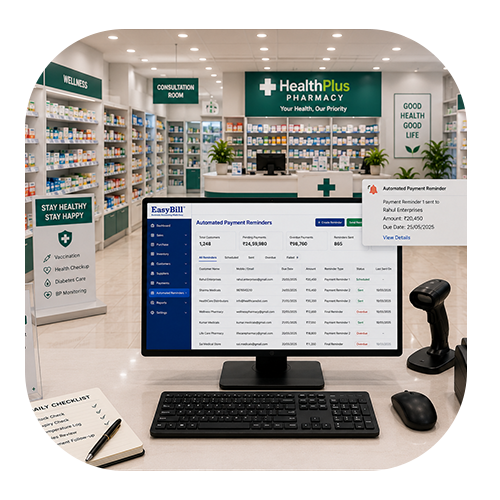
Why Chennai Medical Stores Need Medical Billing Software
Chennai has independent chemists, neighborhood medical stores, clinic-linked pharmacies and larger retail pharmacies. As customer volume and product ranges grow, manually searching for medicines and updating stock can take valuable time.
A suitable Medical Billing Software in Chennai connects sales with inventory and purchase information. Instead of maintaining different records for every task, staff can work from a more organized digital system.
7 Powerful Benefits of Medical Billing Software in Chennai
1. Faster Counter Billing
Customers usually expect a quick and accurate bill. Medicine search, barcode support and saved product details can reduce repeated typing and help staff move through routine transactions more smoothly.
2. Better Medicine Inventory Management
Stock visibility is essential for a medical store. When sales and purchases are connected to inventory, owners can get a clearer view of available products and identify medicines that may need replenishment.
3. Easier Batch and Expiry Tracking
Medicine batches and expiry dates need regular attention. Digital records make these details easier to search and review, helping staff identify stock approaching expiry instead of depending entirely on manual registers.
4. GST-Friendly Billing Records
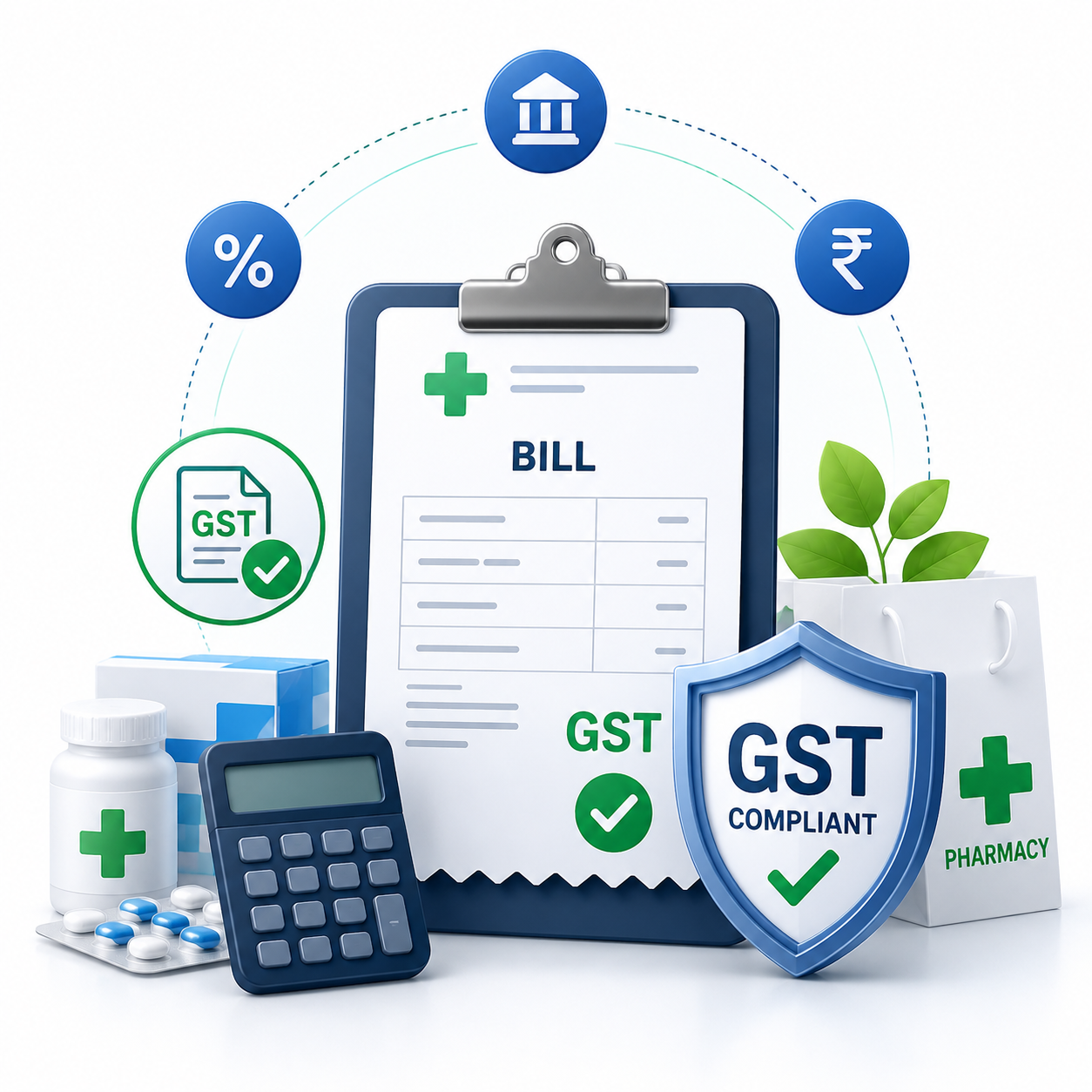
Medical billing software can help organize GST-related invoice information and reports. Tax settings should be configured according to the business’s applicable requirements. For current official information, refer to the GST Portal.
5. Simpler Purchase and Supplier Management
Medical stores regularly buy medicines from distributors and suppliers. Recording purchase invoices, supplier details and incoming stock in one workflow creates a clearer history and makes stock reconciliation easier.
6. Useful Sales and Stock Reports
Reports can turn routine billing data into useful business information. Owners can review sales, purchases and stock movement without manually combining figures from separate registers.
7. Better Customer Service
When product information, billing and stock records are connected, staff can answer routine questions faster. A smoother billing workflow can also reduce waiting time during busy periods.
Features to Look For in Medical Billing Software in Chennai
Do not choose software only because it has a long feature list. Focus on the functions your medical store will actually use.
- Fast medicine search and billing
- Barcode billing support
- Medicine inventory management
- Batch and expiry tracking
- Purchase and supplier management
- GST invoice support
- Low-stock visibility
- Sales, purchase and stock reports
- User access and backup options
- Simple interface and dependable support
How Medical Billing Software Helps Stores Across Chennai
Different parts of Chennai can have different customer patterns, but the basic billing and inventory challenges remain similar. A busy medical store in Anna Nagar may need quick counter billing, while pharmacies around Velachery or Adyar may place greater emphasis on stock and purchase visibility.
Stores in T Nagar, Guindy, Tambaram and other growing areas can also benefit from connected billing and inventory records. The right Medical Billing Software in Chennai should fit the store’s workflow without making daily operations unnecessarily complicated.
- Anna Nagar: fast billing can help during busy customer hours.
- Velachery: organized stock records can support growing product ranges.
- Adyar: quick medicine search can make counter service smoother.
- T Nagar: sales and purchase reports can support daily business decisions.
- Guindy and Tambaram: connected inventory and billing can simplify routine management.
Manual Billing vs Medical Billing Software
| Area | Manual Process | Medical Billing Software |
|---|---|---|
| Billing | Repeated manual entry | Faster organized workflow |
| Inventory | Separate registers | Connected with sales and purchases |
| Batch details | Harder to search | Digitally organized |
| Expiry review | Mostly manual | Easier to monitor |
| Purchases | Separate records | Supplier history in one workflow |
| Reports | Manual calculations | Based on recorded transactions |
Who Should Use Medical Billing Software in Chennai?
It can be useful for independent chemists, neighborhood medical stores, clinic-linked pharmacies, growing retail pharmacies and multi-user stores. A small shop may mainly need quick billing and stock control, while a larger business may need multiple users, detailed reports and stronger purchase management.
Why Consider EasyBill ERP?
EasyBill ERP Pharmacy Billing Software connects billing and pharmacy inventory workflows. Medical stores can manage sales, purchases, medicine stock and reports through one platform.
For related information, explore our chemist billing software guide, pharmacy management system guide and billing software for medical stores guide.
Frequently Asked Questions
What is Medical Billing Software in Chennai?
Medical Billing Software in Chennai is software that helps medical stores create invoices and manage related operations such as medicine inventory, purchases, batches, expiry information and business reports.
Is medical billing software useful for a small store?
Yes. A small medical store can benefit from faster billing, organized stock records, purchase tracking and easier reporting. The feature set should match the store’s actual requirements.
Can Medical Billing Software in Chennai track medicine expiry?
Pharmacy-focused billing systems can provide batch and expiry tracking, making it easier for staff to review medicines approaching expiry and maintain better stock visibility.
Does medical billing software support GST billing?
Many billing systems provide GST-related invoice features. Tax settings should be configured according to the business’s applicable requirements and current official guidance.
What should I check before choosing billing software in Chennai?
Compare billing speed, inventory controls, batch and expiry tracking, purchases, reports, backups, user access, support and ease of use. Choose software that fits the daily workflow of the store.
Can one medical billing system support stores in different Chennai areas?
Yes. A suitable system can support medical stores across Chennai, while each business can configure its own products, users, pricing, tax settings and operating requirements.
Final Takeaway
Medical Billing Software in Chennai should do more than print an invoice. It should connect billing with medicine inventory, purchases, batches, expiry information and reports so the team can work with better visibility.
Before choosing a system, focus on ease of use, reliable records, useful medical-store features and support. A practical digital workflow can reduce repetitive work and help a Chennai medical store stay organized as it grows.