
Last updated: August 25, 2026
Quick answer: To use retail billing software offline, choose a system that keeps essential billing and sales functions available during temporary internet interruptions and syncs data safely when connectivity returns.
Definition: Offline retail billing means continuing core billing operations without depending on a live internet connection for every transaction.
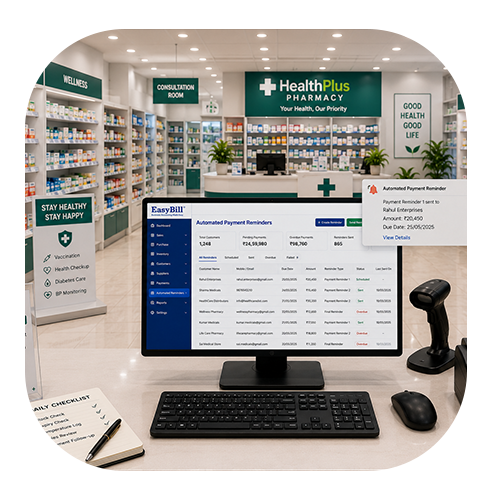
How to retail billing software offline is a useful question for shop owners who do not want a weak internet connection to interrupt everyday billing. When customers are waiting at the counter, even a short outage can turn a simple sale into an avoidable delay.
A practical offline billing setup gives a retailer another way to keep routine work moving. Instead of immediately switching to handwritten bills, staff can continue supported tasks and deal with synchronization when connectivity returns.
How to Retail Billing Software Offline Image
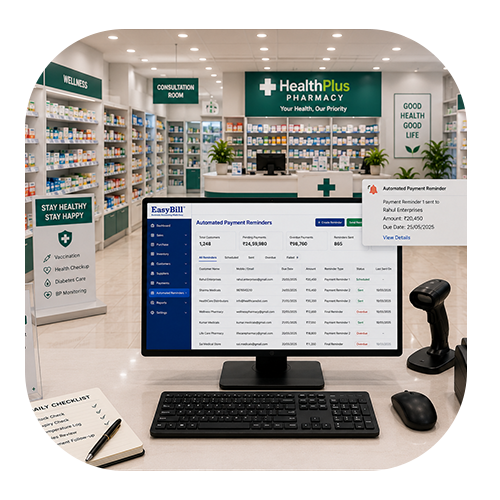
Table of Contents
- What Offline Retail Billing Really Means
- 7 Powerful Ways to Use Offline Billing
- Features Worth Checking
- How Offline Data Synchronization Works
- Common Mistakes to Avoid
- How EasyBill ERP Can Help
- Frequently Asked Questions
What Does Offline Retail Billing Really Mean?
Offline billing means a billing system can handle certain operations without requiring a continuous internet connection. The exact features depend on the software. Some systems keep transaction data on the local device and synchronize it later, while others offer a more limited offline mode.
That difference matters. Before selecting software, ask what happens to invoices, stock, payments, product information and reports when the connection disappears. A good demo should show the complete offline-to-online workflow rather than simply claiming that the software works offline.
7 Powerful Ways to Use Offline Billing in a Retail Store
1. Keep the Billing Counter Running
The first advantage is continuity. If the internet goes down during a busy period, supported billing activities can continue instead of stopping every customer transaction.
For staff, this means less disruption. For customers, it means a smoother checkout experience. The key is to know which functions are genuinely available without connectivity.
2. Prepare Your Product Database Before an Outage
Offline billing works best when essential product information is already available on the billing device. Product names, prices, tax settings, units and barcode details should be maintained properly before the store needs to work without internet.
A clean product database also makes normal online billing faster. It reduces the amount of information staff have to type manually at the counter.
3. Use Barcode Scanning for Faster Checkout
When a store handles hundreds of products, searching for every item manually can slow down billing. Barcode scanning can make product selection quicker and reduce typing mistakes.
4. Keep Sales Records Organized
Handwritten bills created during an internet outage often create a second job. Someone has to enter those transactions into the main system later, and that creates opportunities for missed or duplicated entries.
A suitable offline workflow can record supported transactions digitally. When connectivity returns, those records can be synchronized according to the software’s design.
5. Pay Attention to Inventory Changes
Billing and stock are closely linked. Every sale can affect available inventory, so retailers should understand how offline transactions affect stock quantities.
Do not assume that every product or inventory feature works offline in exactly the same way. Ask the provider to demonstrate stock changes before and after synchronization.
6. Create a Simple Outage Procedure for Staff
Technology is only useful when people know what to do with it. Staff should understand how to recognize offline mode, create supported invoices, handle payments and confirm that data has synchronized after the connection returns.
A short written procedure can prevent confusion during a busy day. It can also reduce the risk of staff creating the same invoice twice through different methods.
7. Test the Complete Workflow Before Going Live
The safest approach is to test the system before a real outage happens. Disconnect the internet in a controlled environment and create several sample transactions.
Reconnect the system and check invoices, stock, payment information and reports. This simple exercise can reveal limitations that are easy to miss during a normal product demonstration.
Features Worth Checking Before You Buy
When comparing billing products, look beyond the word “offline.” A useful solution should match the way your store actually operates.
- Offline invoice creation
- Local transaction storage
- Clear synchronization process
- Barcode billing
- Product and inventory management
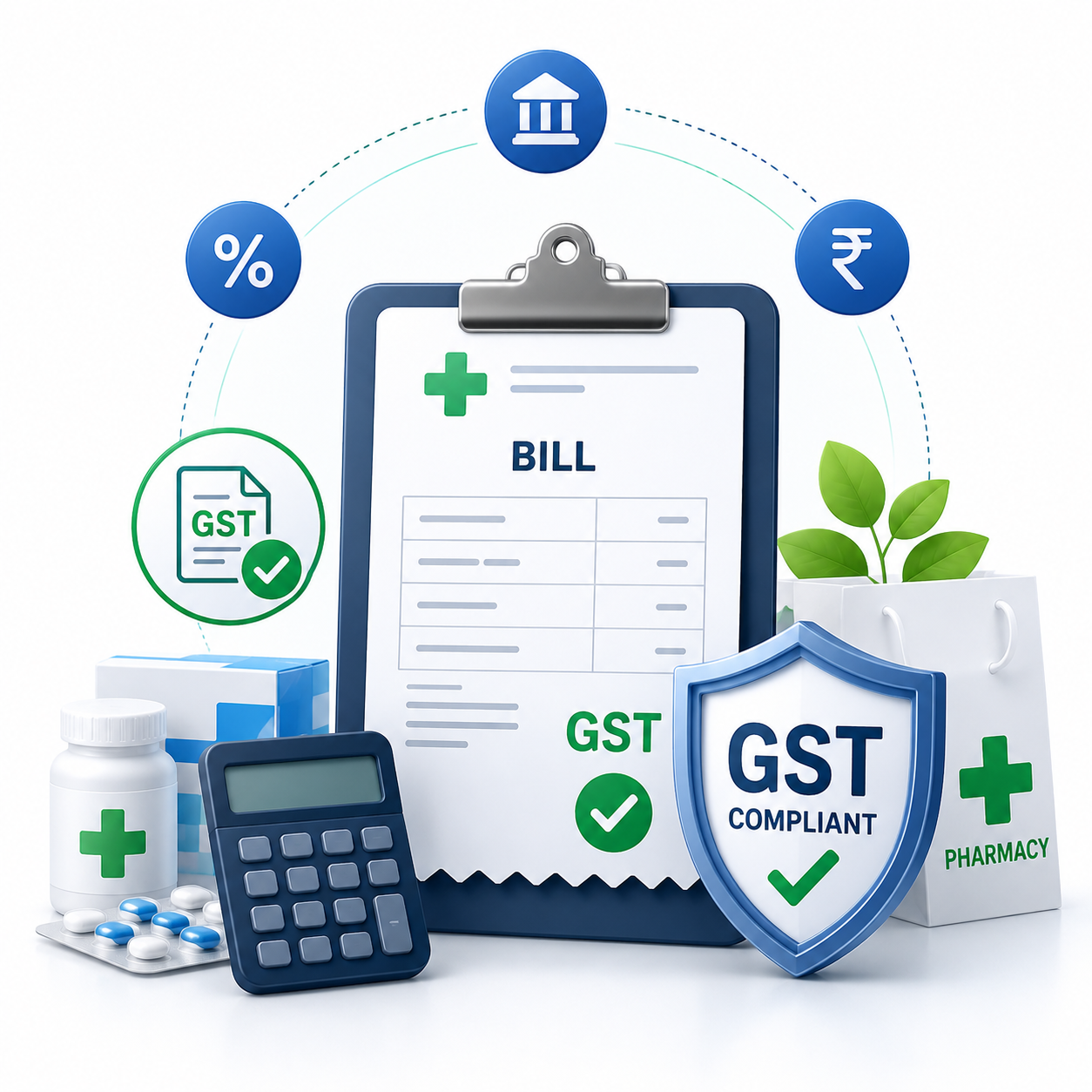
- GST invoice support
- Sales and purchase reports
- Backup and recovery options
- User permissions
- Customer and supplier records
Also ask practical questions. What happens if the computer restarts before synchronization? Can invoice numbers remain consistent? How are stock conflicts handled? How is offline data backed up? These answers are more valuable than a generic feature list.
How Offline Data Synchronization Works
A typical process starts with locally available product and billing information. During an internet interruption, supported transactions are stored on the device. Once the connection is restored, the software sends those records to the relevant online or central database.
The synchronization rules vary between systems. Some may synchronize automatically, while others may require a user action. Always test the process with the provider so your team knows exactly what will happen after an outage.
Common Mistakes to Avoid
One common mistake is choosing software only because the vendor uses the word “offline.” Another is failing to test synchronization before relying on it for real customer transactions.
It is also important not to ignore backups. Offline data still needs protection. Ask about backup frequency, recovery options and what happens if the billing computer develops a hardware problem.
How EasyBill ERP Can Help
EasyBill ERP Billing Software brings billing and inventory tasks into a more organized digital workflow. Retail businesses can review the available features and choose a setup based on their operational requirements.
You can also explore our GST billing software guide and accounting software guide for related business software information.
For official information about India’s GST system, visit the official GST portal.
Book a Free Demo
Want to see whether the billing workflow fits your store? A quick demo can help you understand the practical side of billing, products, inventory and daily counter operations before you make a decision.
How to Retail Billing Software Offline Frequently Asked Questions
How to retail billing software offline when the internet stops?
If the software supports offline billing, staff can continue the defined billing tasks available in offline mode. The exact process depends on the product, so test it before relying on it in a live store.
Can offline billing software create invoices without internet?
Yes, a system with genuine offline invoice support can create supported invoices without an active connection. Confirm which invoice features remain available offline.
Will offline sales update inventory later?
Some systems synchronize offline sales and related stock changes after reconnection. The exact behavior depends on the software’s synchronization design.
Is offline billing useful for small retail shops?
It can be useful when connectivity is unreliable. A small retailer should choose a solution that is simple to operate and includes only the offline and inventory features the business actually needs.
What should I test before choosing offline billing software?
Test invoice creation, product search, barcode scanning, payments, stock changes, backups and the complete synchronization process. A real-world test is more useful than relying only on a sales presentation.
Final Takeaway
Learning how to retail billing software offline can help store owners prepare for one of the most common technology interruptions: a lost or unstable internet connection. The right workflow can keep essential billing moving while reducing the need for temporary handwritten records.
Before choosing a solution, test it with realistic store scenarios. The best option is not simply the one that says it works offline; it is the one that gives your staff a clear, reliable process from billing through synchronization.