
Last updated: August 25, 2026
Quick answer: To use retail billing software offline, choose a system that keeps core billing available during internet interruptions and handles data safely when connectivity returns.
Definition: Offline retail billing software is a system designed to continue essential billing tasks without a constant internet connection.
If your shop depends on billing throughout the day, an internet interruption should not bring the counter to a standstill. Learning how to retail billing software offline works can help you choose a system that keeps essential billing tasks organized when connectivity is unavailable.
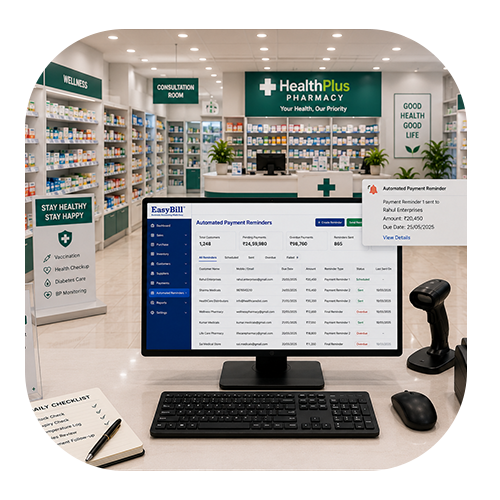
Table of Contents
- What Offline Retail Billing Means
- 7 Easy Steps to Use Offline Billing
- Important Features to Check
- How Data Synchronization Works
- How EasyBill ERP Can Help
- Frequently Asked Questions
How to Retail Billing Software Offline: What It Means
Offline retail billing means the software can support defined billing activities without needing a continuous internet connection. The exact capabilities vary between products. Some systems store transactions locally and synchronize them after connectivity returns, while others may provide a more limited offline mode.
For a retailer, the important question is not simply whether software says “offline.” You should understand which transactions, product records, stock updates, payments and reports remain available when the connection is down.
7 Easy Steps: How to Retail Billing Software Offline
1. Choose Software With a Genuine Offline Mode
Start by checking the vendor’s offline functionality. Ask for a demonstration and confirm whether invoices can actually be created without internet access. A clear explanation of offline limitations is more useful than a generic “works offline” claim.
2. Set Up Your Products and Prices
When learning how to retail billing software offline, begin with a clean product setup. Before relying on offline billing, add your products, prices, tax settings, units and barcode information. A complete product database gives staff the information they need for routine counter sales.
3. Configure Inventory Carefully
Knowing how to retail billing software offline also means understanding how billing and inventory work together. Billing and inventory are closely connected. Configure opening stock, product quantities and other inventory details correctly. Then check how the software records stock changes while working offline.
4. Test a Sample Offline Invoice
If you want to know how to retail billing software offline in a real shop, test it before an outage. Do not wait for a real outage to discover a problem. Disconnect the internet in a controlled test and create a sample invoice. Check product search, barcode scanning, discounts, taxes, payment recording and invoice printing.
5. Understand Local Data Storage
A practical part of how to retail billing software offline works is knowing where transactions are stored. Ask where offline transactions are stored and how they are protected. A reliable process should explain local storage, backup procedures and what happens if the computer is restarted before synchronization.
6. Reconnect and Check Synchronization
Another important part of how to retail billing software offline is checking what happens when connectivity returns. Once the internet connection returns, check whether the offline transactions synchronize as expected. Review invoices, stock changes and reports. Understanding this step is essential because synchronization behavior differs from one software platform to another.
7. Create a Simple Staff Procedure
Training is another part of how to retail billing software offline safely. Train staff on what to do when the connection fails. They should know how to recognize offline mode, continue supported billing tasks, avoid duplicate entries and confirm synchronization when the connection comes back.
Important Features to Check Before Choosing Offline Billing Software
- Offline invoice creation
- Barcode billing
- Local transaction storage
- Automatic or guided synchronization
- Inventory management
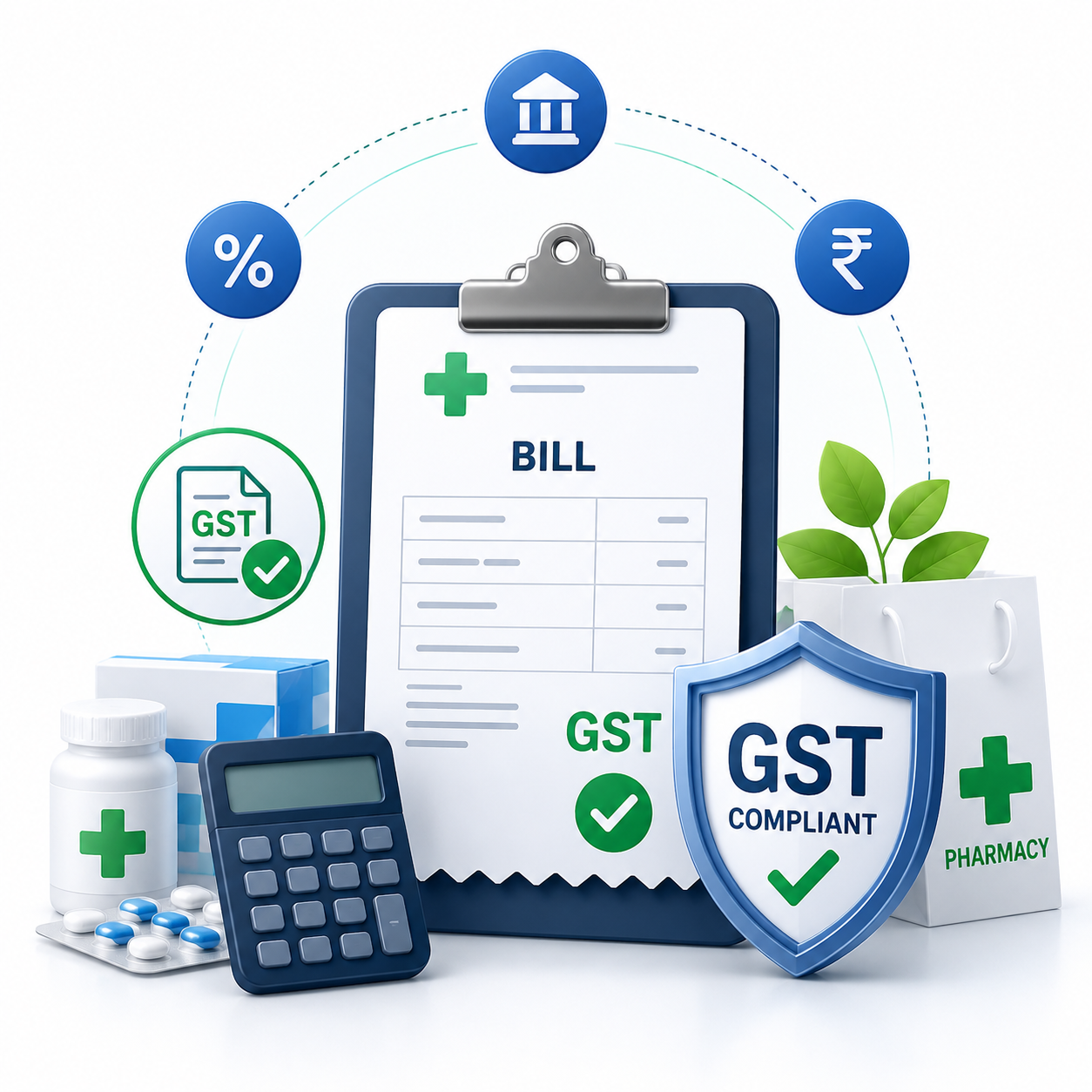
- GST invoice support
- Sales and purchase reports
- Data backup and recovery
- User permissions
- Customer and supplier records
If you are comparing how to retail billing software offline options, also ask how the software handles duplicate invoices, failed synchronization and conflicting stock changes. These details matter more than simply having an “offline” label.
How Offline Data Synchronization Works
To understand how to retail billing software offline in practice, remember that a common workflow is straightforward: the store continues supported transactions locally while the internet is unavailable. When connectivity returns, the software sends the stored transactions to the central database or service. The system then updates the relevant records according to its synchronization rules.
Because implementations differ, always test the process with the vendor. Confirm what happens to stock levels, invoice numbers, payments and reports after synchronization. This can prevent unpleasant surprises later.
How EasyBill ERP Can Help
EasyBill ERP Billing Software brings billing, inventory and business records into a connected workflow. If you are evaluating retail billing software, you can explore the available features and discuss the setup that fits your store.
For related information, you can also read our GST billing software guide and accounting software guide. For general information about GST and tax compliance in India, you can also refer to the official GST portal.
Book a Free Demo
Want to see the billing workflow before choosing software? Book a demo and discuss your store’s requirements with the team.
Frequently Asked Questions
Can retail billing software work without internet?
Software with a genuine offline mode can support selected billing tasks without an active internet connection. Always confirm exactly which features are available offline.
How do I test offline billing software?
Use a controlled test: disconnect the internet, create a sample invoice, check product and payment details, then reconnect and verify synchronization. Ask the vendor to demonstrate the same process.
Will inventory update after reconnecting?
It depends on the software’s synchronization design. Confirm how offline sales affect stock and how those changes are merged after the connection returns.
Is offline billing suitable for small retail shops?
Yes, it can be useful for small shops that experience unreliable connectivity. Choose a system that is easy to operate and includes the features your staff actually need.
What should I ask a billing software provider?
Ask about offline billing, local storage, synchronization, backups, invoice numbering, inventory updates, security, support and recovery procedures after an outage.
Final Takeaway
Understanding how to retail billing software offline works helps you make a better buying decision. The right setup can keep essential billing moving during connectivity problems while keeping transactions organized for later synchronization.
Test the complete offline-to-online workflow before relying on it in a busy store. A good solution should be practical for staff, clear about its limitations and strong on data protection.